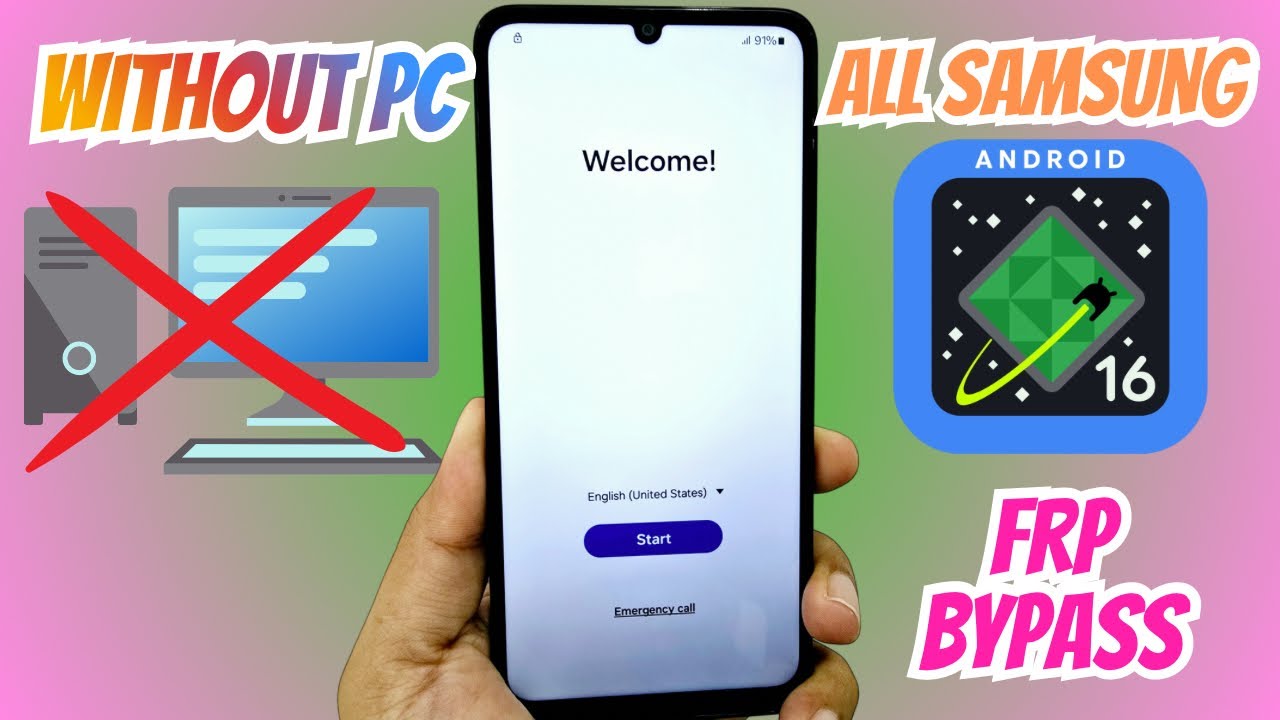
📱 Hard Reset Samsung A72, A50, A30, A12 – Bypass Screen Lock, PIN, Password & Google Account ⚡
Автор: Hard reset global
Загружено: 2025-10-08
Просмотров: 1057
Описание:
Unlock Your Phone Easily and Safely!
Forgot your screen password, PIN, pattern, or fingerprint?
In this video, you’ll learn the step-by-step method to remove any screen lock from Samsung and other Android phones quickly and securely.
⚠️ Important:
This process erases all data on the device, but completely removes the screen lock.
If your phone is linked to a Google Account (FRP), you’ll need to verify it after the reset.
👉 Don’t worry — we also provide Google Account (FRP) unlock service, 100% safe and done remotely.
---
💻 Online Unlock Service – Fast & Secure
We remove screen locks and bypass Google FRP remotely, without you leaving your home.
✅ Professional remote support
✅ Safe and reliable
✅ Quick response
---
💚 Support our work!
If this video helped you, feel free to make a small contribution:
📥 PIX: [email protected]
---
📚 In this video you’ll learn:
How to unlock Android and iPhone devices
How to remove screen PIN, password, pattern, or fingerprint
How to unlock Google Account (FRP)
How to restore your phone to factory settings
How to fix lag, clean viruses, and improve performance
---
👍 If this helped you:
✔️ Like this video
✔️ Subscribe to the channel
✔️ Turn on notifications for the next tutorials
---
🌎 Useful links:
🎁 Shopee Deals: https://shope.ee/4V4NKHw4Qa
🎵 TikTok: https://www.tiktok.com/@resetbrasil
---
🚨 Disclaimer:
This content is for educational purposes only and intended for legitimate device owners.
Use this information responsibly — we do not support or condone illegal use.
Повторяем попытку...

Доступные форматы для скачивания:
Скачать видео
-
Информация по загрузке: