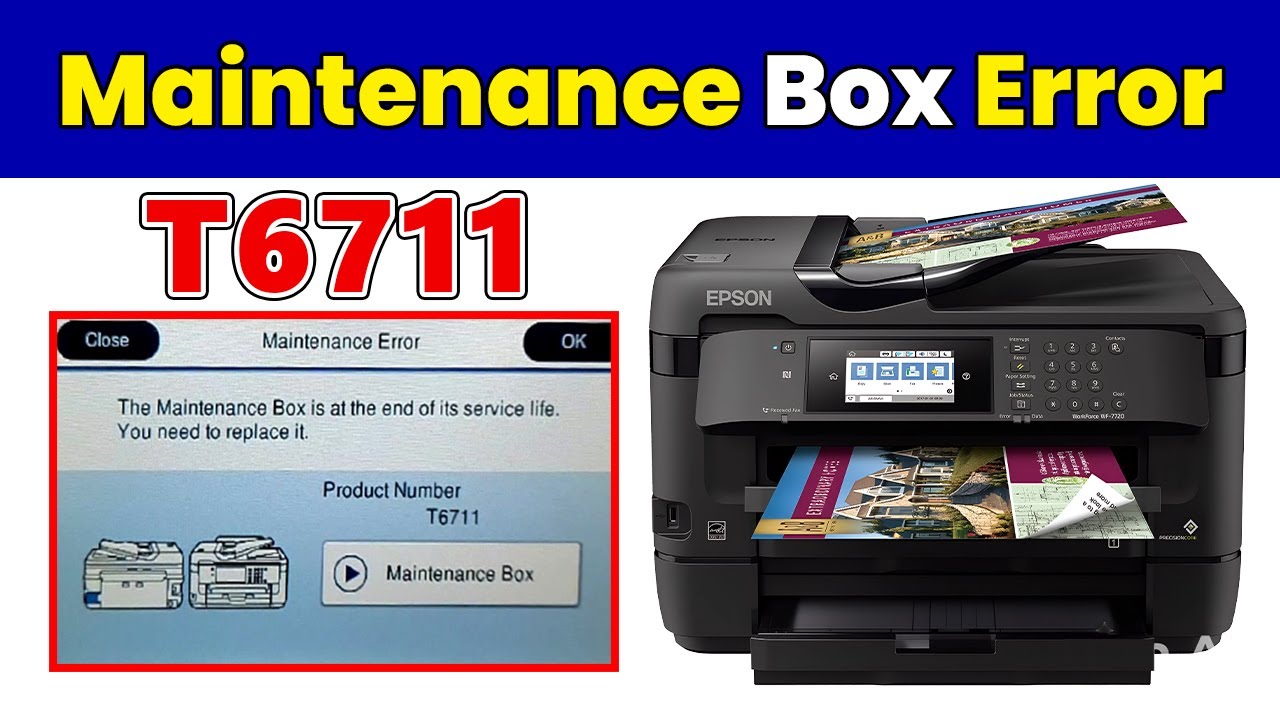
How to Fix Maintenance Box Not Recognized on Epson WF-7720 / WF-7710 / WF-7715
Автор: Device Doctor
Загружено: 2025-08-31
Просмотров: 1544
Описание:
🖨️ How to Fix Maintenance Box Not Recognized on Epson WF-7720 / WF-7710 / WF-7715
In this video from Device Doctor, we will show you step by step how to fix the "Maintenance Box Not Recognized" error on Epson EcoTank and Workforce printers, including models WF-7720, WF-7710, and WF-7715.
This issue usually happens when the printer fails to detect the maintenance box (also known as the waste ink pad box). Many users face this error after a firmware update or when the box has been reset or replaced. Instead of spending money on costly repairs or replacements, follow our guide to bring your Epson printer back to life.
✅ What you will learn in this video:
Why the "Maintenance Box Not Recognized" error appears.
How to enter Recovery Mode on your Epson printer.
How to safely downgrade and reinstall the firmware.
How to properly install or reset the maintenance box.
Final test to confirm your printer is working again.
⚠️ Important Notes:
Do not turn off the printer while the firmware is being installed.
Follow the video instructions carefully to avoid damaging the printer.
Firmware downgrade tool link: [https://t.me/Devicdoctor/135]
📌 This fix applies to:
Epson WF-7720 / WF-7710 / WF-7715 (and similar Epson printers that show the same error).
#Epson #EpsonError #EpsonWF7720 #EpsonWF7710 #EpsonWF7715 #PrinterRepair #DeviceDoctor
Повторяем попытку...
Доступные форматы для скачивания:
Скачать видео
-
Информация по загрузке: