How To Create a Survey Lesson I All-in-one Online Course Platform I EzyCourse
Автор: EzyCourse
Загружено: 2023-06-25
Просмотров: 755
Описание:
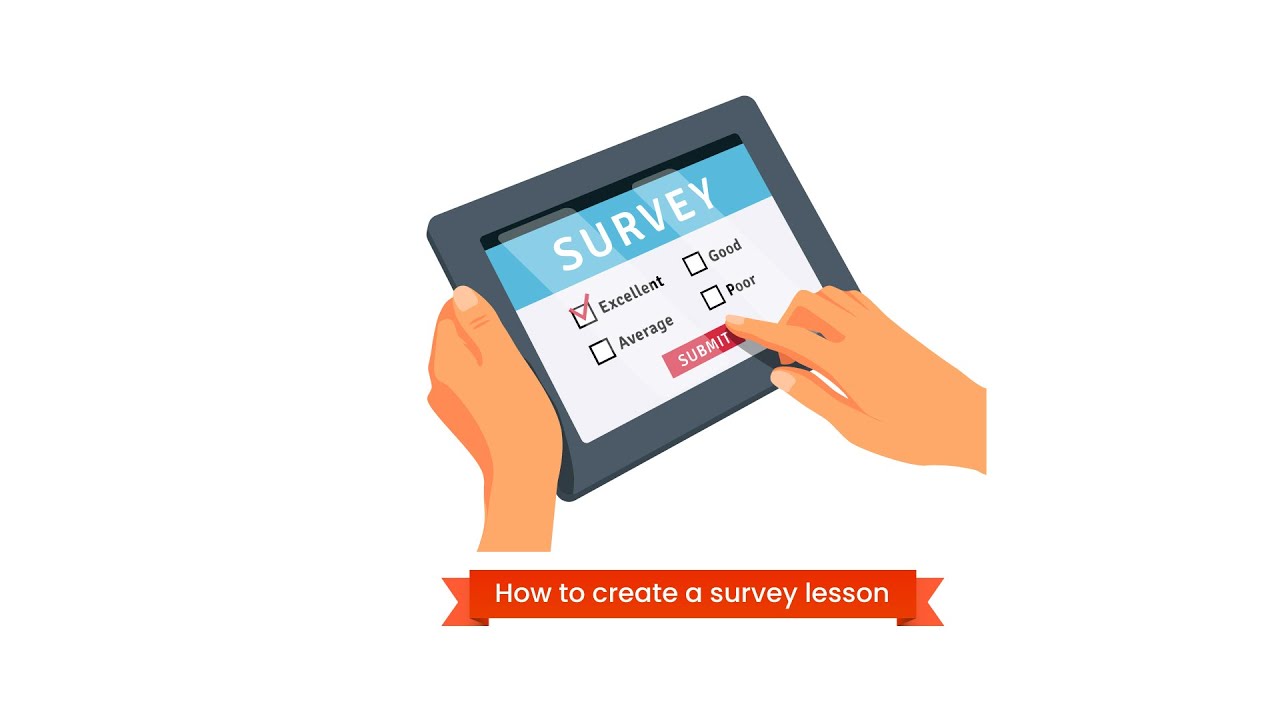
in this video, we're going to show you how to create a survey lesson. if you faced any trouble feel free to share with us with a comment or join our Facebook Community Group.
Step by Step -
Log in to your EzyCourse dashboard.
Navigate to the "Forms & Contact" section.
Click on "Add new form"
Add in the necessary form fields.
Review and reorder the form fields as needed & save the form to finalize the setup.
Go to the "All courses" section and select the course where you want to add the survey.
Click on "Edit" to enter the course editing mode.
Create a new lesson where you want to include the survey.
Within the lesson, click on "Survey" to add the survey form to that specific section.
Enter lesson title, description and select the survey form and then click on "Create"
Finally, preview your course to ensure that the survey is displaying correctly.
Congratulations! You have successfully created and integrated a course survey on EzyCourse.
Facebook Group - www.facebook.com/groups/ezycourse
Повторяем попытку...
Доступные форматы для скачивания:
Скачать видео
-
Информация по загрузке: