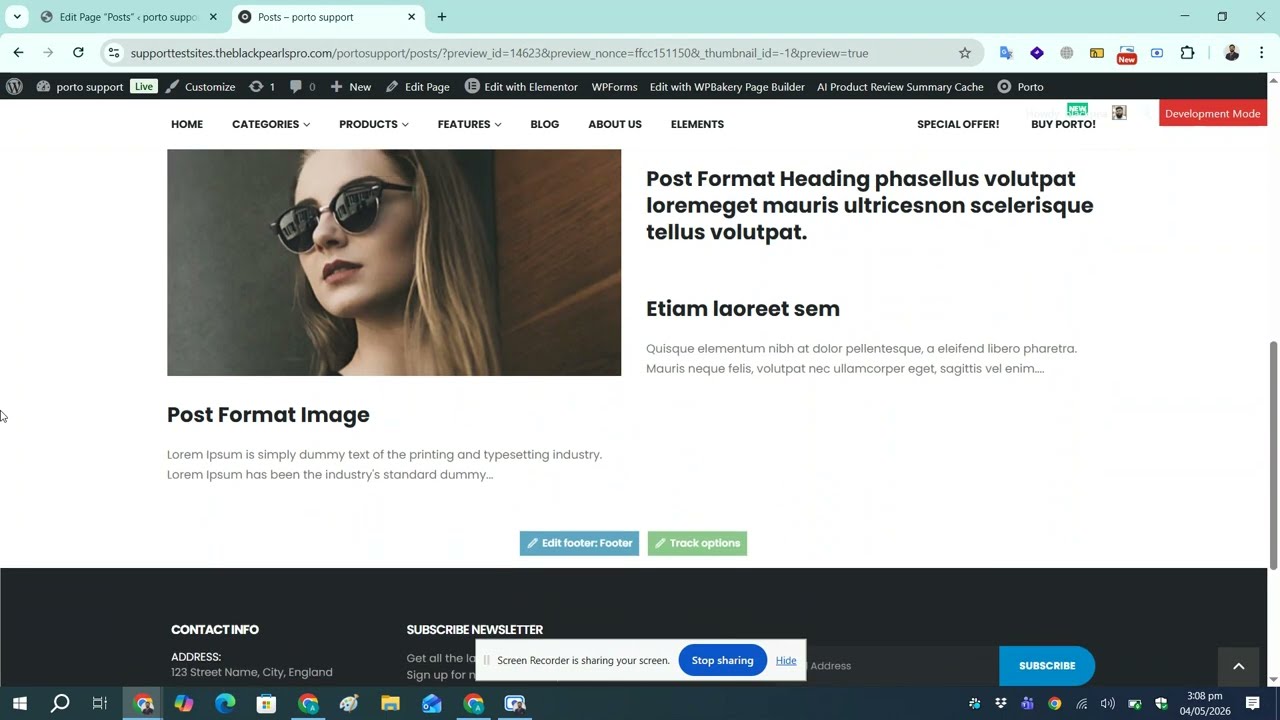
Show Posts with default layout using Porto Post Grid Element on any page with WP Bakery
Автор: WordPress Simplified
Загружено: 2026-05-04
Просмотров: 36
Описание:
Show Posts with Default Layout Using Porto Post Grid Element on Any Page with WPBakery
Learn how to display blog posts with the default layout using the Porto Post Grid Element on any page built with WPBakery Page Builder. In this step-by-step tutorial, I’ll show you how to easily add and customize post grids, configure settings, and create a professional blog section anywhere on your WordPress website using the Porto theme.
📌 What you’ll learn in this video:
• How to add the Porto Post Grid element in WPBakery
• How to display posts with the default Porto layout
• Customize grid settings and post display options
• Add post grids to any page quickly and easily
• Improve your website layout with Porto theme elements
This tutorial is perfect for WordPress beginners, Porto theme users, and anyone looking to build clean and responsive blog layouts with WPBakery.
👍 If this video helps, don’t forget to Like, Comment, and Subscribe for more WordPress tutorials!
#WordPress #PortoTheme #WPBakery #PostGrid #WordPressTutorial #WebDesign
Повторяем попытку...
Доступные форматы для скачивания:
Скачать видео
-
Информация по загрузке: