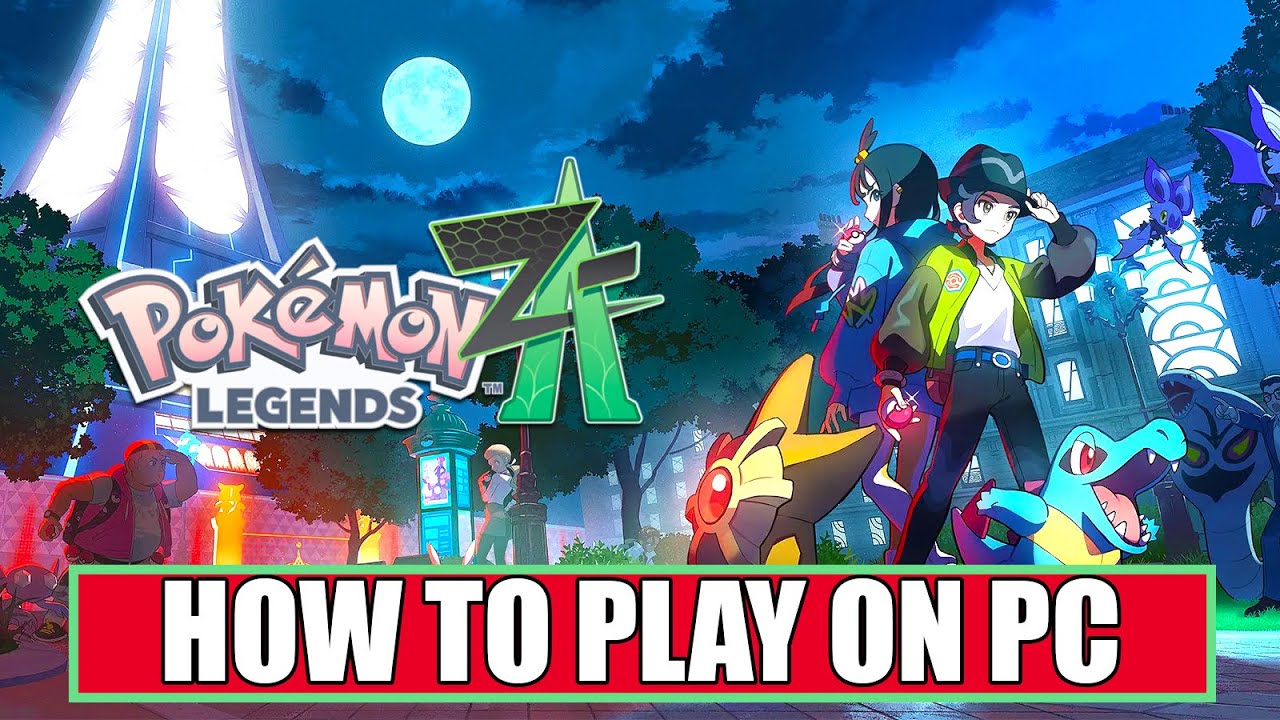
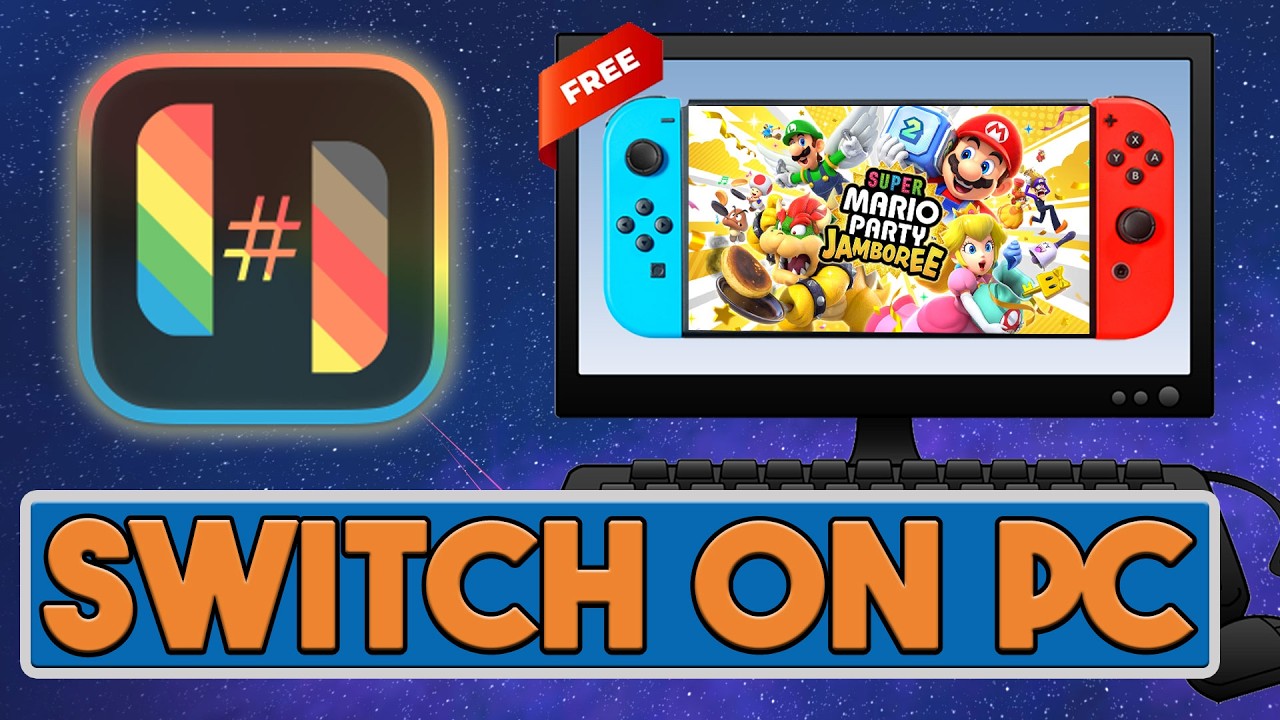
How to Download and Install Ryubing Emulator on PC with Pokémon Legends Z-A
Автор: Stratonica
Загружено: 2025-10-12
Просмотров: 5642
Описание:
In this video, we’ll guide you through the complete process of downloading and installing the Ryujinx emulator on your PC so you can play Nintendo Switch games like Pokémon Legends Z-A in high definition! We’ll cover everything from setting up the emulator to configuring the necessary files and settings, ensuring a smooth gaming experience. Whether you’re a beginner or an experienced emulator user, this tutorial will walk you through each step to get you playing quickly.
We’ll also go over some essential tips to improve performance and optimize your setup for Pokémon Legends Z-A. Plus, we’ll discuss the system requirements needed to run the Ryujinx emulator effectively on your PC. Make sure your system meets the minimum and recommended specs for the best performance.
Ryujinx Emulator System Requirements:
Minimum Requirements:
OS: Windows 10, 64-bit
Processor: Intel Core i5-3570K or AMD Ryzen 5 2400G
Graphics: NVIDIA GeForce GTX 970 / AMD Radeon RX 480
RAM: 8 GB RAM
Storage: 2 GB of available space
DirectX: Version 11
Recommended Requirements:
OS: Windows 10, 64-bit
Processor: Intel Core i7-8700K or AMD Ryzen 7 3700X
Graphics: NVIDIA GeForce GTX 1080 / AMD Radeon RX 5700 XT
RAM: 16 GB RAM
Storage: 5 GB of available space
DirectX: Version 12
Make sure to check your system’s specs and follow the tutorial to ensure everything runs smoothly. If you run into any issues during installation, don’t forget to check the troubleshooting tips in the description! Happy gaming!
#pokemonlegendsza #pokemon #ryujinxemulator #pokemonlegends
Повторяем попытку...

Доступные форматы для скачивания:
Скачать видео
-
Информация по загрузке:


![1 A.M Study Session 📚 [lofi hip hop]](https://imager.clipsaver.ru/lTRiuFIWV54/max.jpg)