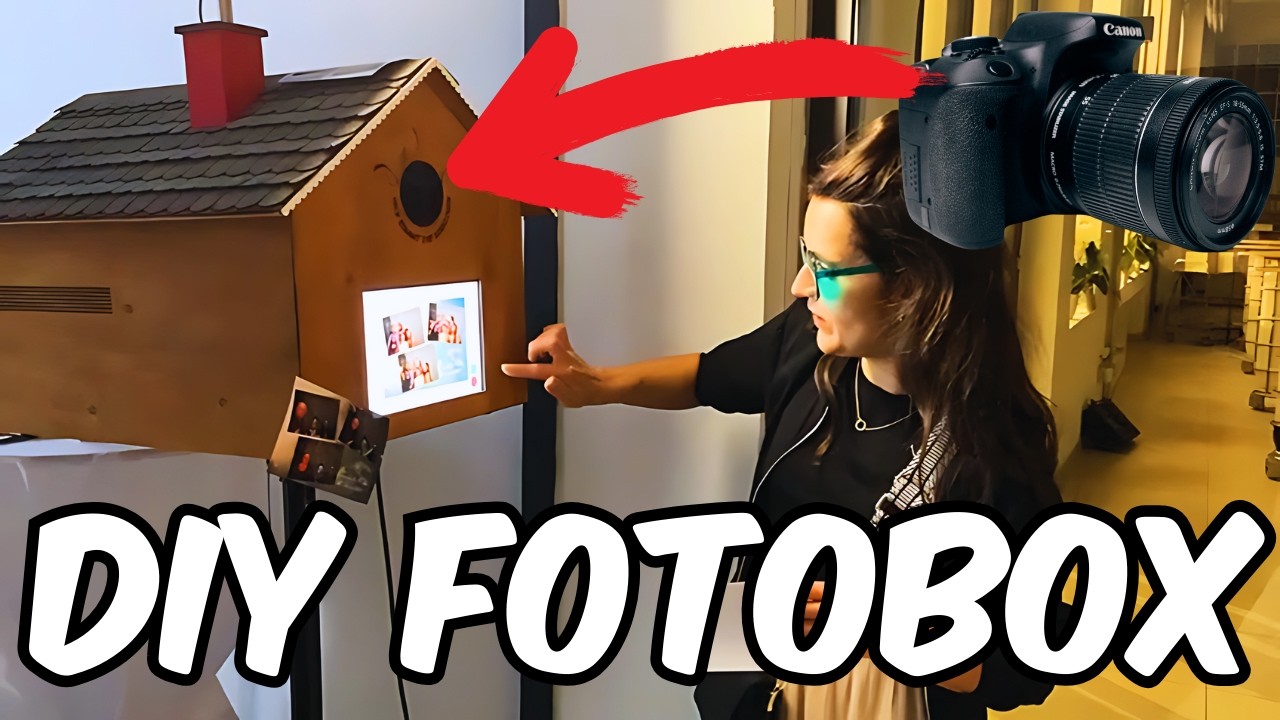
Wedding Photo Booth with iPad + Camera tutorial
Автор: Pale Blue Idealist
Загружено: 2025-02-15
Просмотров: 2279
Описание:
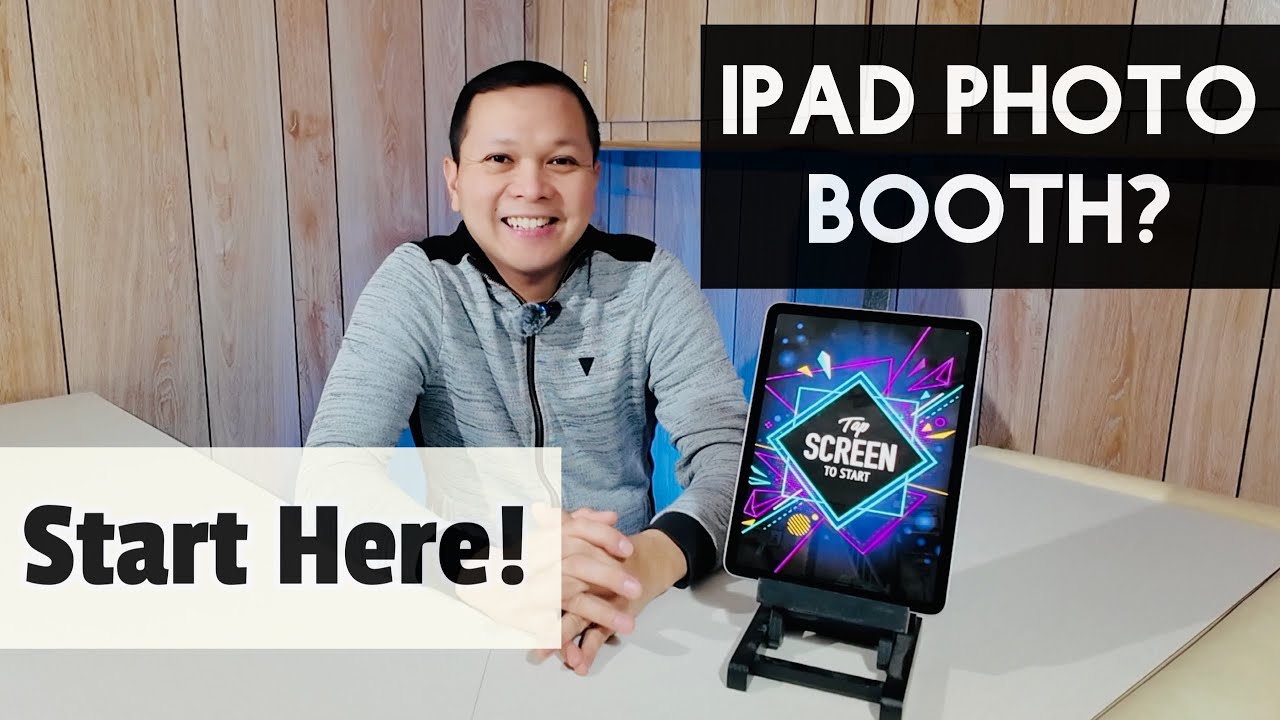
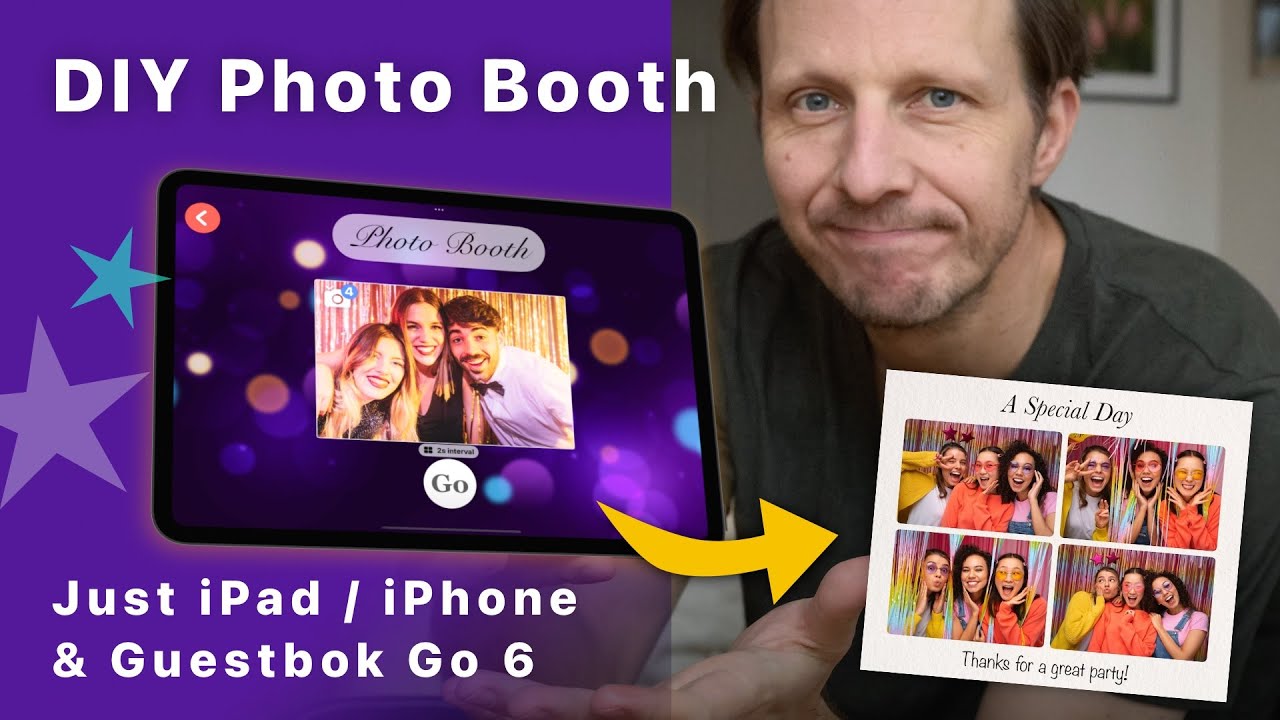
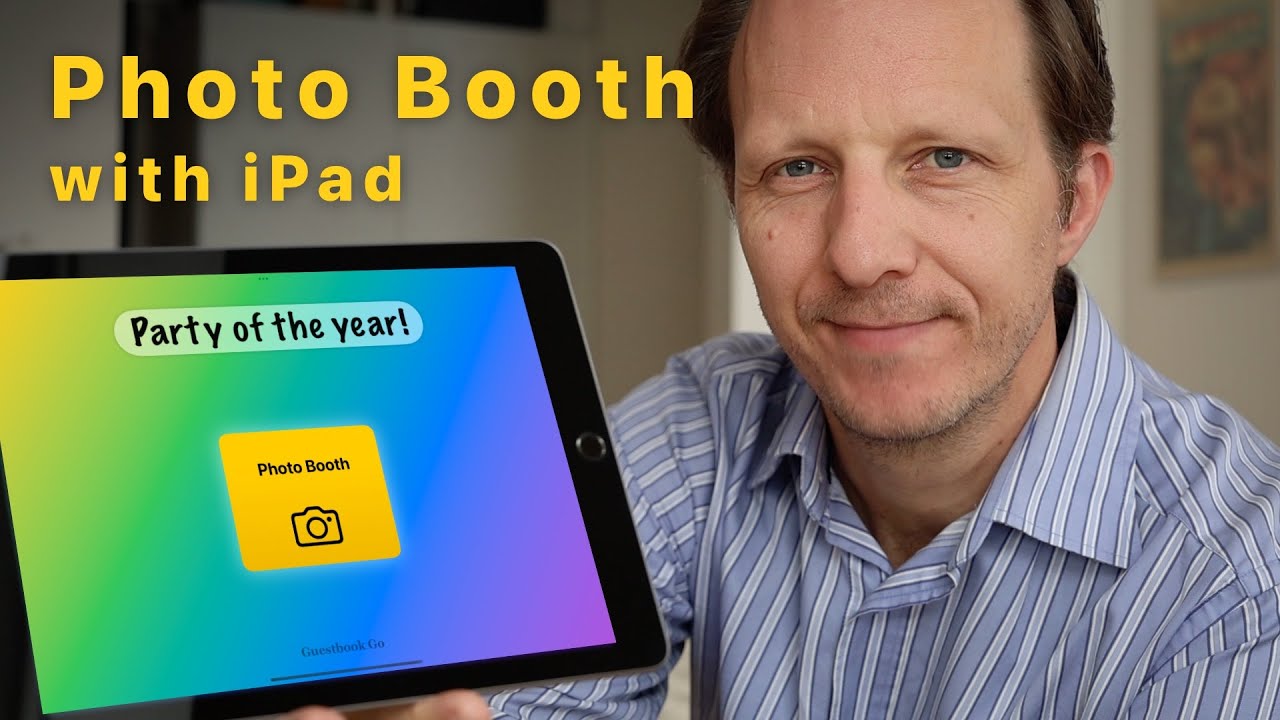
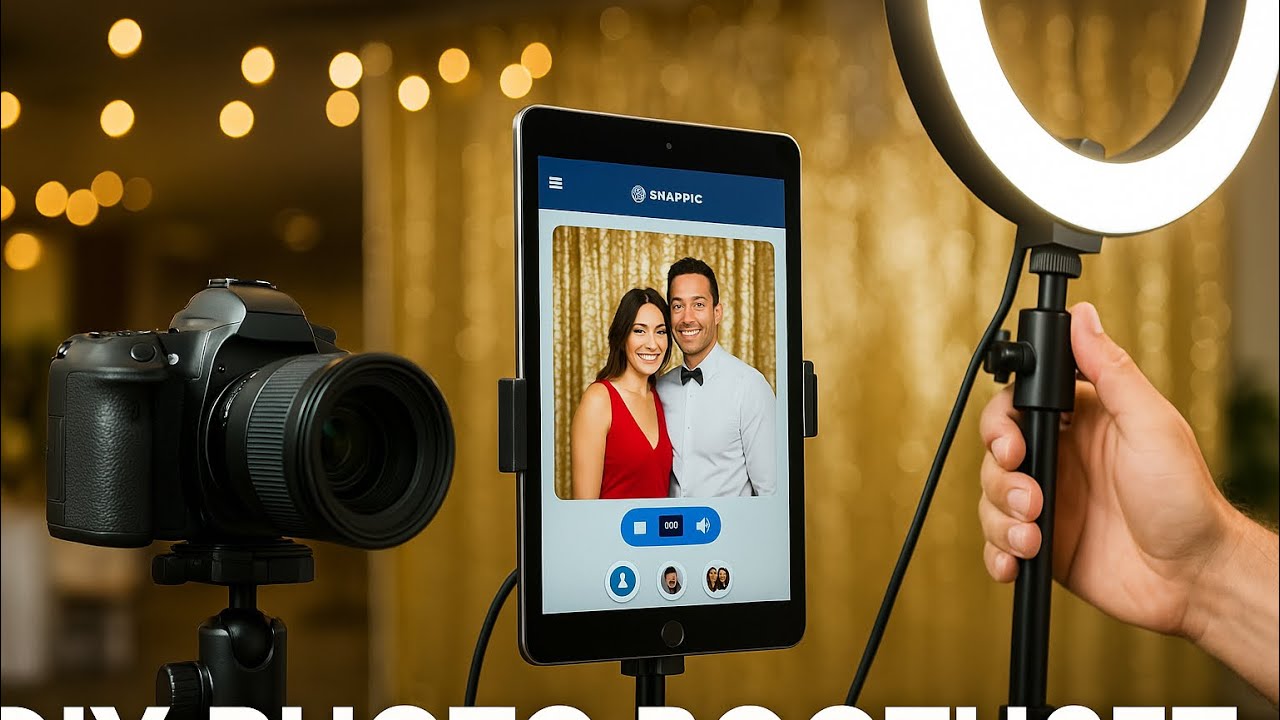
Create a Photo Booth using just an iPad with USB-C, external camera and Guestbook Go.
Download Guestbook Go on iOS App Store:
https://apps.apple.com/app/guestbook-...
Checklist:
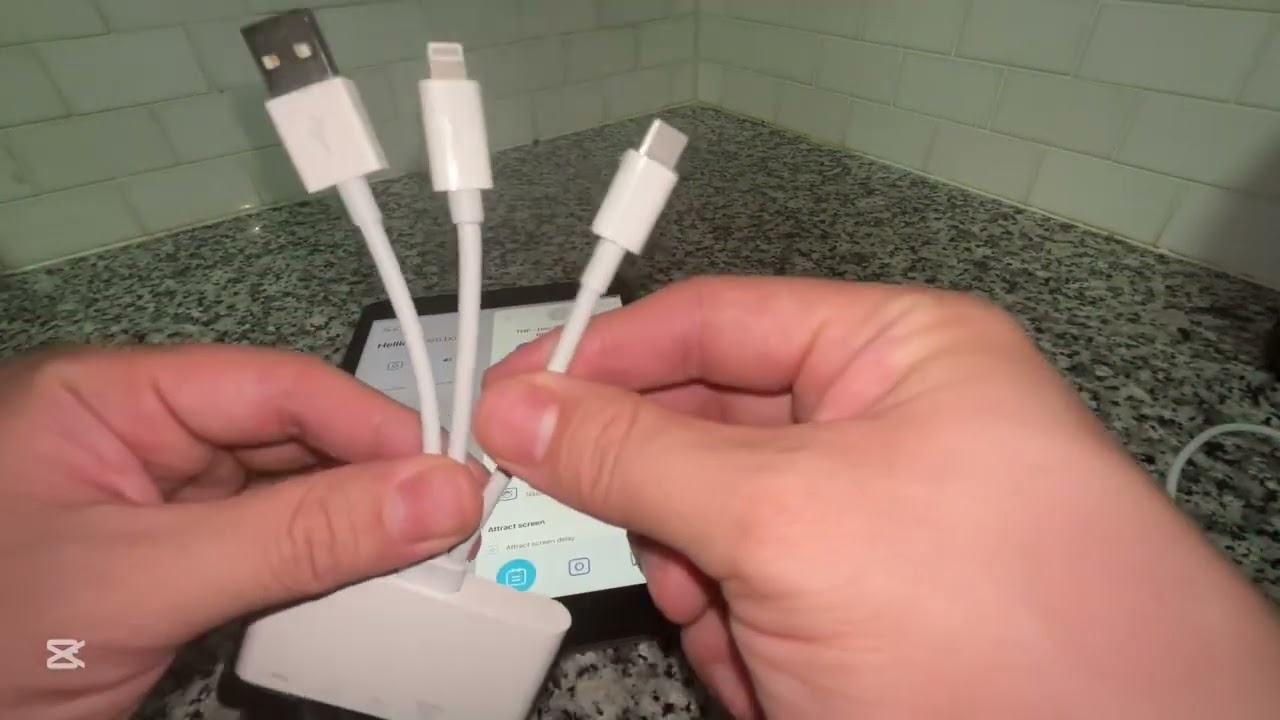
1. Get UVC ("webcam mode") compatible camera
2. Use iPad with USB-C
3. Get Guestbook Go on the App store
4. Create your setup with stand, tripod, box, etc
5. With app open, connect camera
6. Set orientation of external camera in Guestbook Go settings
7. Provide power if camera has own battery using dummy battery with AC adapter, USB pass-through door for Go Pro or external battery extender for DJI Osmo
8. Start your event & Guided Access mode on iPad
9. Good to go & Good luck!
Will my camera work? Some mirrorless and many action cameras will work. All webcams should work. If you have a camera that works with the Facetime app it should also work with Guestbook Go.
A good list of supported cameras is found here: https://diiorio.me/posts/uvc-cameras/
Note on USB cables: While some cameras may support 4K streaming this likely requires a true USB 3.0 speed cable. Cheaper USB-C cables (like cables supplied for charging purposes) likely only have USB 2.0 speeds which will limit resolution to FHD (1080) or perhaps even lower. This is mostly an issue for photos.
Also:
Customize the template: background, color/bw images, fonts, photo borders and more!
Use your own custom background image with or without your own title, photo is added on top with customizable scale, corner radius, border.
Guests can label their photos!
1 or 4 captures, set interval
Thank You (or custom message) after contribution
No supervision required with Guided Access mode enabled
All visible texts customisable
Optional idle screen
Read more about Guestbook Go:
https://levallius.com/guestbook-go
Повторяем попытку...

Доступные форматы для скачивания:
Скачать видео
-
Информация по загрузке: