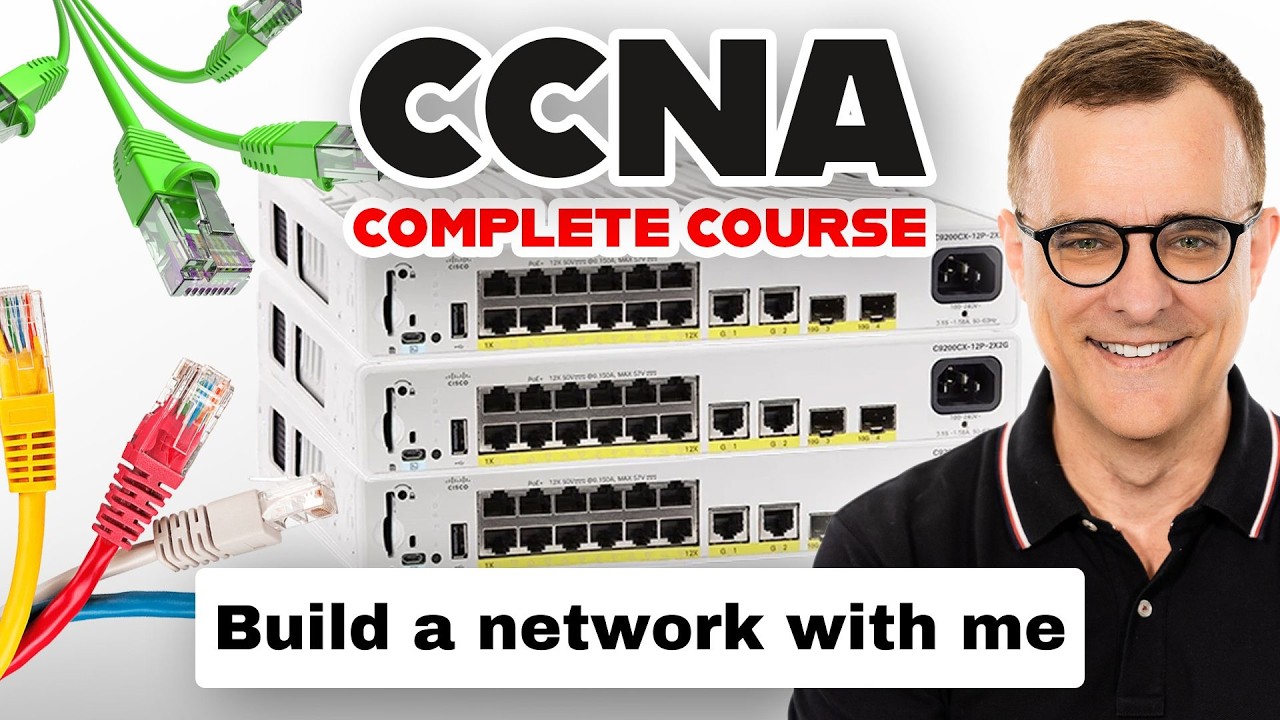
CompTIA A+ Lab 5.2.5 – Connect Patch Panel Cables
Автор: LearnTech-Today
Загружено: 2025-10-25
Просмотров: 3386
Описание:
CompTIA A+ Lab 5.2.5 | Connect Patch Panel Cables (Step-by-Step Networking Tutorial)
In this CompTIA A+ 220-1101 hands-on lab, we’ll connect a workstation to the network using a patch panel and a Cisco switch. You’ll learn how to make structured cabling connections, configure DHCP, and verify both local and internet connectivity.
This tutorial is perfect for CompTIA A+ students, IT technicians, and anyone learning real-world networking setup.
What You’ll Learn:
How to connect a patch panel to a switch
How to link a workstation to a LAN via wall jacks
How to configure Windows to obtain IP and DNS automatically
How to test connectivity using the ping command
Real-world structured cabling setup for IT technicians
Equipment Used:
Patch Panel (Port Off 1)
Cisco Switch (Port 3)
Cat 6 Ethernet cables
Windows 10/11 Workstation
Timestamps:
00:00 Intro
00:30 Understanding patch panels
01:30 Connect patch panel to switch
03:30 Connect Office1 workstation
05:00 Configure DHCP settings
06:30 Verify network connection
07:30 Outro
#CompTIA #APlus #Networking #PatchPanel #NetworkSetup #CompTIACertification #ITTraining #StructuredCabling #PCTutorial #LANConnection #DHCPConfiguration #CompTIALabs
Повторяем попытку...

Доступные форматы для скачивания:
Скачать видео
-
Информация по загрузке: