How to File 1099-K for Uber on FreeTaxUSA (Step-by-Step) | 2026
Автор: Official Help Desk
Загружено: 2026-02-12
Просмотров: 1717
Описание:
How to File 1099-K for Uber on FreeTaxUSA (Step-by-Step) | 2026
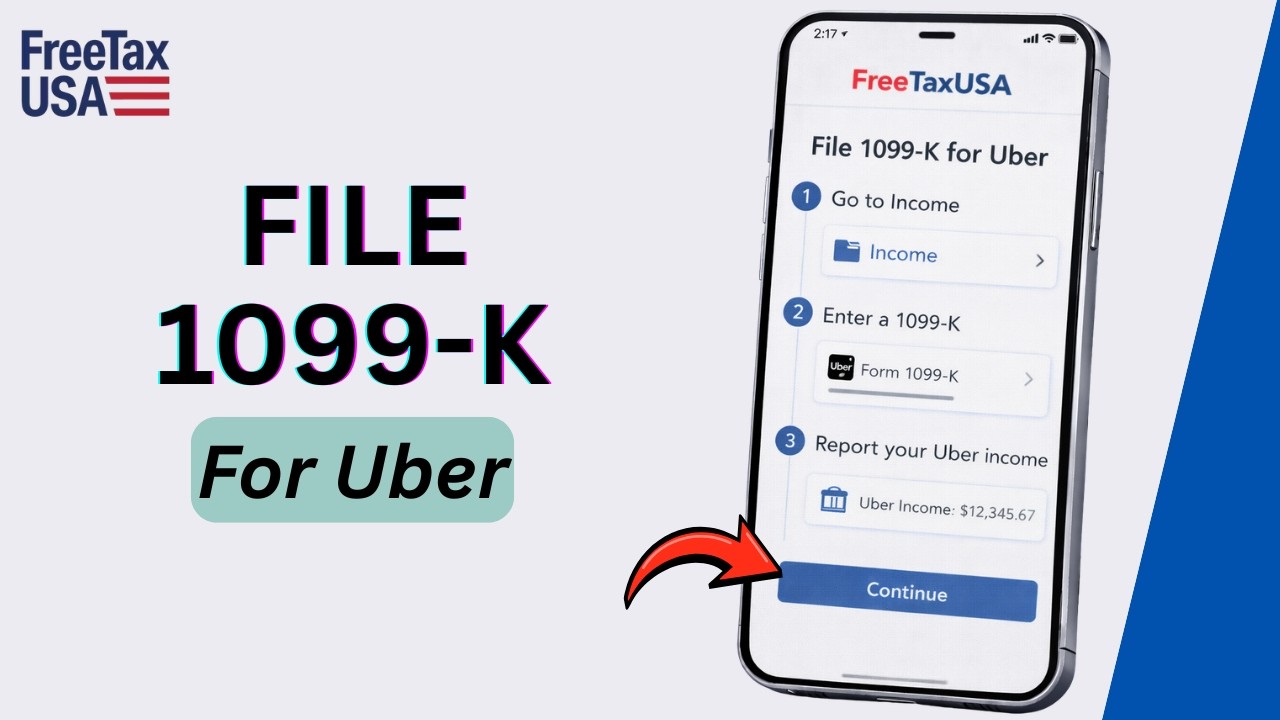
In this guide, you’ll learn how to file your 1099-K form from Uber on FreeTaxUSA. You’ll be walked through entering your income, reporting it on Schedule C, and taking advantage of FreeTaxUSA’s no-cost 1099-K reporting feature for Uber drivers.
✅ What you’ll learn
How to report 1099-K income from Uber on FreeTaxUSA
Enter self-employment income from Uber on Schedule C
Report business expenses to reduce taxable income
Timestamps
00:05 Intro
00:15 Log in to FreeTaxUSA
00:30 Enter 1099-K details
01:00 Report business income on Schedule C
01:30 Add Uber-related expenses
Steps
Open your browser and visit the FreeTaxUSA website
Log in to your FreeTaxUSA account and start a new tax return for the current year
Gather your 1099-K form from Uber, which shows total payments you received
In FreeTaxUSA, go to Income → Business Income → 1099-K Income
Enter the payer’s name, the amount from Box 1A, and any tax withheld
Report your Uber business income on Schedule C
Include gross receipts or sales (including amounts not on 1099-NEC or 1099-MISC)
Combine multiple platforms if needed under the same business
Add business expenses like mileage, car expenses, and phone costs to reduce taxable income
Review your totals, confirm your Schedule C net profit, and proceed with the rest of the tax return
E-file your return and see your tax refund or amount due
That’s it! You’ve successfully filed your 1099-K income from Uber on FreeTaxUSA.
#FreeTaxUSA #Uber1099K #UberTaxFiling #ScheduleC #SelfEmployed #TaxFiling2026 #FreeTaxUSA2026 #HowToFileTaxes
The content on Official Help Desk is for educational purposes only. We are not affiliated with or endorsed by any companies mentioned. Please consult official sources for the latest information, as services and policies may change.
Повторяем попытку...
Доступные форматы для скачивания:
Скачать видео
-
Информация по загрузке: