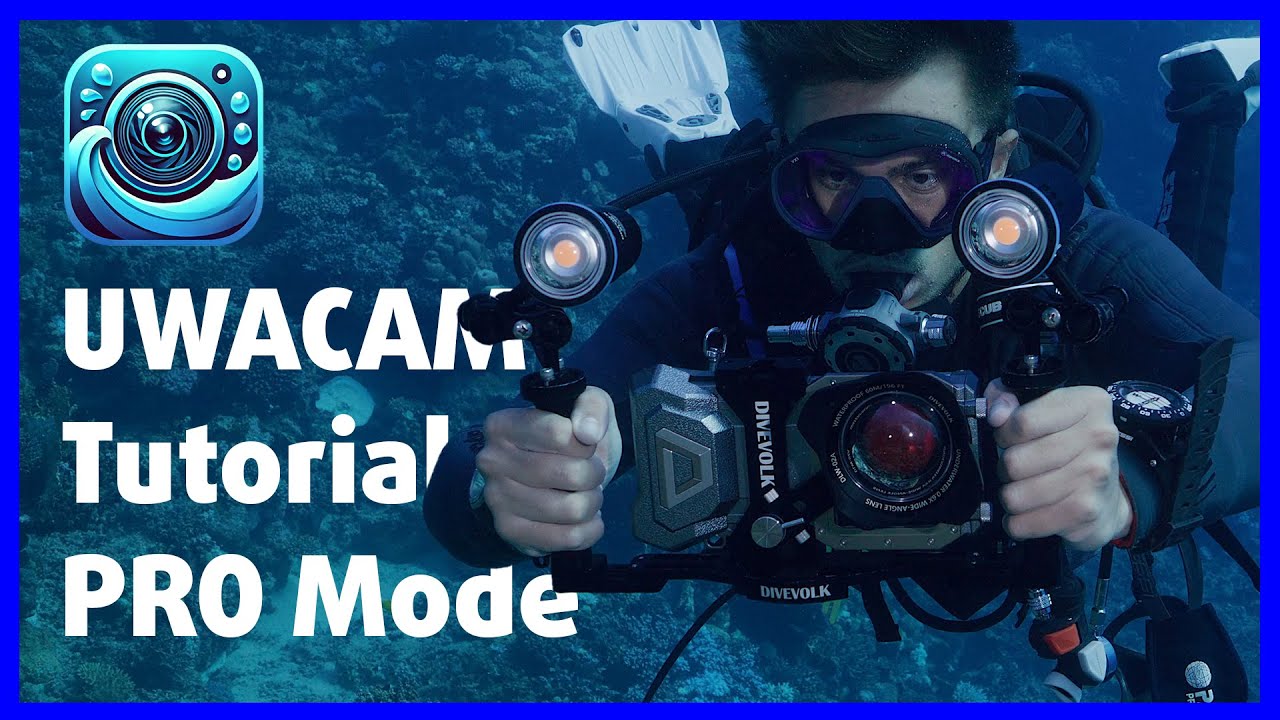
UWACAM Tutorial Part 2 👨🏫 EVERY PRO MODE FUNCTION EXPLAINED!
Автор: Matthias Lebo
Загружено: 2025-07-29
Просмотров: 2119
Описание:
In this video I'll go through every function in the PRO mode of UWACAM, explaining what it does and how to best use it. I'll also share my favourite settings for each of the main functions and why I choose to have it set this way.
Don't know UWACAM yet? Check out these two introduction videos:
• This camera app changes EVERYTHING! 🤯 Intr...
• Has UWACAM 2.0 just changed underwater ima...
Also check out Tutorial Part 1, covering the functions in UWACAM's AUTO mode: • UWACAM Tutorial Part 1 👨🏫 EVERY FUNCTION ...
UWACAM Knowledge Base: kb.uwacam.com
UWACAM written Manual: uwacam.com/qr?ml100
Send Feedback to UWACAM: [email protected]
Thanks to UWACAM for sponsoring this video! Check out UWACAM and benefit from an exclusive 10% discount on your yearly subscription (use code UWA10 when booking your subscription here: http://uwacam.com/as?ml100).
Want to improve your underwater video skills at your own pace? Check out my online course about underwater videography (also available inside the app): https://courses.matthiaslebo.com/s/ma...
Check out the official Divevolk online course and learn how to use your Divevolk system to its full potential:
https://courses.matthiaslebo.com/s/ma...
Download my new FREE mobile App UNDERWATER VIDEO ACADEMY and start learning about underwater video right away:
For IOS: https://apps.apple.com/ch/app/underwa...
For Android: https://play.google.com/store/apps/de...
Get my iPhone Basic LUT Pack:
https://courses.matthiaslebo.com/s/ma...
Become a member of my channel, support my work and receive exclusive benefits:
/ @matthiaslebo
Join us on one of our upcoming group trips & underwater video workshops 🌊🎥🐠 and learn everything you've always wanted to know about underwater video:
https://www.matthiaslebo.com/live-wor...
Use the time code for navigation:
0:00 – Intro
2:09 – Special introduction offer from UWACAM
2:55 – How to change UWACAM to the PRO mode
3:24 – The recording screen in UWACAM’s PRO mode
4:01 – The Quick Access menu and its functions in UWACAM’s PRO mode
12:02 – The UWACAM Playback mode
15:53 – The settings menu in UWACAM’s PRO mode
16:42 – The CAMERA menu in UWACAM’s PRO mode
17:10 – Photo Setup submenu in UWACAM’s PRO mode
21:59 – Video Setup submenu in UWACAM’s PRO mode
23:29 – Advanced video settings in UWACAM’s PRO mode
27:30 – Audio Setup submenu in UWACAM’s PRO mode
28:53 – Display Setup submenu in UWACAM’s PRO mode
43:03 – Advanced Setup submenu iin UWACAM’s PRO mode
44:23 – The PLAYBACK menu in UWACAM’s PRO mode
47:56 – The SETTINGS menu in UWACAM’s PRO mode
53:59 – The PRESETS menu in UWACAM’s PRO mode
54:53 – The INFORMATION menu in UWACAM’s PRO mode
55:52 – PRO tip for using UWACAM’s PRO mode
My current underwater filming equipment:
GH5S: https://amzn.to/2JoOWe5
Panasonic Leica 12-60mm: https://amzn.to/2LvQHZO
Nauticam NA-GH5 housing: https://www.nauticam.com/products/na-...
Atomos Ninja V: https://amzn.to/2H2rzVL
Nauticam housing for Atomos Ninja V: https://www.nauticam.com/products/nau...
Keldan 8X Underwater Video Light: https://keldanlights.com/products/com...
----------------------------------------------
My main camera: https://amzn.to/3kZyJMj
My favorite lens: https://amzn.to/2mJwi47
My interview lens: https://amzn.to/3kNTnio
My macro lens: https://amzn.to/2mNbtou
My awesome camera bag: https://amzn.to/38cAMJl
My on camera mic: https://amzn.to/2LD1dgB
My boom mic: https://amzn.to/32f0rgP
My underwater camera: https://amzn.to/2JoOWe5
IN A NAUTICAM HOUSING (https://www.nauticam.com/products/na-...)
My ActionCam: https://amzn.to/2JCJBSL
My GoPro: https://amzn.to/2HUJ0LL
My drone: https://amzn.to/2mJUu6j
My travel tripod: https://amzn.to/2LTO0N9
Fantastic travel light: https://amzn.to/38ciDM4
Where I get my music: https://bit.ly/3HAMXkr GREAT FOR YOUTUBERS!
----------------------------------------------
Follow me on Facebook: / lebo.underwaterfilm
Follow me on Instagram: / matthiaslebo_uwfilm
----------------------------------------------
Support the channel by donating directly through PayPal:
paypal.me/MatthiasLebo
Повторяем попытку...
Доступные форматы для скачивания:
Скачать видео
-
Информация по загрузке: