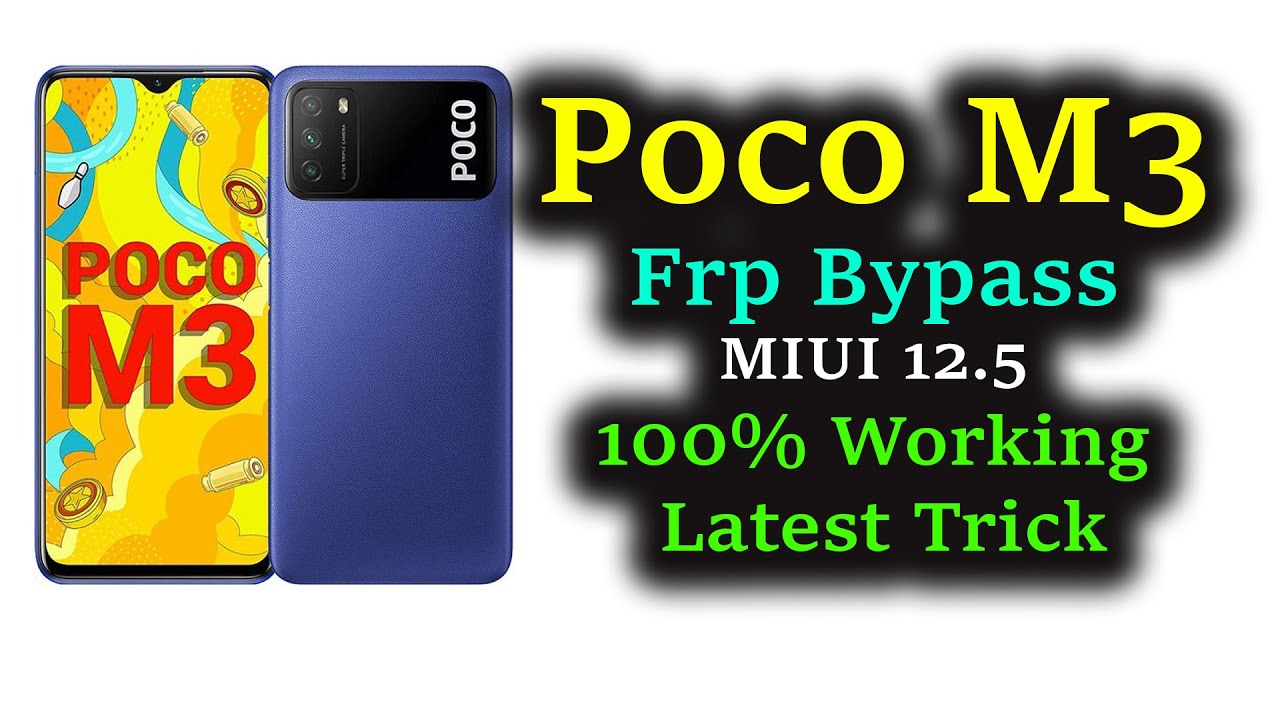
Complete Xiaomi POCO M3 Bootloader Unlock Tutorial
Автор: Explaining Android
Загружено: 2021-01-04
Просмотров: 28153
Описание:
Join the Daily Android News Discussions
/ @explainingandroid
Requirements:
Xiaomi Mi Account Page - https://account.xiaomi.com/
Developer Mode - • How to Turn On the Xiaomi POCO M3 Develope...
Fastboot Mode - • How to Boot the POCO M3 In & Out of Fastbo...
1. Intro [00:00]
2. Open your Settings application [00:58]
3. Look for the "Mi Account" menu and tap it [01:33]
4. You now need to log into your Mi account
5. Make sure Xiaomi "Sync" and "Find Device" toggles are enabled [01:44]
6. Turn on Xiaomi's Developer Mode [03:08] (see tutorial above)
7. Locate and tap the newly created Developer Options menu [03:34]
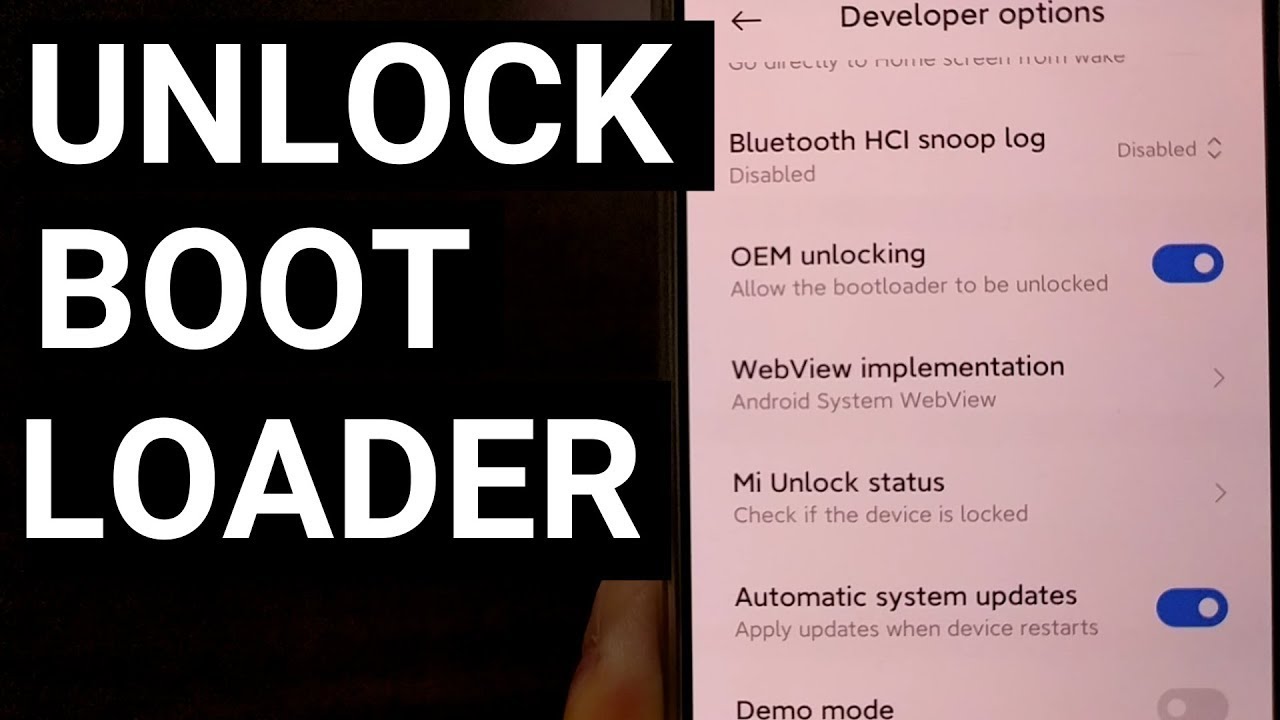
8. Enable the "OEM Unlocking" toggle [03:58]
9. Insert your SIM card, if you haven't already [04:50]
10. Then disable WiFi and make sure Mobile Data is enabled and working
11. Go back to Developer Options, and then go in the "Mi Unlock Status" section [05:53]
12. Tap the "Add Account and Device" button at the bottom [06:10]
13. Wait for the "success" toast message to appear [07:07]
14. Then boot the POCO M3 into Fastboot Mode [07:55] (see tutorial above)
15. Download, extract and open the Mi Unlock Tool [09:16]
16. Log into your Mi Account from this Mi Unlock tool [09:31]
17. Connect the POCO M3 to the PC with a USB cable
18. So you can then click the "Unlock" button in the Mi Unlock program[10:35]
19. Confirm and wait for verification [11:00]
20. And lastly, we need to wait (168 hours in my case) before I use the Mi Unlock Tool again. This time (since 168 hours has passed) the process will complete the Xiaomi POCO M3 Bootloader Unlock process [12:10]
Xiaomi continues to offer its official bootloader unlock service as long as you have an active SIM card and a Mi account that you're able to log into. With those requirements laid out, you should also know this is an initial "request" to unlock the bootloader. At the end of the video, you'll see that we're required to wait 7 days before we can actually unlock the POCO M3 bootloader.
So once you're ready, go ahead and log into your Xiaomi Mi account through the Settings application. You also may want to put in the SIM card as well, just so it can negotiate the connection ahead of time. Developer Mode also needs to be enabled so you reveal the hidden Developer Options menu.
In this Developer Options section, you'll want to enable the OEM Unlocking toggle and confirm the process. Now, disable WIFI and go into the Mi Unlock Status section of that same Settings area. This is where you need to register your device with your account using the Mobile Data connection. It should only take a few seconds, but multiple attempts may be required if there are connection issues.
Now boot the POCO M3 into Fastbot Mode and open up that Mi Unlock program. You'll need to log into your Mi account again, and then be requested to connect the phone to the PC with a USB cable. Do so, and since we're already in Fastboot Mode the program should begin to detect the device.
Click the big "Unlock" button at the bottom and confirm it on both dialog boxes that appear. As long as the connection can be made (I had to disable pihole temporarily), you should get a message within the Mi Unlock program telling you that you'll need to wait X number of hours.
If you get any errors shown in the video, simply try again. It may even help to unplug the smartphone, reboot back into Fastboot Mode, and try requesting that Xiaomi unlock the bootloader again.
After you get that wait timer message, read the warning after it too. It tells you to make sure you don't go through the process of adding your Mi account to the POCO M3 again. Not until after we try this entire thing all over again after waiting however many hours it says to wait (for me it says 168 hours).
So after a week, I'm going to boot the device back into Fastboot Mode, open up the Mi Unlock Tool, log into my Mi account on the Mi Unlock tool, connect the smartphone to the PC with a USB cable and unlock the bootloader successfully.
Повторяем попытку...
Доступные форматы для скачивания:
Скачать видео
-
Информация по загрузке: