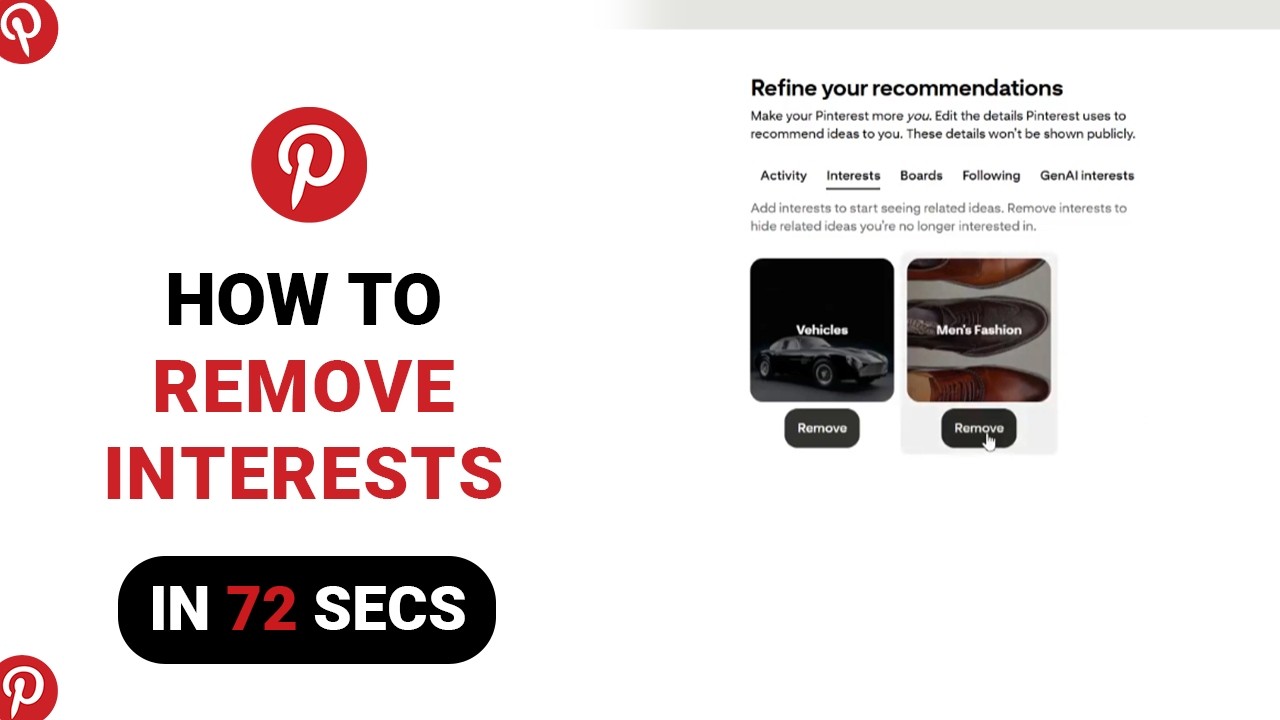
How to Remove Interests on Pinterest [NEW]
Автор: Kunjumani KTU
Загружено: 2026-02-15
Просмотров: 28
Описание: To remove interests and reset your recommendations on Pinterest in 2026, you can use the Home Feed Tuner to manually deselect topics that no longer interest you. Open the Pinterest app, tap your profile icon at the bottom right, and then tap the gear icon (iPhone) or three dots (Android) in the top right to open Settings. Select Home feed tuner and navigate to the Interests tab, where you can browse the topics you currently follow and tap the checkmark or toggle next to any interest to remove it from your feed. You should also check the History tab in the same menu to turn off recommendations based on specific pins you’ve recently viewed, as well as the Boards tab to stop Pinterest from suggesting content related to your private or public collections.
Повторяем попытку...
Доступные форматы для скачивания:
Скачать видео
-
Информация по загрузке: