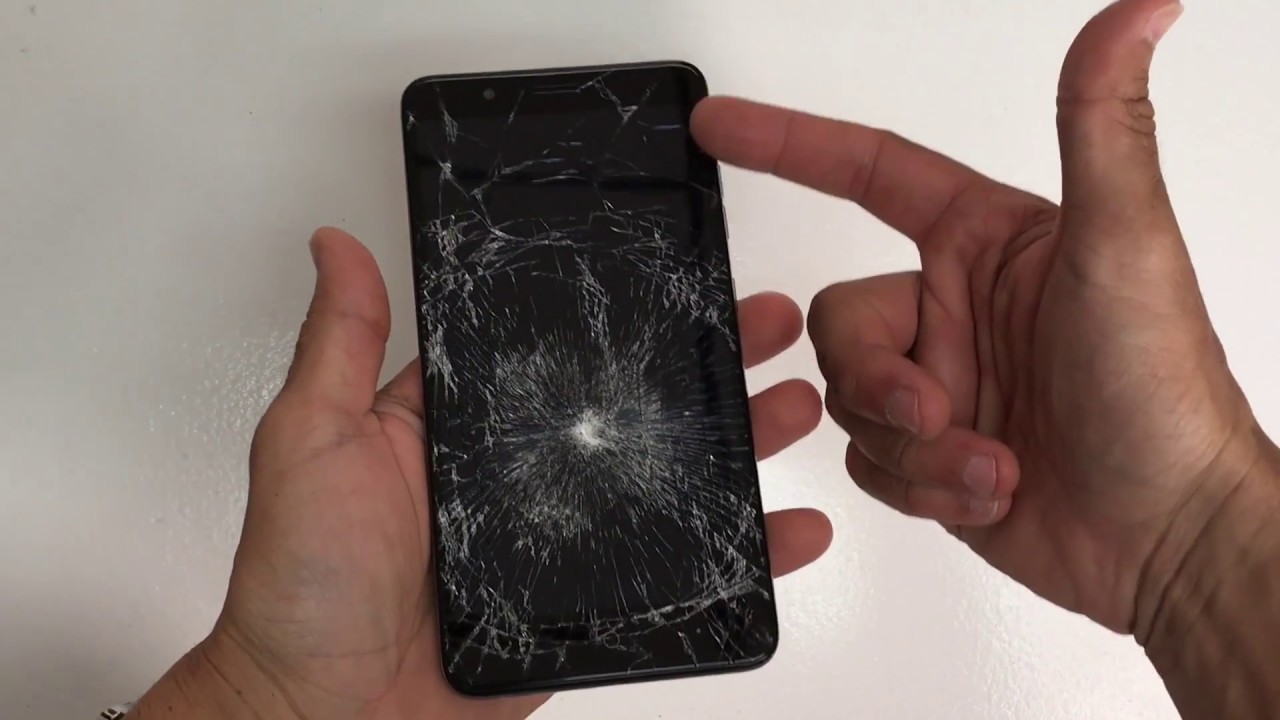
How to replace ZTE Blade Z Max Z982 LCD Glass Screen | Screen Replacement
Автор: Serg Tech
Загружено: 2018-07-24
Просмотров: 142884
Описание:
Buy the screen used in this video - https://amzn.to/2mD9p2h
Complete Repair Tool Kit - https://bit.ly/2IqoAcQ
Hot Plate Machine for repairs - http://amzn.to/2hnyqQ8
Heat Gun for repairs - http://amzn.to/2hlClgb
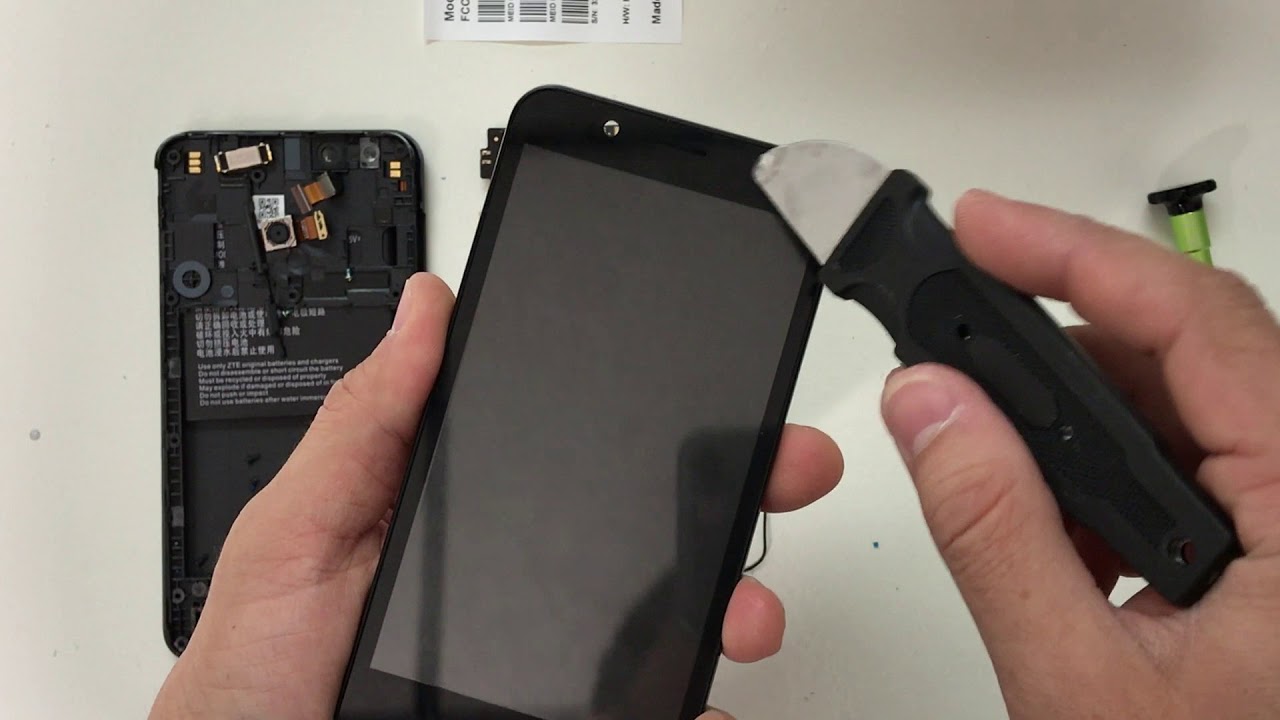
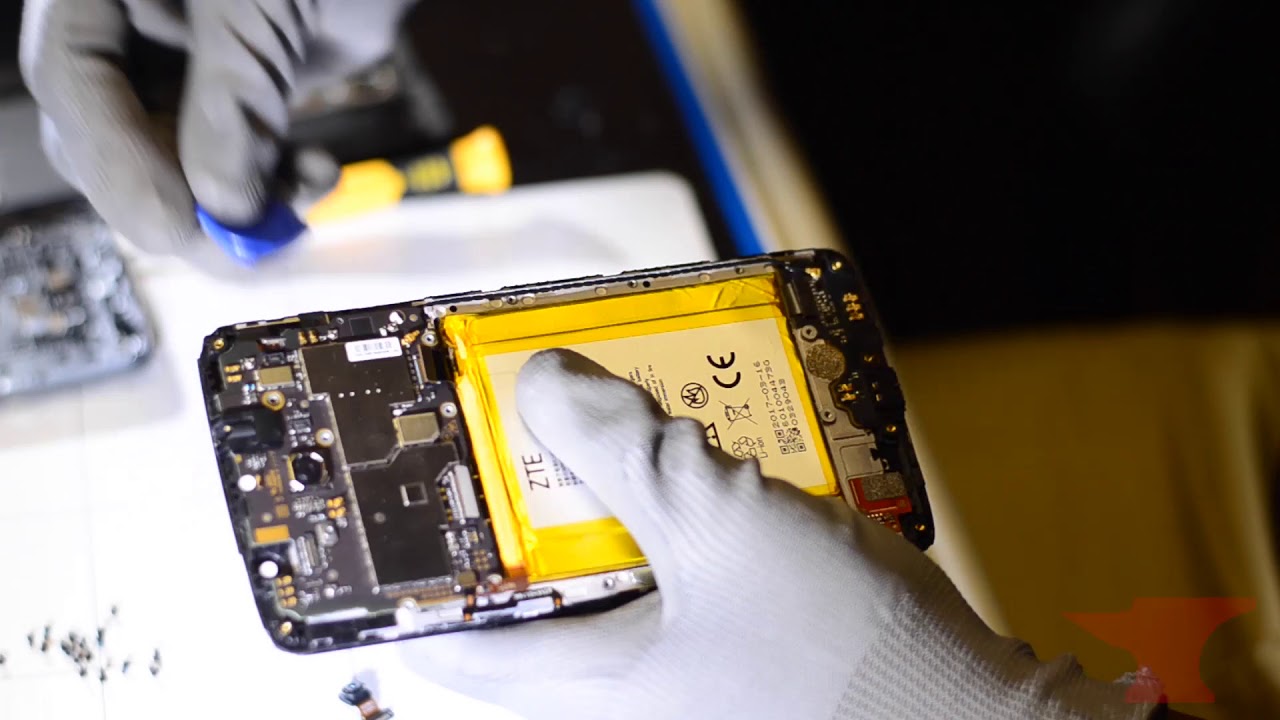
This is a tutorial video on how to take apart and replace the LCD screen on your ZTE Blade Z Max. (The entire LCD+Digitizer+Glass screen assembly+frame)
Its the same procedure and same glass screen used for all carrier models.
All models -
Z982 - Metro PCS, T-Mobile
ZTE Blade ZMax
I used the following tools:
1. Small Phillips head screw driver
2. Hair dryer or Heat gun.
3. Prying tool
Warning: Repairs will void your warranty with the service provider and manufacturer of the device. We are not responsible for any damage caused by attempting this repair.
Things I use in this video
Camera: http://amzn.to/2DuPJbV
Microphone: http://amzn.to/2DWnDTV
Lighting Kit: http://amzn.to/2DqOKoI
Video Editor: https://amzn.to/2sRfXxK
Disclosure: This video and description contains affiliate links, which means that if you click on one of the product links, I’ll receive a small commission. This helps support the channel and allows us to continue to make videos like this. Thank you for the support!
Повторяем попытку...
Доступные форматы для скачивания:
Скачать видео
-
Информация по загрузке: