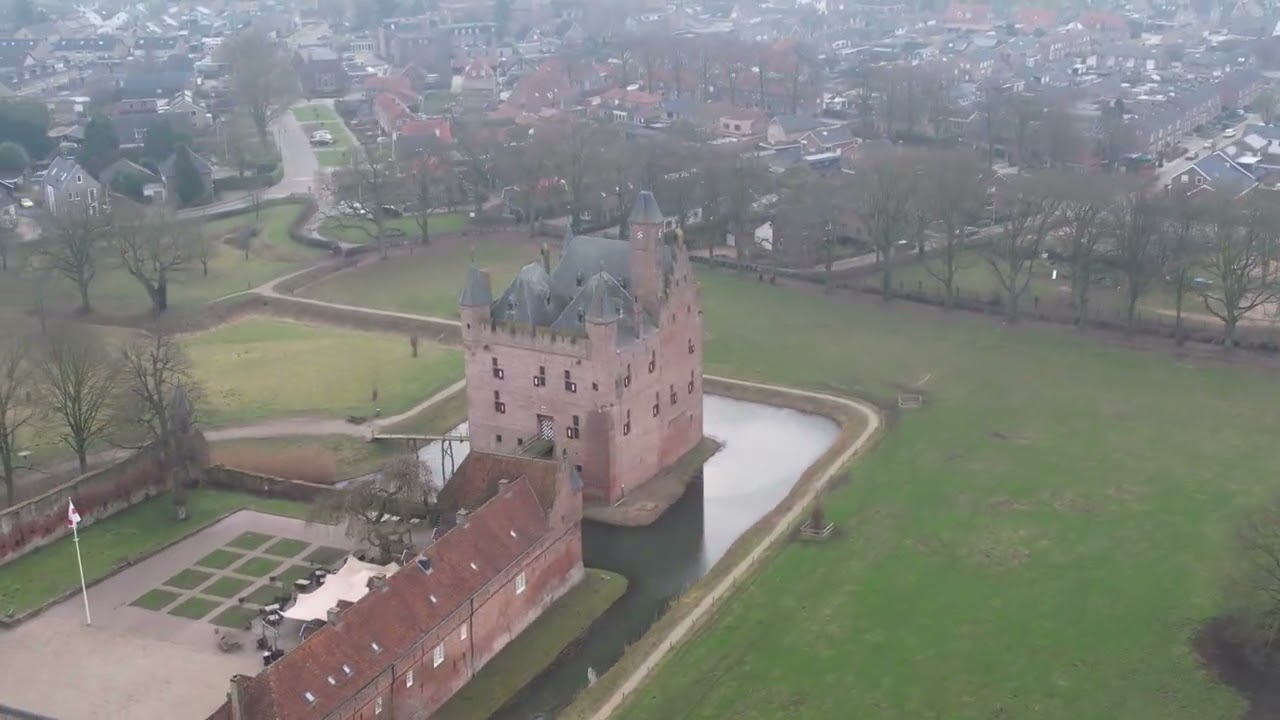
Avalon Rhine River Cruise Excursion to Muiderslot Castle
Автор: yodersci
Загружено: 2026-02-15
Просмотров: 18
Описание:
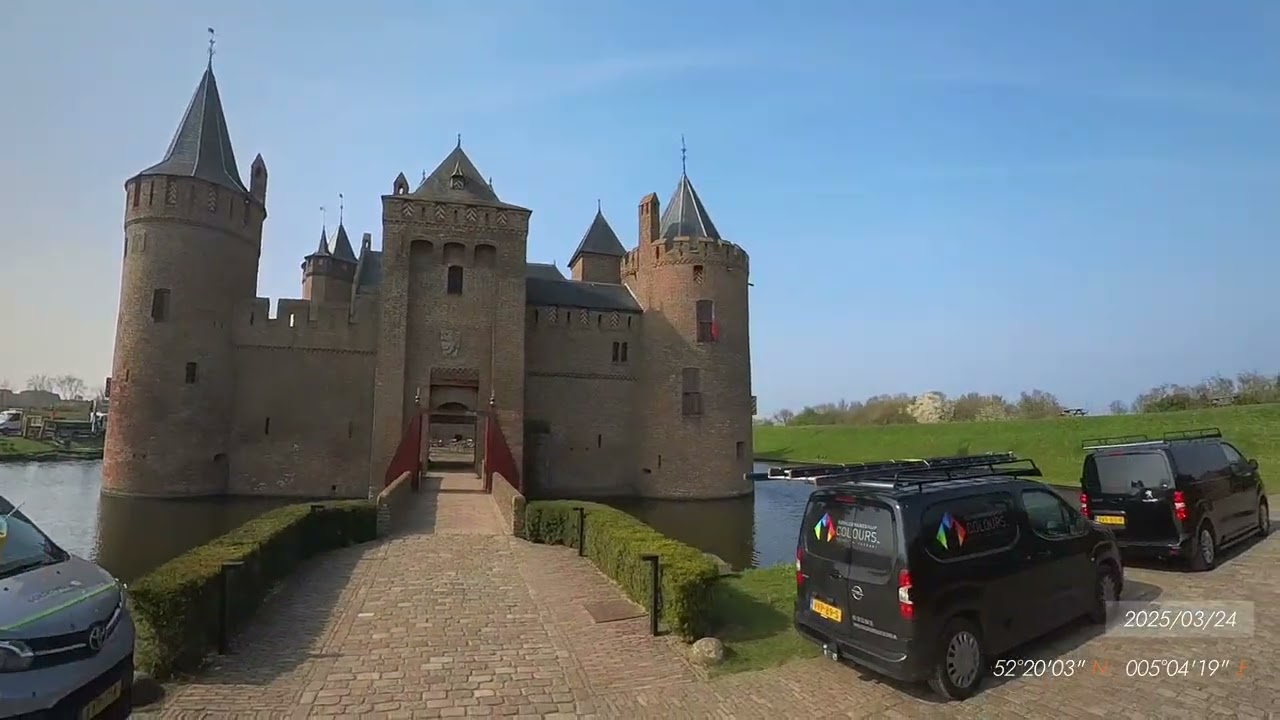
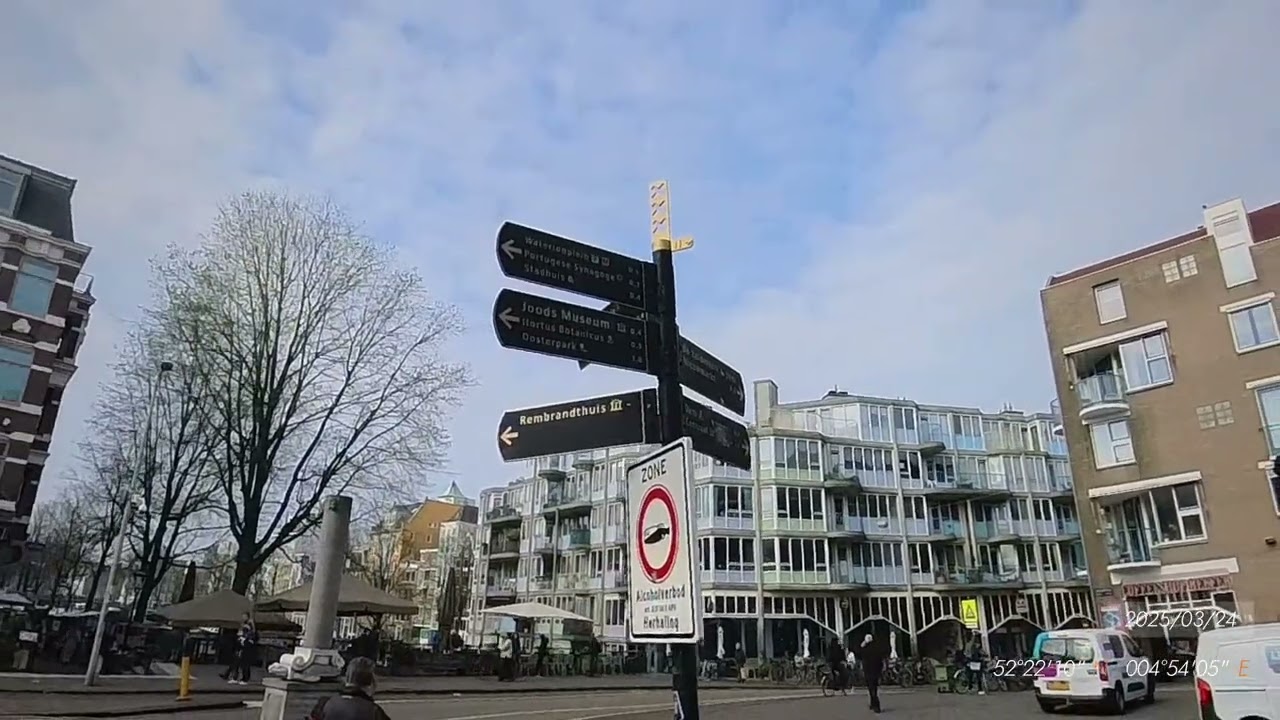
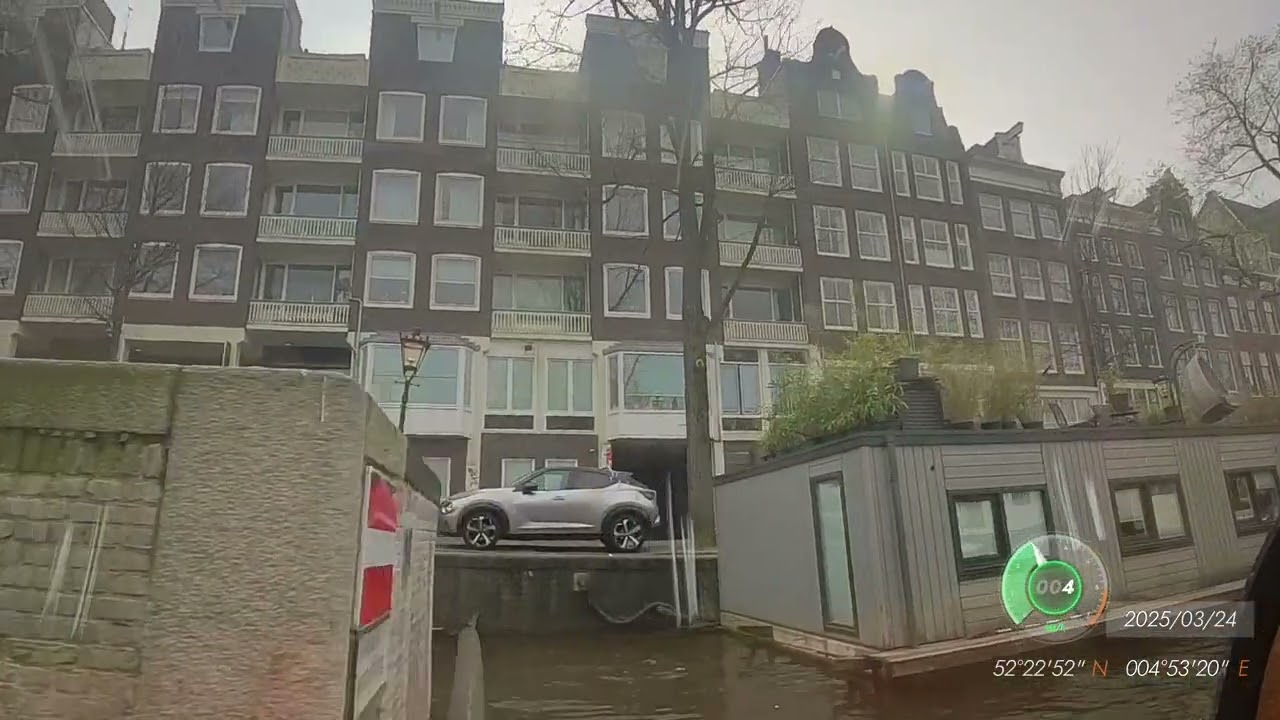
This video was taken on March 24, 2025 in Amsterdam during a walking tour of the Muiderslot Castle with a local guide as an excursion from the Avalon Rhine River Cruise Panorama heading south on the Rhine River.
The opening sequence is a Google Earth Flyover starting at the National Opera and Ballet performing arts theater. Google My Maps provided highway directions to the castle in the form of a KML file which was imported into Google Earth Studio. The line size was increased from 5 to 15 and the color changed to yellow to make it easier to follow.
I recorded our arrival on my phone and put that video in to give you an idea of what things looked like at the entrance.
There are 20 clips from 4 separate video files, the phone video, flyover video, and some photos combined and edited using the free version of Davinci Resolve.
The camera is an Insta360 X3 paired to an Insta360 GPS Action Remote and a CYNOVA external microphone adapter connected to the tour's radio headset with a Y adapter providing the audio signal to both the camera and a pair of ear buds. Some of the audio was processed using the free version of Audacity. I was unable to completely eliminate the static created when I was too far from the guide and the signal became too weak.
Eleven Labs AI produced medieval sound tracks based on my request of "Create a 6 minute instrumental audio clip of medieval European folk song music consisting of instruments played in medieval Europe with a lively tempo including but not limited to instruments such as harp, lute, fiddle/vielle, bagpipes, flute/recorder, hurdy-gurdy, and various drums (like tambourines, frame drums)".
This video used DaVinci Resolve's "ducking" feature to raise the volume during times of no narration and lowers automatically just before narration begin again.
The GPS Action Remote recorded the GPS locations which was displayed on the video. GPS location data was also extracted from the video files using EXIFTOOL which produces KML files that can be imported into Google Earth Studio.
This file contains a yellow line that I follow to create the Flyover, hence the lines going back and forth as the guide points out various historical locations.
I had to create a custom format file taken from the EXIFTOOL website and modified to better match the KML files that Google My Maps generates that can also be directly imported into Google Earth Studio.
I did have to reduce the number of GPS coordinates (selected every 100th frame) using Microsoft Excel as there was a coordinate for every frame making the KML file extremely large that kept crashing Google Earth Studio. I plan to research the syntax used in the EXIFTOOL format files to only select every 100th frame so I can eliminate this step.
exiftool -api largefilesupport -m -ee3 -u -QuickTime:all -Trailer:Insta360:all -FileName -p kml2.fmt "F:\DCIM\Camera01\VID_20250330_073949_00_001.insv"
Повторяем попытку...
Доступные форматы для скачивания:
Скачать видео
-
Информация по загрузке:


![10 ЛУЧШИХ МЕСТ ФРАНЦИИ, КОТОРЫЕ НУЖНО УВИДЕТЬ В ЖИЗНИ [РЕЙТИНГ] - ФРАНЦИЯ 2025](https://imager.clipsaver.ru/AC9b41j_J5U/max.jpg)