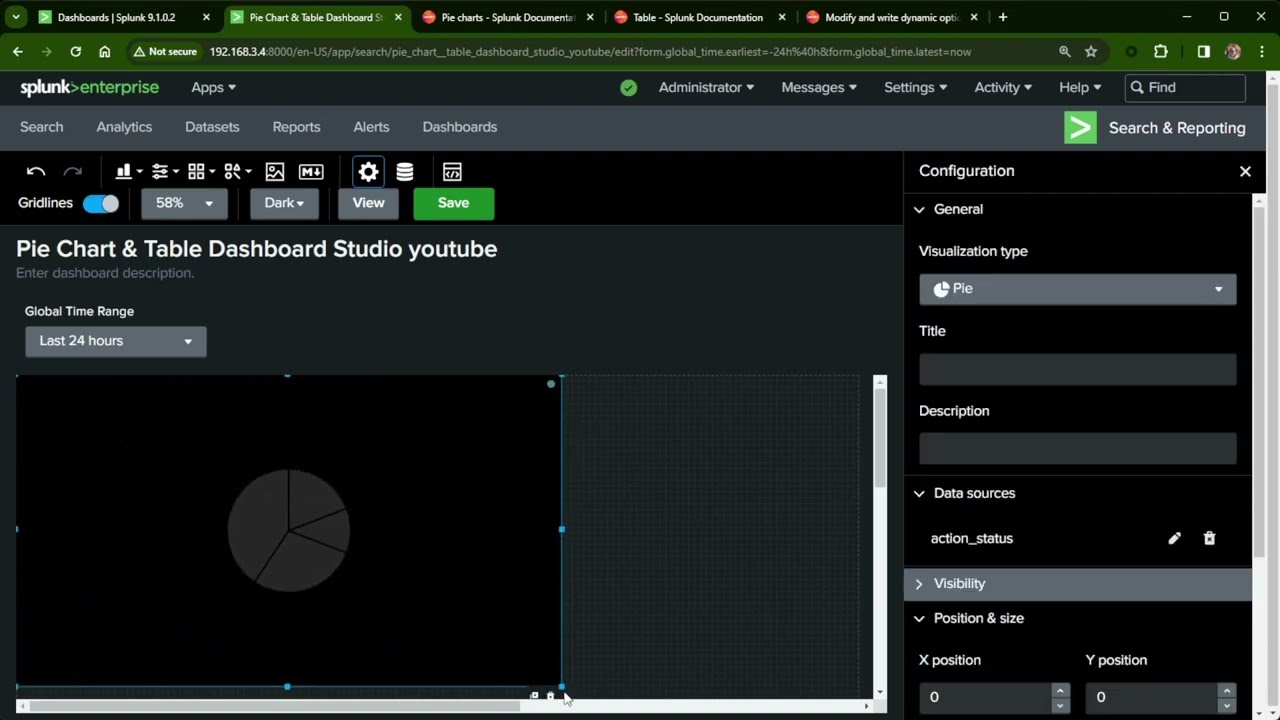
Splunk fundamentals | How we can create splunk dashboard with interactive filters and button.
Автор: Thetips4you
Загружено: 2021-01-13
Просмотров: 5859
Описание:
In this splunk fundamentals video we will see How we can create splunk dashboard with interactive filters and button. You will be able to learn the splunk Basics on create dashboard with interactive filters and pass tokens to dashboard searches. We will create input drop down and multiselect input boxes and will learn about input token to be used in the searches.
===================================================
How to setup Splunk on Linux:
• Splunk Linux Setup | Splunk Configuration ...
---------------------------------------------------------------------------------------------------
--------------------------------------------------------------------------------------------------
How to create custom dashboard in splunk:
• Splunk Basic | How to create custom dashbo...
-------------------------------------------------------------------------------------------------
-------------------------------------------------------------------------------------------------
How to extract timestamp in splunk:
• Splunk timestamp extraction to epoch | How...
------------------------------------------------------------------------------------------------
Queries used:
Input :
------------
source="GlobalLandTemperaturesByCountry.csv" host="localhost.localdomain" sourcetype="csv"| eval dt_year_epoc = strptime (dt, "%Y-%m-%d") | eval dt_year = strftime (dt_year_epoc , "%Y") | table dt, dt_year | stats count by dt_year
source="GlobalLandTemperaturesByCountry.csv" host="localhost.localdomain" sourcetype="csv"| eval dt_year_epoc = strptime (dt, "%Y-%m-%d") | eval dt_year = strftime (dt_year_epoc , "%Y") | stats count by Country
Bar Chart Panel:
----------------------------
source="GlobalLandTemperaturesByCountry.csv" host="localhost.localdomain" sourcetype="csv" | eval dt_year_epoc = strptime (dt, "%Y-%m-%d") | eval dt_year = strftime (dt_year_epoc , "%Y")| search Country=Liechtenstein | top limit=20 AverageTemperature
Pie Chart Panel:
---------------------------
source="GlobalLandTemperaturesByCountry.csv" host="localhost.localdomain" sourcetype="csv" | eval dt_year_epoc = strptime (dt, "%Y-%m-%d") | eval dt_year = strftime (dt_year_epoc , "%Y")| search Country=Liechtenstein | search dt_year=1973 | top limit=20 AverageTemperature
===============================================
Follow me @:
/ thetips4you
/ @thetips4you
/ thetipsforyou
http://www.thetips4you.com
==============================================
Music credit: "Royalty Free Music from Bensound"
Tags:
splunk interactive dashboard, splunk interactive field extractor, splunk interactive demo, dashboard, field extractor, demo, splunk build dashboard, drilldown tokens, dynamic drop down, creation tutorial, examples, splunk create dashboard from search, input dropdown, input token
Повторяем попытку...

Доступные форматы для скачивания:
Скачать видео
-
Информация по загрузке: