FULL Agency Setup | Offer Plai through GoHighLevel, Done-For-You, or Standalone
Автор: Plai
Загружено: 2025-11-05
Просмотров: 309
Описание:
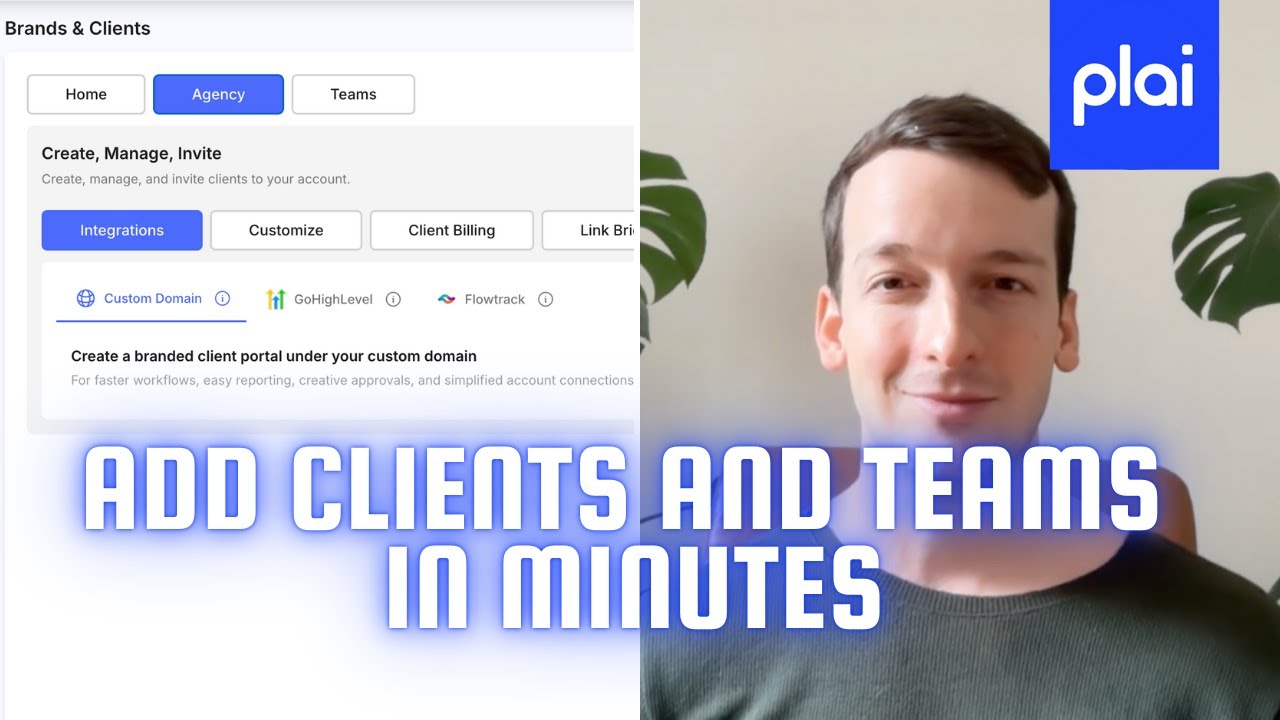
In this video, you’ll learn how to set up your full agency workspace in Plai using the Brands Tab, which makes managing clients and teams simpler than ever.
We’ll walk you through:
Create brands and manage client accounts directly from your dashboard.
Set up a custom domain or subdomain to give clients their own branded portal.
Integrate with GoHighLevel or FlowTrack to manage clients from within your CRM.
Invite team members and assign roles, permissions, and workspaces.
By the end, you’ll have a fully branded, professional workspace for managing all your clients and campaigns in one place.
Start your free trial today www.plai.io
00:00 - General overview
02:17 - Custom Domain setup
04:46 - Customizing the client portal
07:19 - GoHighLevel Agency setup
09:39 - Team members
Повторяем попытку...
Доступные форматы для скачивания:
Скачать видео
-
Информация по загрузке: