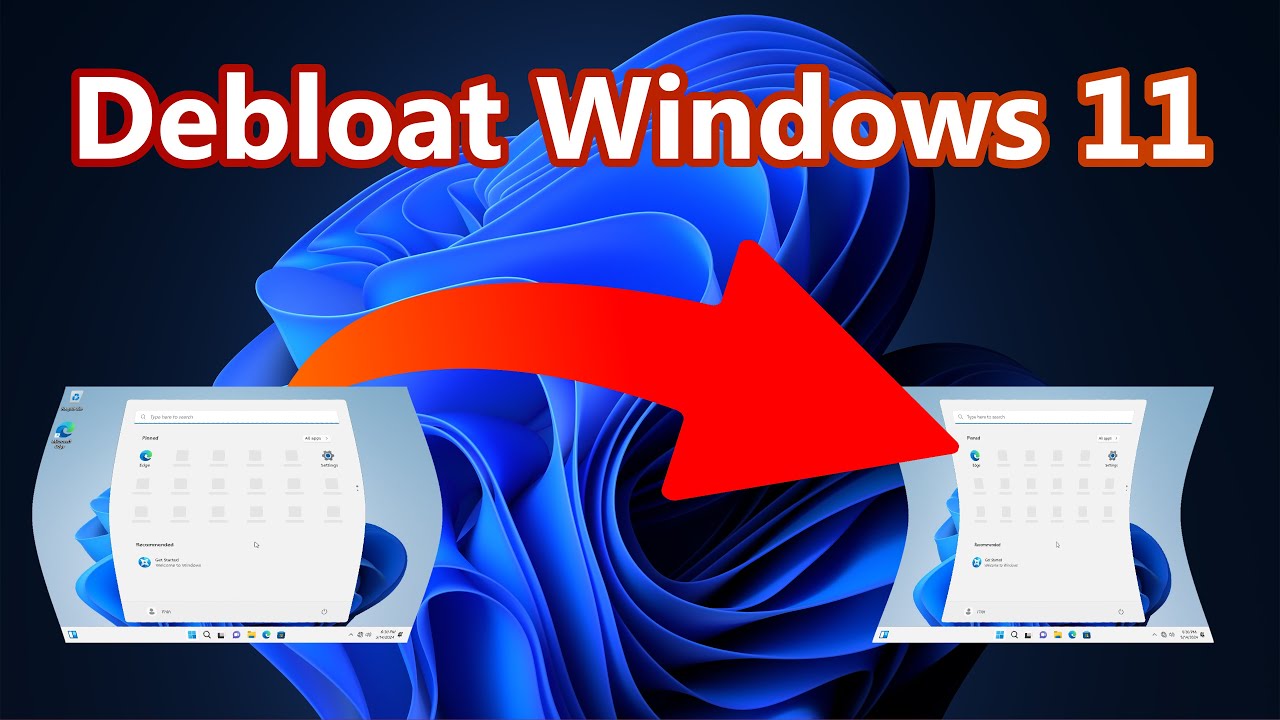
Want to remove all the bloatware that comes with Windows 11? Let's
Автор: IT 101
Загружено: 2024-05-15
Просмотров: 3814
Описание:
BUY ME A COFFEE: https://buymeacoffee.com/it101
Do you want to remove the bloatware that came with Windows 11? Is your Windows 11 running slow? Does it feel like Windows 11 is taking forever to boot? Need to make everything on your Windows computer run quicker while also freeing up space?
If you said yes to any of those questions, then I will show you how to debloat your Windows 11 computer. By debloating Windows 11, you can remove unneeded applications that came with Windows 11. It will also boot quicker, use less resources, and load other programs quicker. Most of the additional programs that are removed with the Debloater won't affect your day to day operations. If you would like to keep some of the programs that the debloater is going to remove, then you are in luck. They have an option to remove only the features that you do not need, while keeping the features you want.
Here is the link to download the Windows Debloater PowerShell Script.
https://github.com/Sycnex/Windows10De...
Here is a list of all the bloatware that the Windows Debloater Script will remove.
3DBuilder, ActiproSoftware, Alarms, Appconnector, Asphalt8, Autodesk SketchBook, MSN Money, Food And Drink, Health And Fitness, Microsoft News, MSN Sports, MSN Travel, MSN Weather, BioEnrollment, Windows Camera, CandyCrush, CandyCrushSoda, Caesars Slots Free Casino, ContactSupport, CyberLink MediaSuite Essentials, DrawboardPDF, Duolingo, EclipseManager, Facebook, FarmVille 2 Country Escape, Flipboard, Fresh Paint, Get started, iHeartRadio, King apps, Maps, March of Empires, Messaging, Microsoft Office Hub, Microsoft Solitaire Collection, Microsoft Sticky Notes, Minecraft, Netflix, Network Speed Test, NYT Crossword, Office Sway, OneNote, OneConnect, Pandora, People, Phone, Phototastic Collage, PicsArt-PhotoStudio, PowerBI, Royal Revolt 2, Shazam, Skype for Desktop, SoundRecorder, TuneInRadio, Twitter, Windows communications apps, Windows Feedback, Windows Feedback Hub, Windows Reading List, XboxApp, Xbox Game CallableUI, Xbox Identity Provider, Zune Music, Zune Video.
You can purchase a copy of Microsoft Windows 11 Home here.
https://amzn.to/3K2kUeb
You can purchase a copy of Microsoft Windows 11 Pro here.
https://amzn.to/3wERDDn
You can purchase a copy of Microsoft Windows 11 Pro for Workstations here. https://amzn.to/3UMnNoD
If you encounter any problems or have any questions, please let me know in the comments and I will be glad to help you fix them. Thanks!
Music provided by:
Getting Ready 46 at mixkit.co
Повторяем попытку...
Доступные форматы для скачивания:
Скачать видео
-
Информация по загрузке:








