How To Fix COD4 Downloading Game Settings (2016)
Автор: PowBlockGaming
Загружено: 2016-05-18
Просмотров: 7178
Описание:
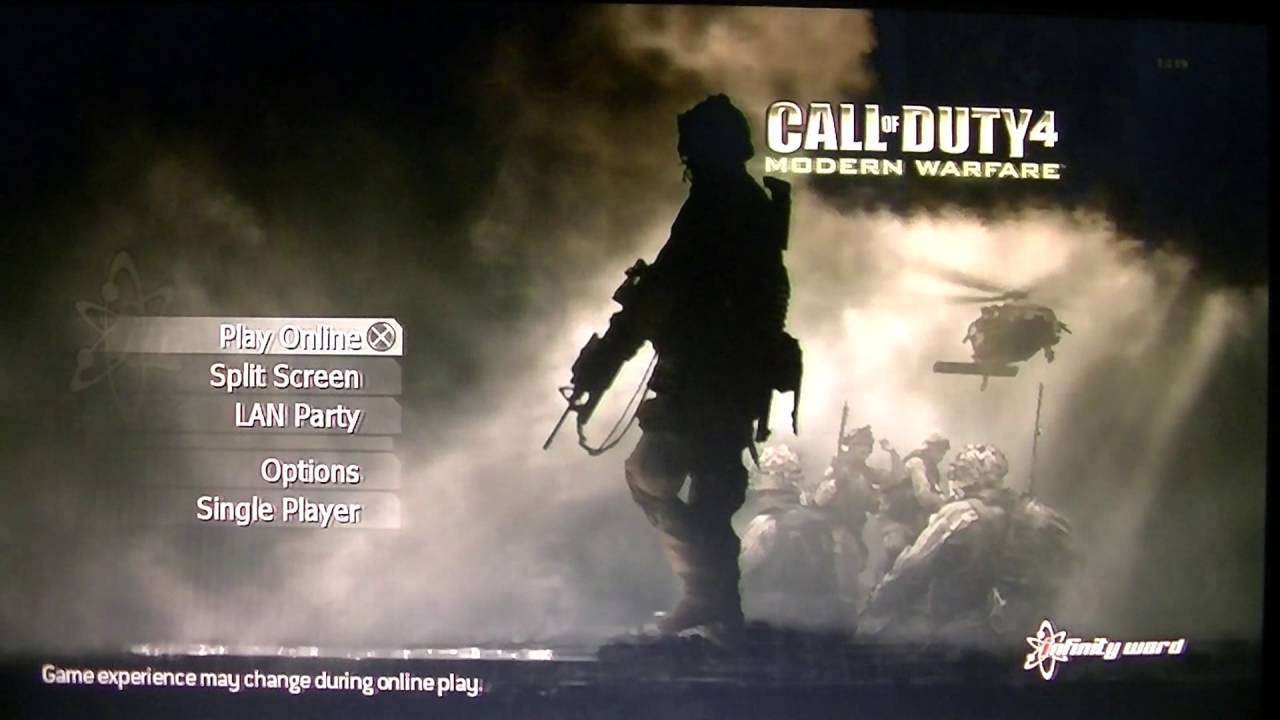
Due to the several amount of new comments from my COD4 Downloading Game Settings video, I decided to record a new video this year explaining what I did to fix the issue. I've also heard that by getting the digital version of Call of Duty 4, the downloading game settings doesn't occur. Here's the solution from my previous video from 2015:
1. Reset your router/modem or internet connection (DO NOT Unplug them) - This usually works for most people but not all!
Here's the other method I researched on the PlayStation forums:
1. Go on Call of Duty 4 and go to online then go to lobby at that point it will say Downloading Game Settings, but that might go away over time (no guarantee)
2. If that goes away click on playlists and there again is downloading game settings.
3. AT this point you want to leave the lobby and just go back to the screen before.
4. You then reset your router, don't unplug it from the back, find the reset button and then use a toothpick or whatever then reset it.
5. Go back into the lobby and it should be gone.
6. When your in the lobby press the PS button and log out of your account without leaving the game you should be at the lobby screen.
7. Back out of the lobby screen then log in again.
8. Your downloading game settings message should go away
Повторяем попытку...
Доступные форматы для скачивания:
Скачать видео
-
Информация по загрузке: