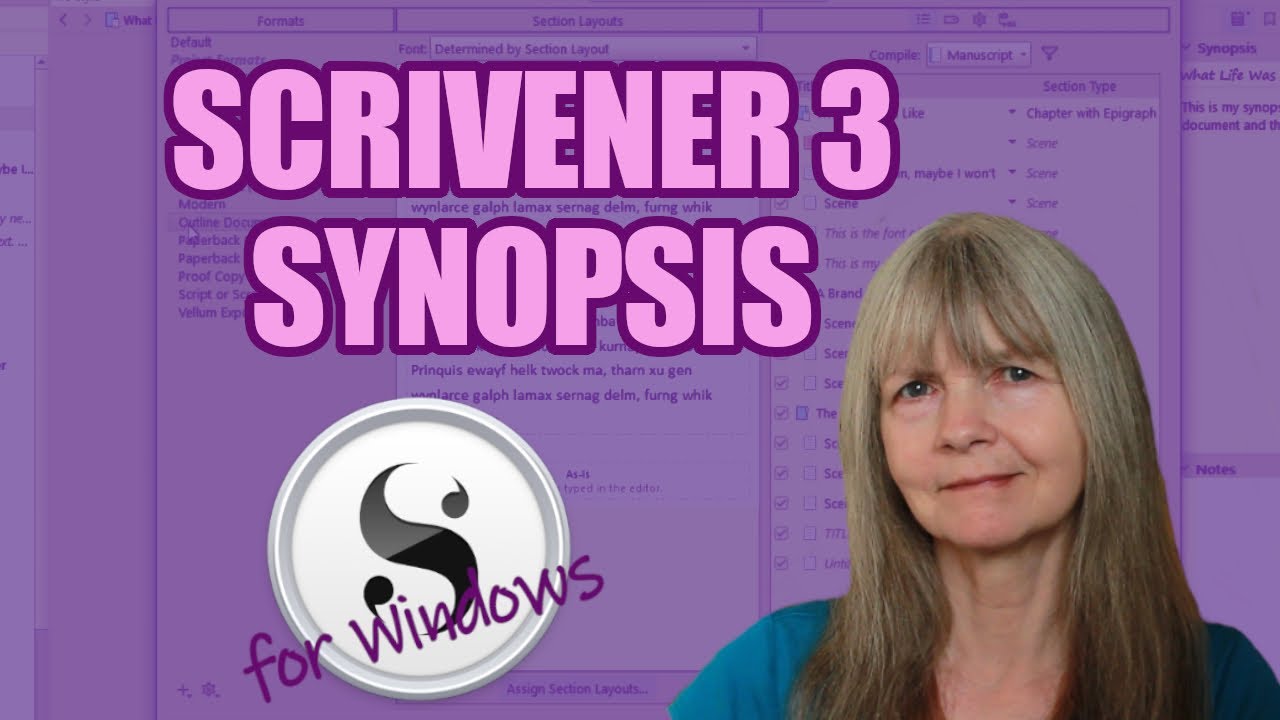
Scrivener 3 for Windows: How Does the Synopsis Box Work?
Автор: Juliet Boyd - Tech Tutorials for Authors
Загружено: 2021-09-16
Просмотров: 335
Описание:
Do you need to create a synopsis of every chapter of your manuscript? Well, the synopsis box in Scrivener 3 for Windows might be just what you're looking for.
Video Breakdown
00:00 Introduction
00:10 Where to find the synopsis box
00:20 The Auto-fill option
00:34 The function of the synopsis box
01:12 Compile templates that use the synopsis
01:41 Appending your synopsis
🎥 Subscribe here for future videos like this:
/ @techtutorialsforauthors
This is the equipment I use to record my videos and my audio. They're Amazon affiliate links, so I'll get a small commission if you decide to buy after clicking through. This won’t affect the price you pay.
Blue Yeti mic
Amazon UK: https://amzn.to/2ZbwduD
Amazon US: https://amzn.to/3bEaRIH
Earamble pop filter
Amazon UK: https://amzn.to/2yWEsQy
Amazon US: https://amzn.to/3nf5iIe
Canon EOS 4000D camera
Amazon UK: https://amzn.to/2XMWk9B
Amazon US: https://amzn.to/3dHEbm0
Find out about my writing on my website:
🌍 https://www.julietboyd.com
See you again soon.
#scrivener3forwindows #scrivener3tutorial #scrivener3forbeginners
Повторяем попытку...
Доступные форматы для скачивания:
Скачать видео
-
Информация по загрузке: