How To Fix Windows Missing Important Security & Quality Fixes (2026) | 4 Easy Fixes That Work
Автор: Solverealm
Загружено: 2026-11-25
Просмотров: 8
Описание:
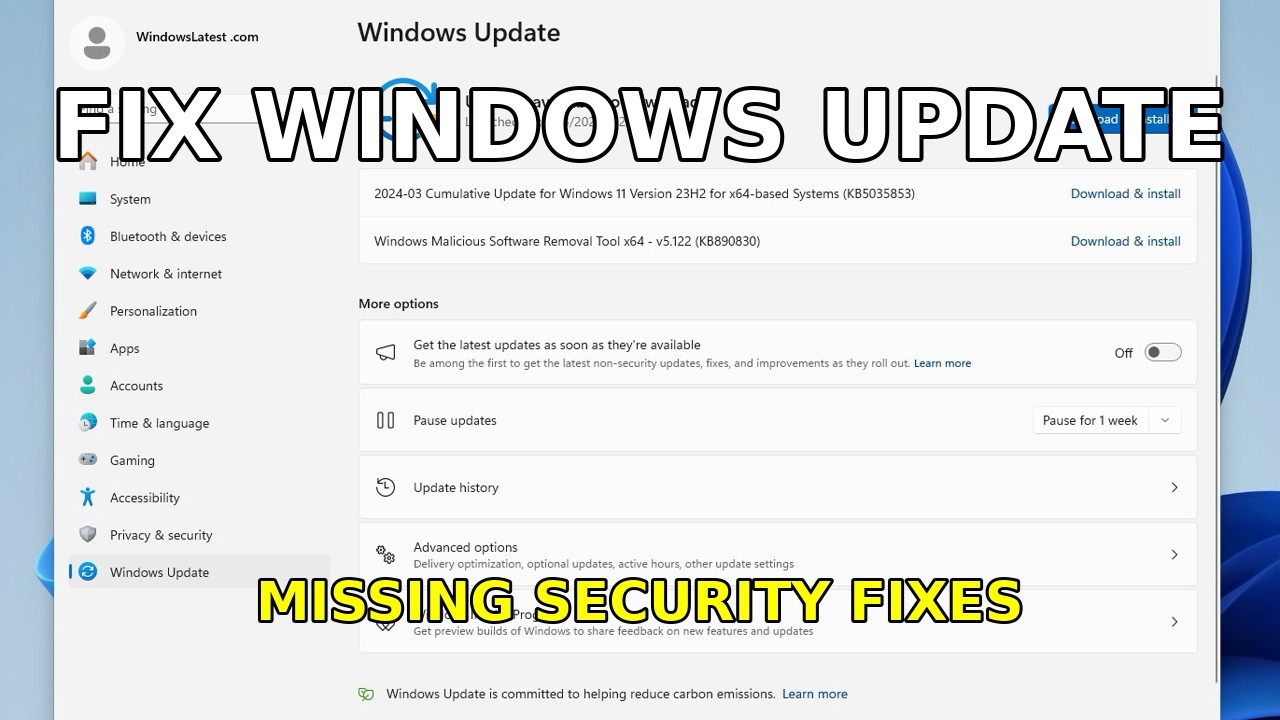
Seeing "Your device is missing important security and quality fixes" in Windows Update? It means an update failed to install — and the message does not name which update is missing. Here are the fixes, in order. First, run the Windows Update troubleshooter: open Settings → System → Troubleshoot → Other troubleshooters, and run Windows Update. Second, repair your system files: open Terminal as administrator and run DISM /Online /Cleanup-Image /RestoreHealth, then run sfc /scannow. Third, reset the Windows Update components: stop the update services (Windows Update, Cryptographic, Background Intelligent Transfer Service, and Windows Installer), rename the SoftwareDistribution and catroot2 folders, then start the services again. If it still fails, find the failed update's KB number in Update history, search it on the Microsoft Update Catalog at catalog.update.microsoft.com, and install the update yourself. Restart, check for updates again, and subscribe to Solverealm for more Windows fixes.
00:00 Intro — what the "missing fixes" message means
00:10 Fix 1 — run the Windows Update troubleshooter
00:20 Fix 2 — repair system files with DISM and SFC
00:30 Fix 3 — reset the update components
00:40 Fix 4 — install the update manually from the Catalog
00:50 Restart and check for updates again
#WindowsUpdate #Windows11 #Windows10 #WindowsFix #TechTips #Solverealm
Keywords: windows update fix, missing security and quality fixes, windows 11 update error, windows 10 update error, fix windows update, dism restorehealth, sfc scannow, reset windows update components, microsoft update catalog, windows update troubleshooter
Повторяем попытку...
Доступные форматы для скачивания:
Скачать видео
-
Информация по загрузке: