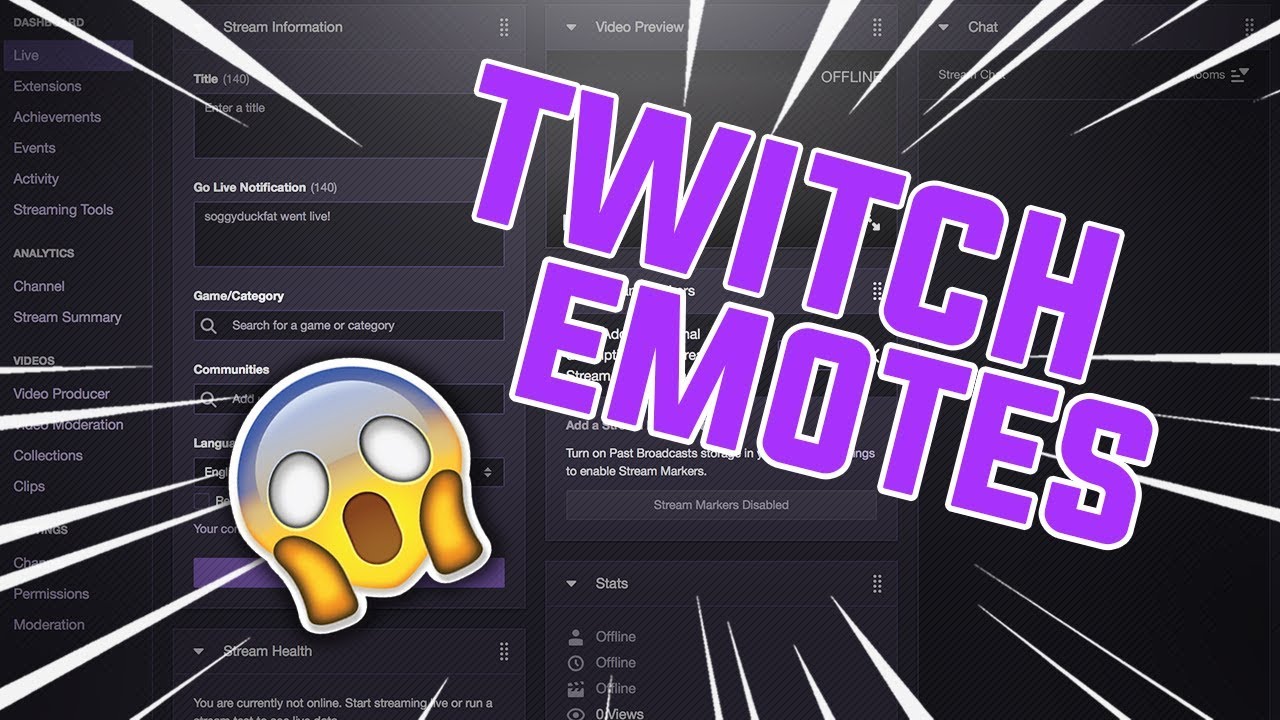
HOW TO Upload CUSTOM Twitch Emotes And Sub Badges
Автор: Starix Gaming
Загружено: 2020-08-07
Просмотров: 10748
Описание:
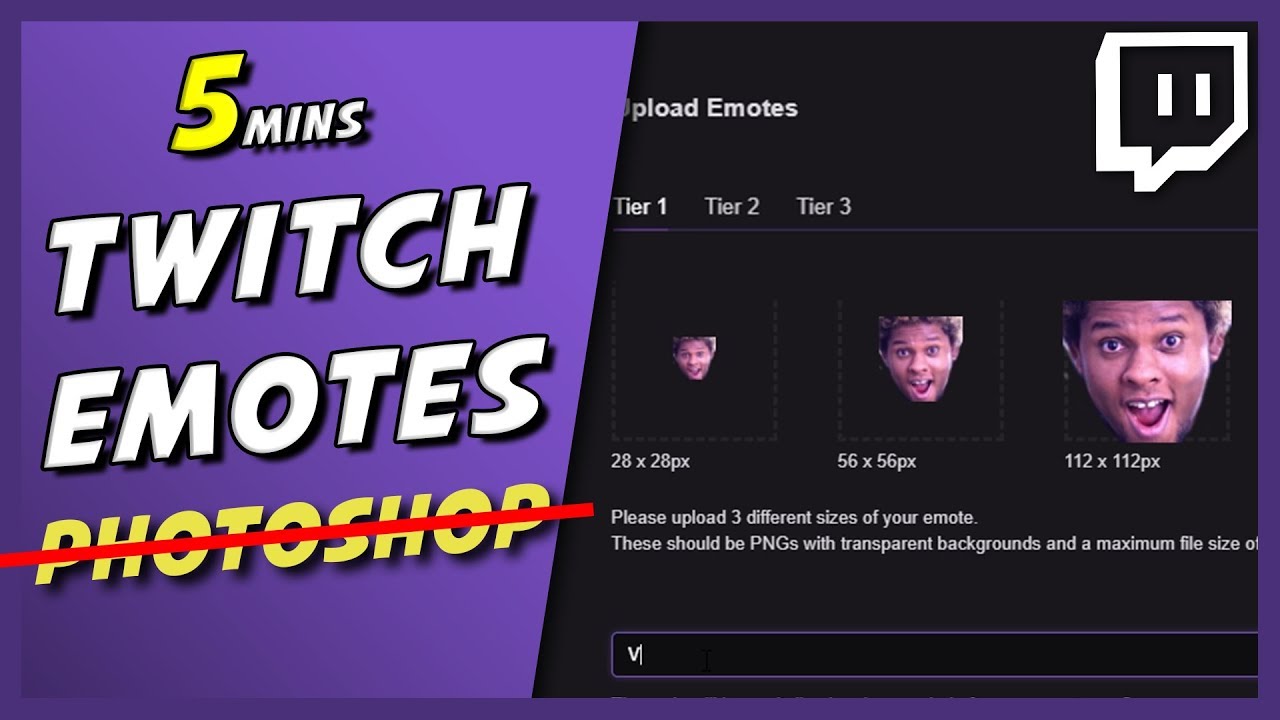
Today I'll be showing you guys how to upload/add custom twitch sub emotes and sub badges if you are a twitch affiliate to your twitch channel.
Image resizer - Just search on Google for something in the style of "Free image reziser".
GET OVERLAYS, ALERTS, EMOTES AND MORE FOR STREAMERS - NOW 50% OFF ANY PURCHASE https://bit.ly/3ELPmrP
Grow YOUR Youtube/Twitch Channel TO THE NEXT LEVEL using Streamlabs Prime TODAY! https://bit.ly/3viD69y
If you find this video helpful then make sure to leave a like on the video and if you want to see more similar videos from me then please subscribe to the channel with the bell notifications ON!
More similar videos from me:
Twitch Channel Customization Tutorials • HOW TO Add A Twitch Offline Screen 2022
How to setup Twitch channel points 2020 • HOW TO Setup Twitch Channel Points - Full ...
Streaming Tutorials • HOW TO Find Your Twitch Stream Key *EASY 2020
MY SETUP GEAR: (AFFILIATE)
MAIN MIC - Shure MV7 https://amzn.to/3vsFZFN (with RK345 FILTER https://amzn.to/3vqprOF)
2nd Mic - HyperX Quadcast https://amzn.to/2OIZeLa
Headset - Steelseries Arctis 5 https://amzn.to/3mKfjwD
Mouse - Steelseries Rival 310 https://amzn.to/2QptZFi
Webcam - Logitech C922 Pro HD https://amzn.to/3v0AhdV
Main Monitor - Acer KG241Q https://amzn.to/3saIbiJ
Mic Boom Arm - RODE PSA1 https://amzn.to/3wFehFV
STALK ME:
Twitter: / starixyt
Instagram: / starix_gamingz.yt
Twitch: / starix_gamingz
CYA!
Повторяем попытку...

Доступные форматы для скачивания:
Скачать видео
-
Информация по загрузке: