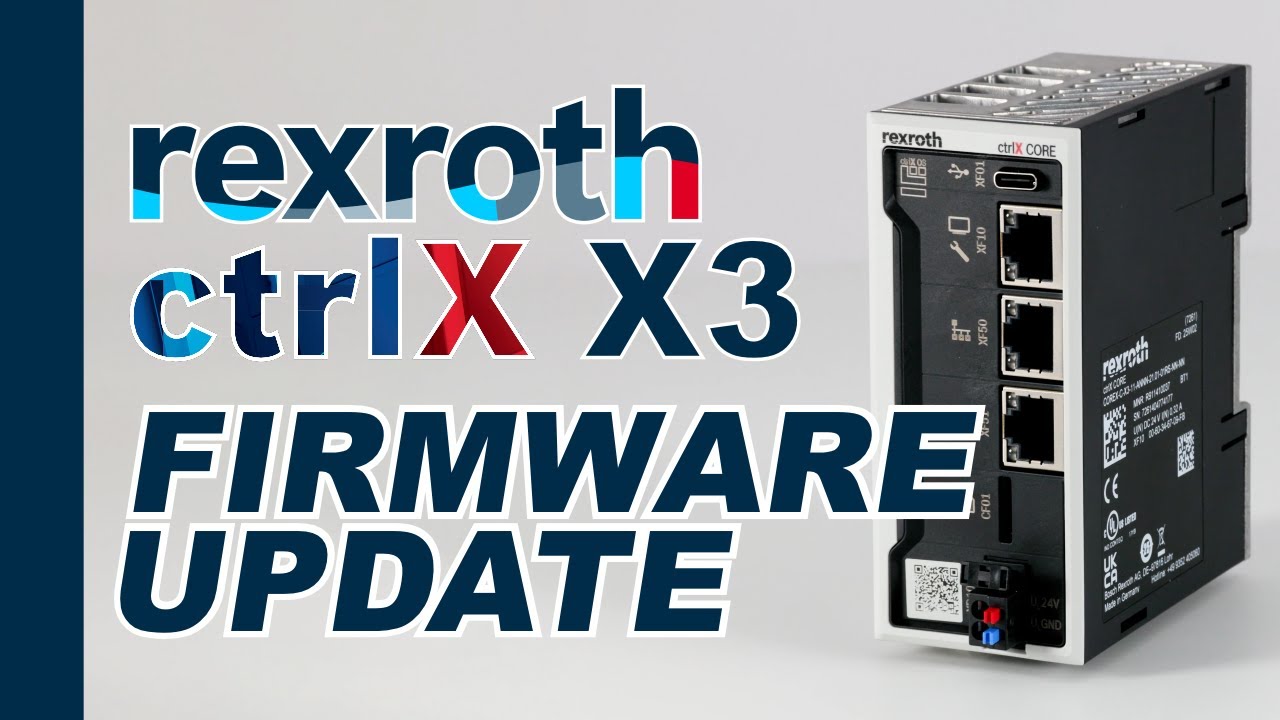
How to Update Firmware on the Bosch Rexroth ctrlX CORE X3 (Step-by-Step Guide)
Автор: Inverter Drive Supermarket
Загружено: 2025-12-16
Просмотров: 59
Описание:
Learn how to safely update the firmware on the Bosch Rexroth ctrlX CORE X3 using the official SystemImage package from Bosch Rexroth.
This step-by-step tutorial shows you the correct method — ensuring all apps update together and your controller stays fully compatible and stable.
In this video I’ll walk you through checking your current firmware version, downloading the correct update from the Collaboration Rooms, preparing a microSD card, running the update, and verifying everything afterwards.
Updating the ctrlX CORE properly is essential for EtherCAT, PLC App, automation apps, fieldbus communication, and long-term system reliability.
Follow this guide to make sure your controller stays up to date and trouble-free.
📌 What you’ll learn in this video
✅ How to check your current ctrlX CORE X3 firmware version
✅ Why you should not update Automation Core directly online
✅ How to download the official SystemImage firmware bundle
✅ How to prepare a microSD card for updating
✅ What the LED flashing sequences mean during the update
✅ What to do if the update is interrupted
✅ How to log back in after the update and confirm versions
✅ How the rollback and log files work
✅ Best practices for keeping your ctrlX CORE up to date
📘 Chapters
00:00 – Introduction
00:29 – IDS Demo Rig
00:38 – Check firmware version
00:57 – Why you shouldn’t update online
01:22 – Download official firmware
02:33 – Copy to microSD card
02:51 – Insert microSD and power-cycle
03:00 – The update process
03:30 – Confirm firmware updated
04:05 – Log file and backup
🙏 Support the channel
If you found this video helpful, please give it a thumbs-up, drop a comment, and subscribe — it really helps support the channel and lets me create more industrial automation tutorials.
Повторяем попытку...
Доступные форматы для скачивания:
Скачать видео
-
Информация по загрузке: