iOS 17: How to Hide Purchased App on iPhone
Автор: Solve Your Tech
Загружено: 2023-11-27
Просмотров: 7206
Описание:
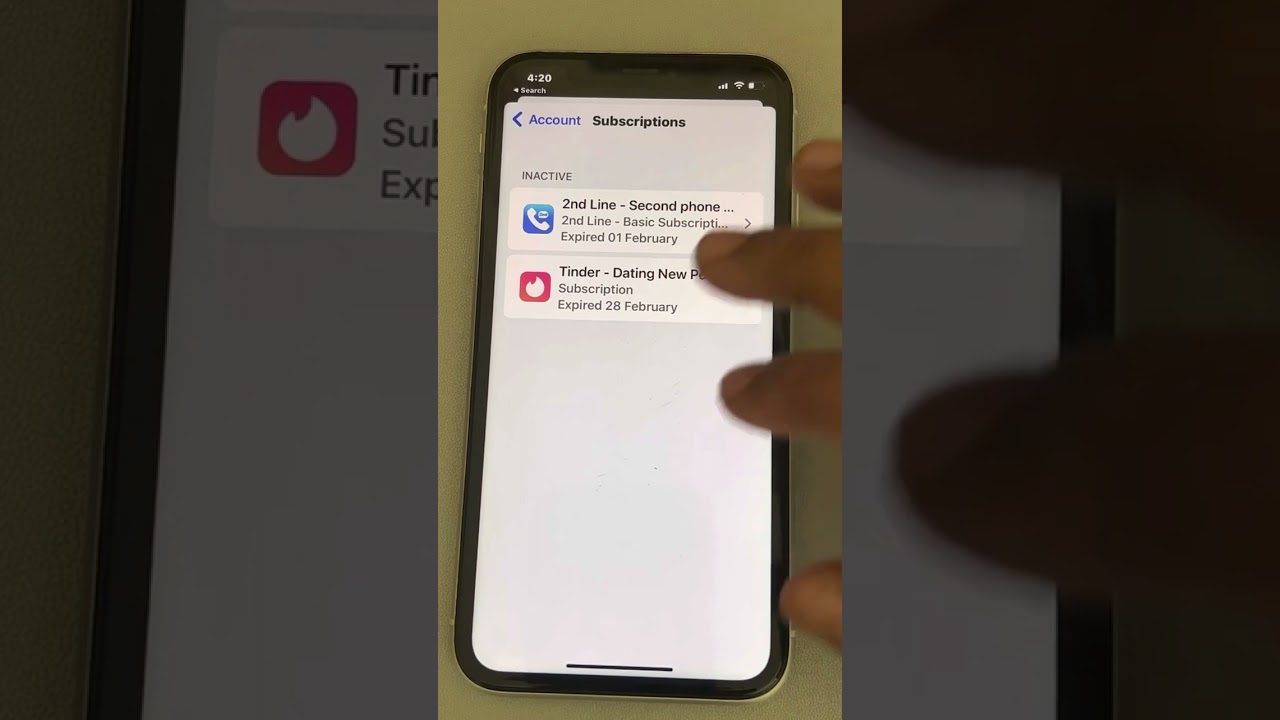
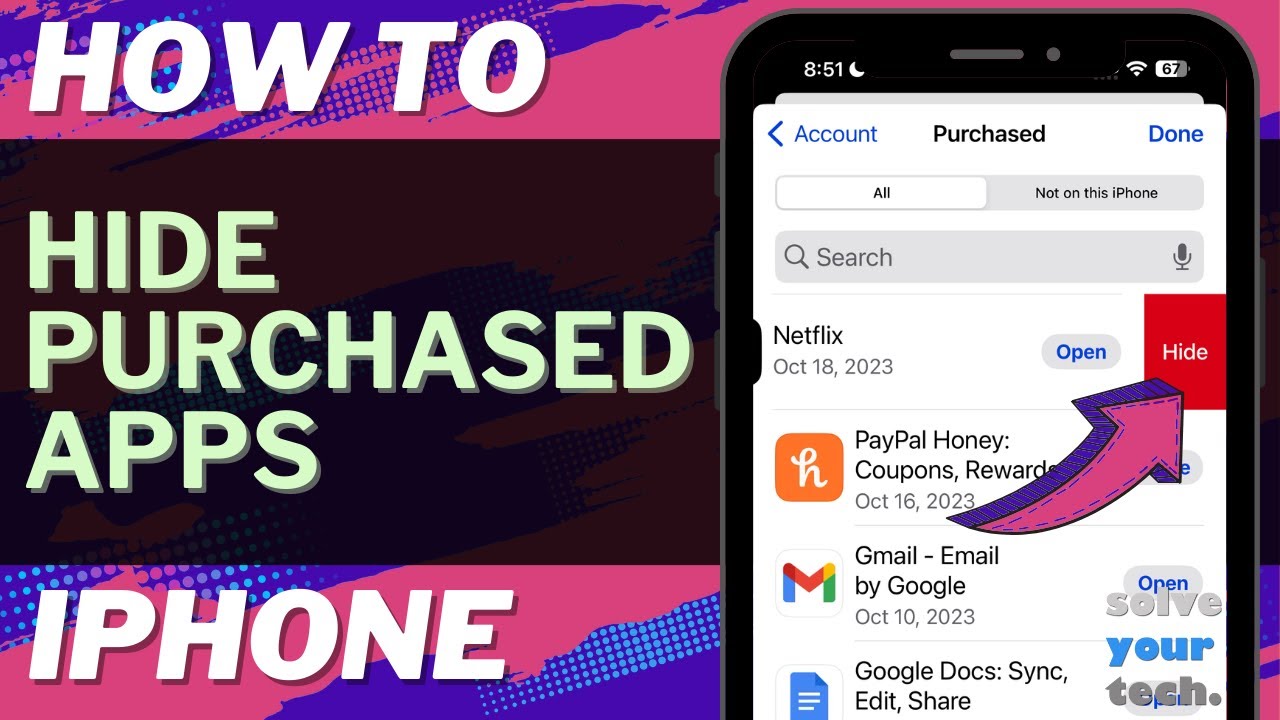
This video will show you how to hide a purchased app on iPhone in iOS 17. Once you complete this tutorial, you will know how to hide an app from your purchase history.
You can hide a purchased iPhone app with the following steps:
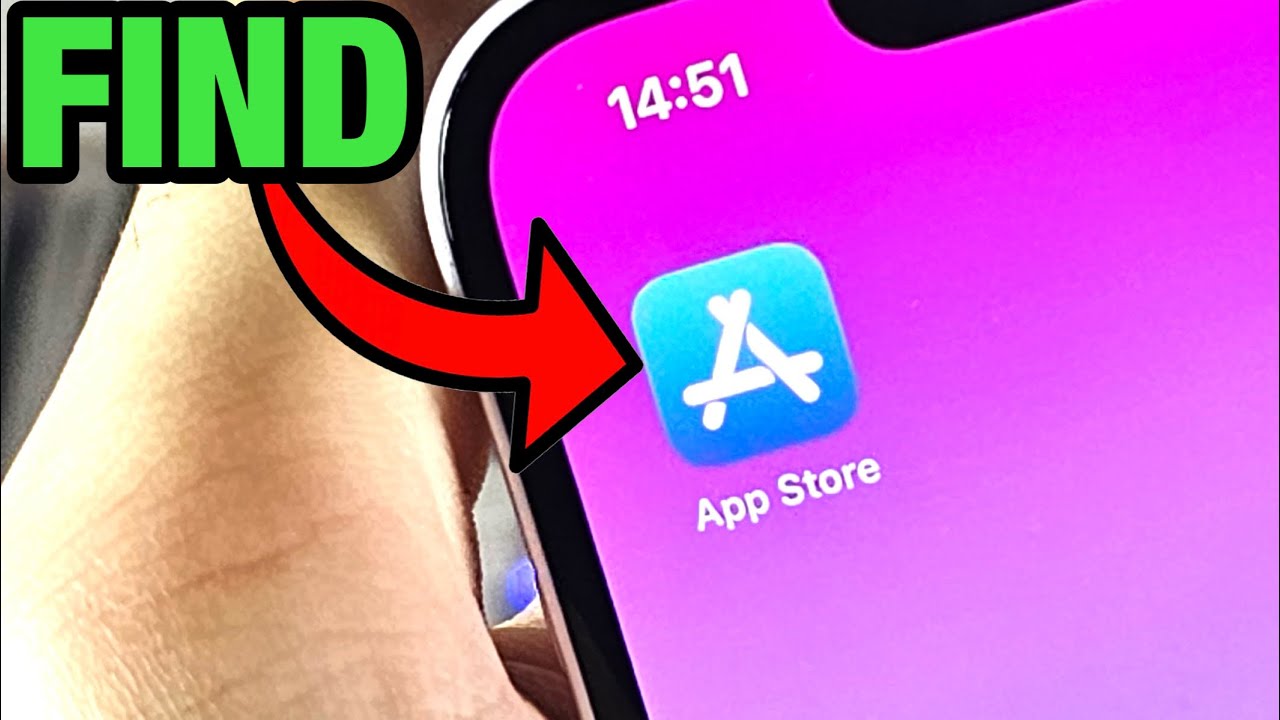
1. Open the App Store.
2. Tap your profile icon at the top-right.
3. Choose the Purchased option.
4. Swipe left on the app to hide.
5. Touch the Hide button.
You can unhide an app by opening the App Store, tapping your profile icon, then tapping your name at the top of the menu. You can then scroll down, tap on Hidden Purchases, then tap the Unhide button next to an app.
The steps in this guide were performed on an iPhone 14 in the iOS 17 operating system, but work on many other iPhone models as well, such as the iPhone 11, iPhone 12, iPhone 13, and iPhone 15.
00:00 Introduction
00:16 iOS 17 How to Hide Purchased App on iPhone
01:21 Outro
Related Questions and Issues This Video Can Help With:
iOS 17 How to Hide Purchased App on iPhone Mini
iOS 17 How to Hide Purchased App on iPhone Plus
iOS 17 How to Hide Purchased App on iPhone Pro
iOS 17 How to Hide Purchased App on iPhone Pro Max
#solveyourtech #apple #iphone #ios #howtoiphone #iphonetips #iphonetricks #iphonetipsandtricks #hidepurchasedappiphone #iphonehidepurcahsedapp #howtohidepurchasedapponiphone
Be sure to like this video and subscribe to our channel!
You can connect with us on our other social media accounts, too:
Facebook - / solveyourtech
Twitter - / solveyourtech
Instagram - / solveyourtech
Pinterest - / solveyourtech
Linkedin - / solve-your-tech
SolveYourTech was founded in 2012 with the aim of providing how-to guides and tutorials that help people with problems on their phones, computers, and apps.
Since then, we have created thousands of guides focused on that goal. If you are looking for help with your smartphone, PC, or an application that you are using, then visit https://www.solveyourtech.com
Повторяем попытку...
Доступные форматы для скачивания:
Скачать видео
-
Информация по загрузке:
![Удалить приложения из iCloud на iPhone навсегда! [Как сделать]](https://imager.clipsaver.ru/t0UEOdf5dDg/max.jpg)