Zebra GK420t / GK430t / GX420t / GX430t Thermal Transfer Label Printer ~ Printhead Replacement
Автор: DrShock
Загружено: 2026-01-26
Просмотров: 382
Описание:
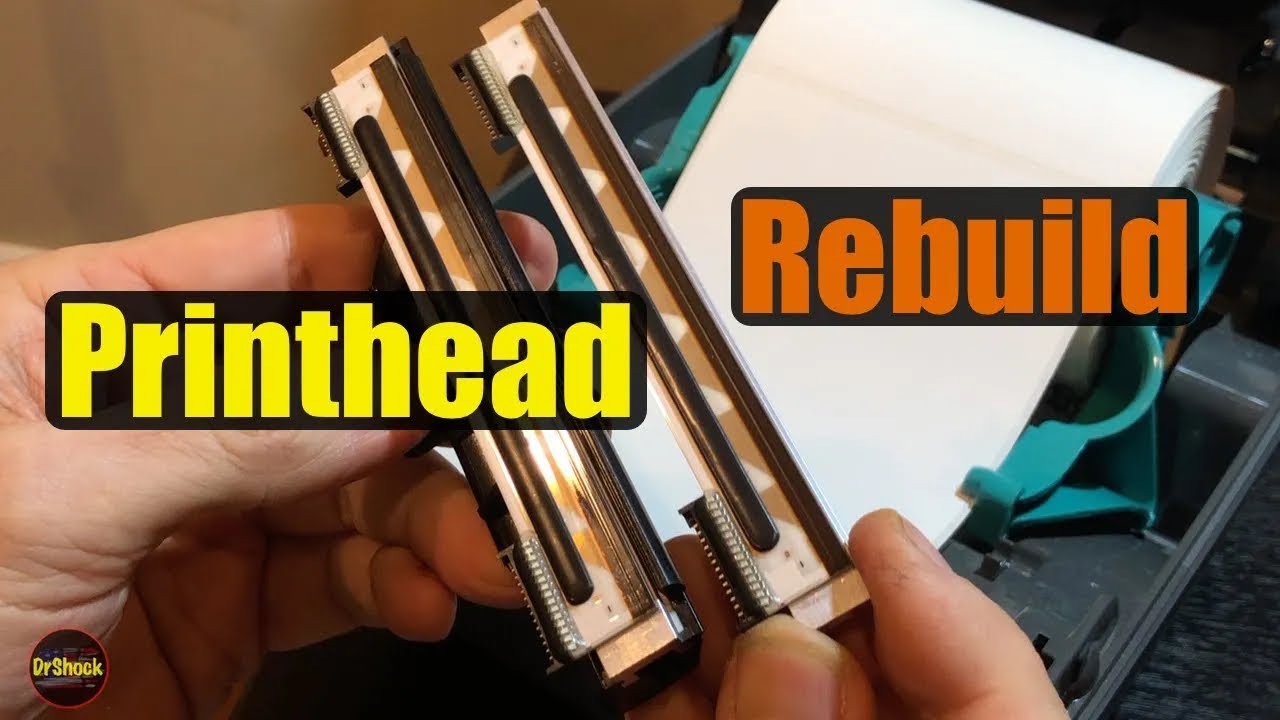
In this video we go over how to disassemble and rebuild the printhead assembly for the Zebra GK420t, GK430t, GX420t, and GX430t series thermal transfer label printer models. When the printhead darkness setting is maxed out (30.0), and a new genuine Zebra thermal transfer ribbon and label roll are used and yet you are still getting light areas, splotchy barcodes, or broken segments then it's time to replace the printhead itself.
Zebra ended support on the GK and GX series in April, 2025. OEM parts cost on the replacement printhead assembly for these two series models is more than the replacement trigger value of the printer now, so I will show you how to rebuild the assembly using an aftermarket element instead.
The eBay and Amazon search links below are paid links, for which I may be compensated and earn a commission, if you choose to buy the parts and tools shown in this video thru them:
GK420t & GX420t only
Zebra 105934-038 (203dpi) printhead element: https://ebay.us/A0xuT4 or https://amzn.to/3Jrjxtb
GK430t & GX430t only
Zebra 105934-039 (300dpi) printhead element: https://ebay.us/ArFRAM or https://amzn.to/47w3MKy
Zebra 105950-035 cleaning pen: https://ebay.us/6P2Uv9 or https://amzn.to/483Hhg5
And if I've saved you some $$ here, consider some coins for the coffee tip-jar! https://ko-fi.com/drshock
Chapters:
0:00 - Problem overview
0:21 - Removing the printhead assembly
3:04 - Rebuilding the printhead assembly with a new element
12:31 - Installing the printhead assembly
15:23 - Cleaning the printhead
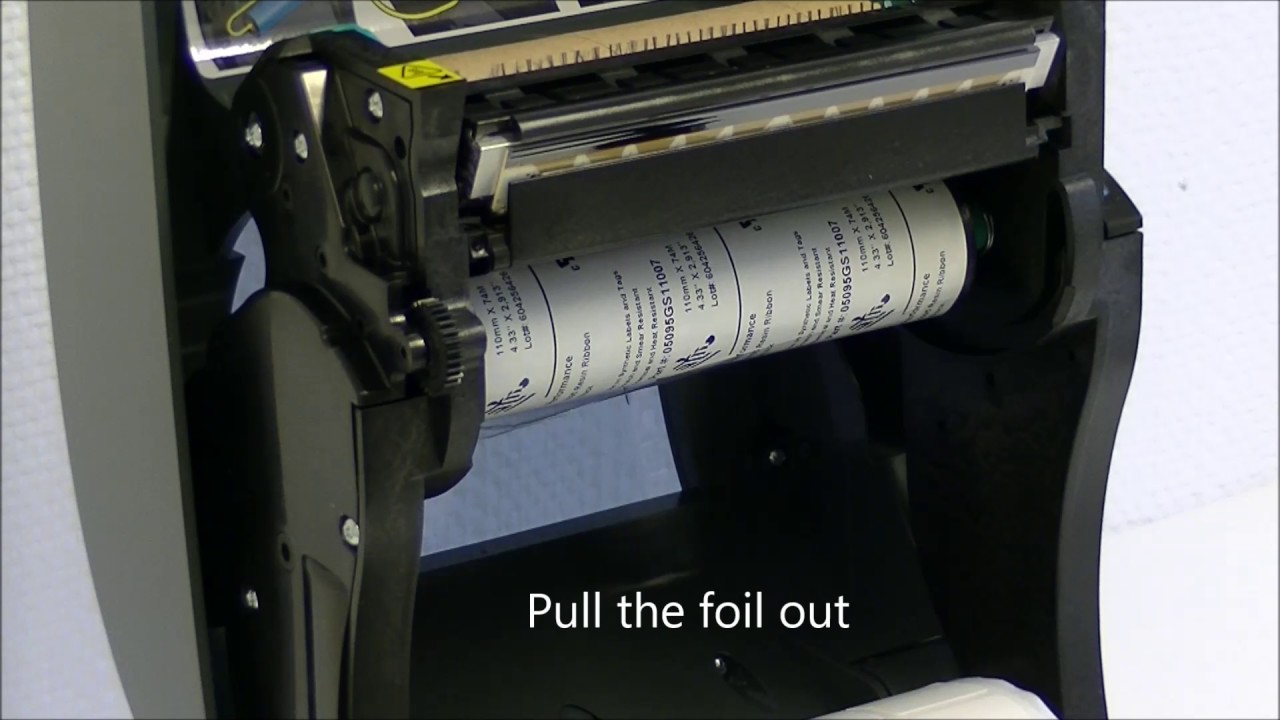
16:05 - Reinstalling the ribbon
17:20 - Testing and adjusting the darkness
20:35 - Zebra technical service documentation overview
#drshock
Disclaimer: DrShock, the alias for the human content creator for this YouTube channel, is not responsible for any damages, injuries, losses, or liabilities associated with any repairs, upgrades, or maintenance performed on yours, or any other, product whatsoever. No warranty, express or implied, is made as to the accuracy or completeness of any information provided within this channel. Viewing and using the “as-is" information of this channel is totally at your own risk. Always wear personal protection equipment and follow appropriate product manufacturer service manual guidelines with original manufacturer parts only when performing any repairs, upgrades, or maintenance upon any product.
Повторяем попытку...
Доступные форматы для скачивания:
Скачать видео
-
Информация по загрузке:













![Почему взрываются батарейки и аккумуляторы? [Veritasium]](https://imager.clipsaver.ru/a3-3R9zwyGY/max.jpg)