Qolsys IQ Panel 4: Accessing Remotely
Автор: Alarm Grid
Загружено: 2024-12-18
Просмотров: 1362
Описание:
In this video, Dylan from Alarm Grid explains how to set a Qolsys IQ Panel 4 up for remote access. To access the panel remotely, you must set it up to be monitored. When setting it up for monitoring, the built-in cellular communicator must be registered and activated. For Alarm Grid customers, that means you must choose a plan that includes cellular service, such as our Gold Monitoring Plan. The Gold Plan is available in Full or Self Monitoring.
00:00 - Introduction
01:21 - Find IMEI
02:50 - Review Welcome Email
03:33 - Accept ToS
03:43 - Set Password
04:18 - Security Question
04:48 - System Name & Info
05:53 - Arming Reminder
06:48 - Common Notifications
08:01 - Devices
08:43 - Browse ADC
09:40 - Outro
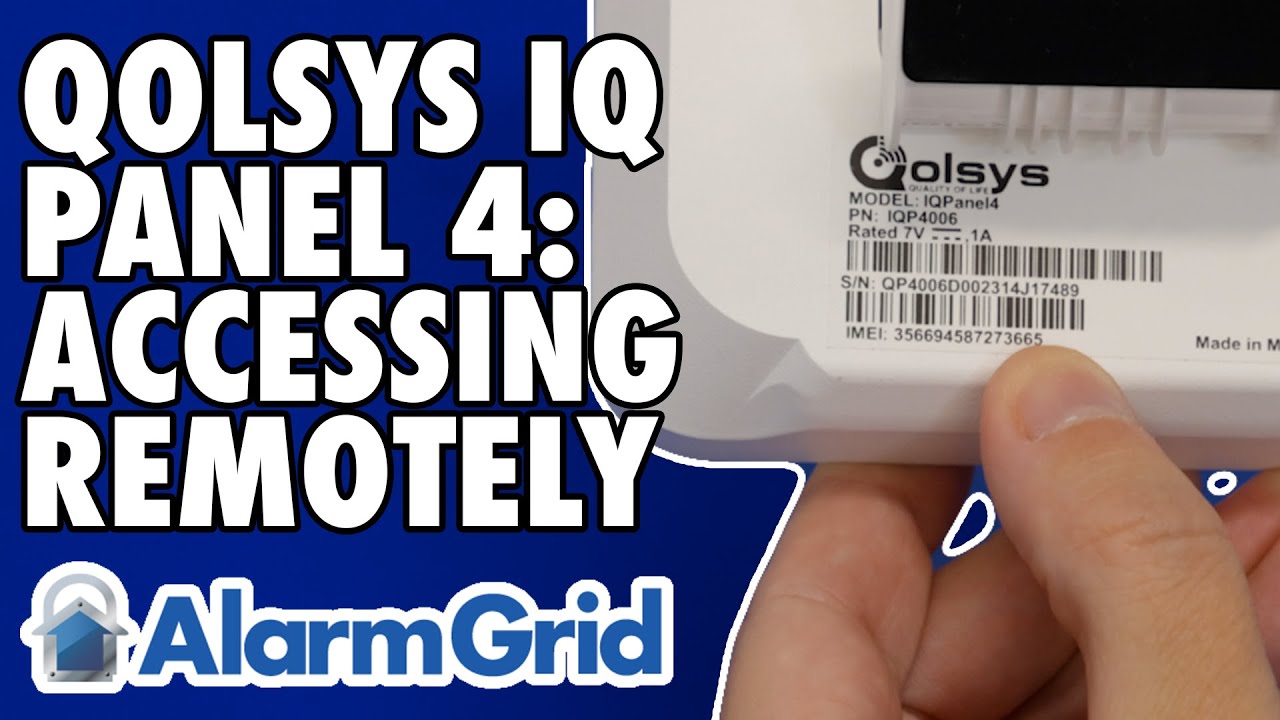
In the video, Dylan shows you how to retrieve the IMEI number, either from the back of the panel, or from within programming. The IMEI number is required by your alarm dealer when activating the account. Once the system has been activated and registered, you will receive a welcome email giving you your username and allowing you to set your password.
The password must be at least ten (10) characters in length and must contain at least one (1) letter, one (1) number, and one (1) special character. Once the password has been set, log in. Upon your first login, you will be provided with a quick tutorial. You can skip the tutorial if you like.
From this point on, what you see will depend a great deal on what features and services you've signed up for. If you have any difficulty accessing or using your system, contact your alarm dealer for assistance. The FAQ linked below may also provide some assistance.
https://www.alarmgrid.com/faq/how-can...
http://alrm.gd/get-monitored
Повторяем попытку...
Доступные форматы для скачивания:
Скачать видео
-
Информация по загрузке: