x86-64 Assembly For Loops Explained - YASM Tutorial
Автор: Neural Lantern
Загружено: 2026-01-31
Просмотров: 85
Описание:
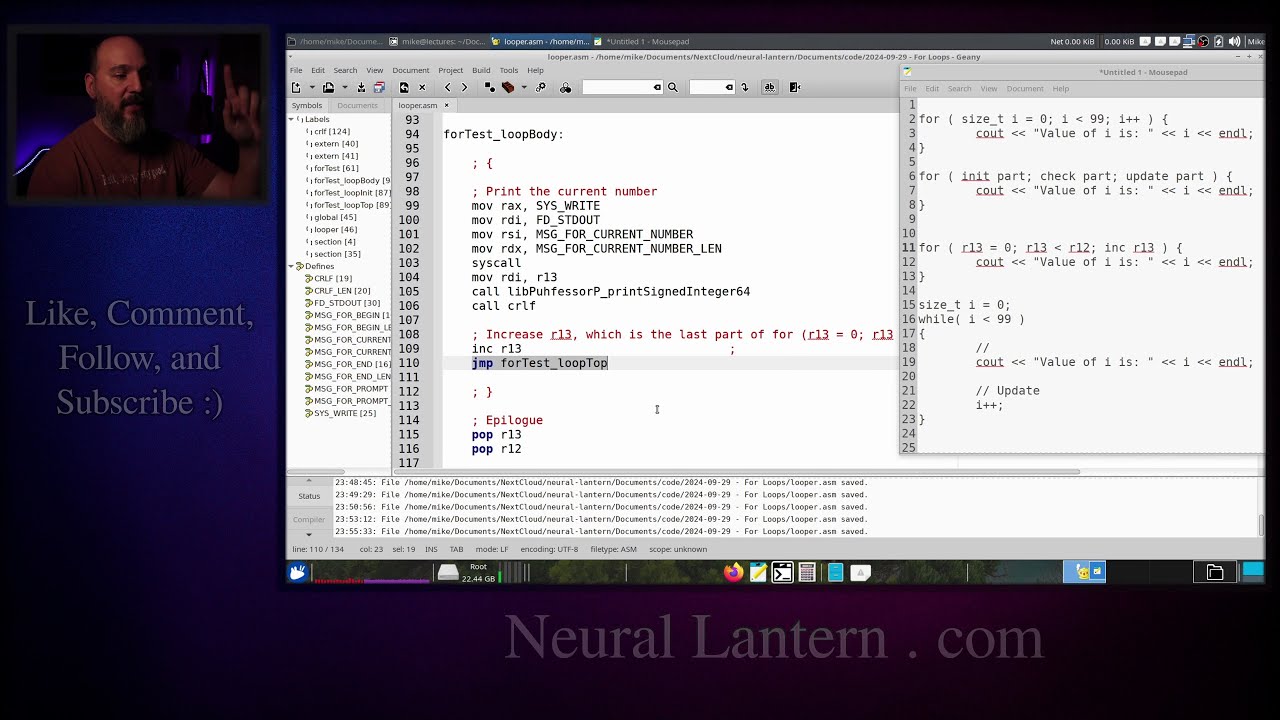
In this step-by-step tutorial I walk you through exactly how to turn a simple C-style for loop into working x86-64 assembly code using YASM. We start by understanding the three classic parts of a for loop (initialization, condition check, update/increment), then show why converting it to an equivalent while loop makes the assembly version much easier to write.
We cover:
Choosing and preserving callee-saved registers (r12 & r13)
Loop initialization (setting counter to 0)
Comparison + conditional jump (jl) for the check
Handling short vs long jump distances
Unconditional jump back to loop top after increment (inc)
Printing numbers inside the loop body using an external helper
Exit condition and jumping to the done label
All demonstrated with real code inside a hybrid C++/assembly program. Perfect for beginners moving from C/C++ into low-level programming or anyone preparing for university computer architecture / systems programming courses.
If you're new to assembly, check my playlist for basics first (conditional jumps, system calls, calling C functions from asm, etc.).
Thanks for watching - drop a like if this helped, subscribe for more low-level programming content, and leave a comment for what you want to see next!
Introduction to For Loops in Assembly 00:00:00
For Loop Structure in High-Level Languages 00:00:28
Breaking Down For Loop Parts: Init, Check, Update 00:01:04
Converting For Loop to While Loop 00:01:52
Why While Loop Style Helps in Assembly 00:03:16
Program Overview and Setup 00:04:12
Data Section - Strings and Messages 00:04:40
External Functions and Hybrid Program 00:06:11
Entry Point - Looper Function 00:07:12
For Test Function and Register Usage 00:07:42
Preserving Callee-Saved Registers 00:08:05
Printing Welcome Message 00:09:00
Prompting User for Number 00:09:48
Getting User Input 00:10:25
For Loop Structure in Assembly - Comments 00:11:12
Initialization - Setting Counter to Zero 00:12:50
Loop Top Label and Condition Check 00:14:28
Conditional Jump Setup (jl) 00:15:07
Handling Jump Distances 00:15:34
Loop Body - Printing Current Number 00:16:58
Update Part - Increment Counter 00:18:40
Unconditional Jump Back to Loop Top 00:19:14
Loop Done Label and Exit 00:19:55
Printing Goodbye Message 00:20:23
Testing the Program 00:22:08
Final Results and Demo 00:22:24
Outro and Call to Action 00:23:25
Thanks and Subscribe Request 00:23:45
Website and QR Code Mention 00:24:38
Closing Thanks 00:25:16
=-=-=-=-=-=-=-=-=
Thanks for watching!
Find us on other social media here:
https://www.NeuralLantern.com/social
Twitter / X: https://x.com/NeuralLantern
Rumble: https://rumble.com/c/c-3696939
BitChute: https://www.bitchute.com/channel/pg1P...
Daily Motion: https://www.dailymotion.com/neurallan...
Minds: https://www.minds.com/neurallantern/
Odysee: https://odysee.com/@NeuralLantern:5
Please show your support!
Buy me a coffee: https://ko-fi.com/neurallantern
Subscribe + Sharing on Social Media
Leave a comment or suggestion
Subscribe to Blog: https://www.NeuralLantern.com
Watching the main "pinned" video of this channel for offers and extras
Повторяем попытку...
Доступные форматы для скачивания:
Скачать видео
-
Информация по загрузке: