Скачать
Track Who Joined Your Teams Meeting with Attendance Reports
Автор: Meeting Room 365
Загружено: 2025-10-17
Просмотров: 9568
Описание:
Want to track who showed up to your Microsoft Teams meetings? Use the Attendance Report.
Only admins can enable it, but once it’s on, organizers and co-organizers can view and download reports. You’ll see names, join and leave times, total duration, and emails.
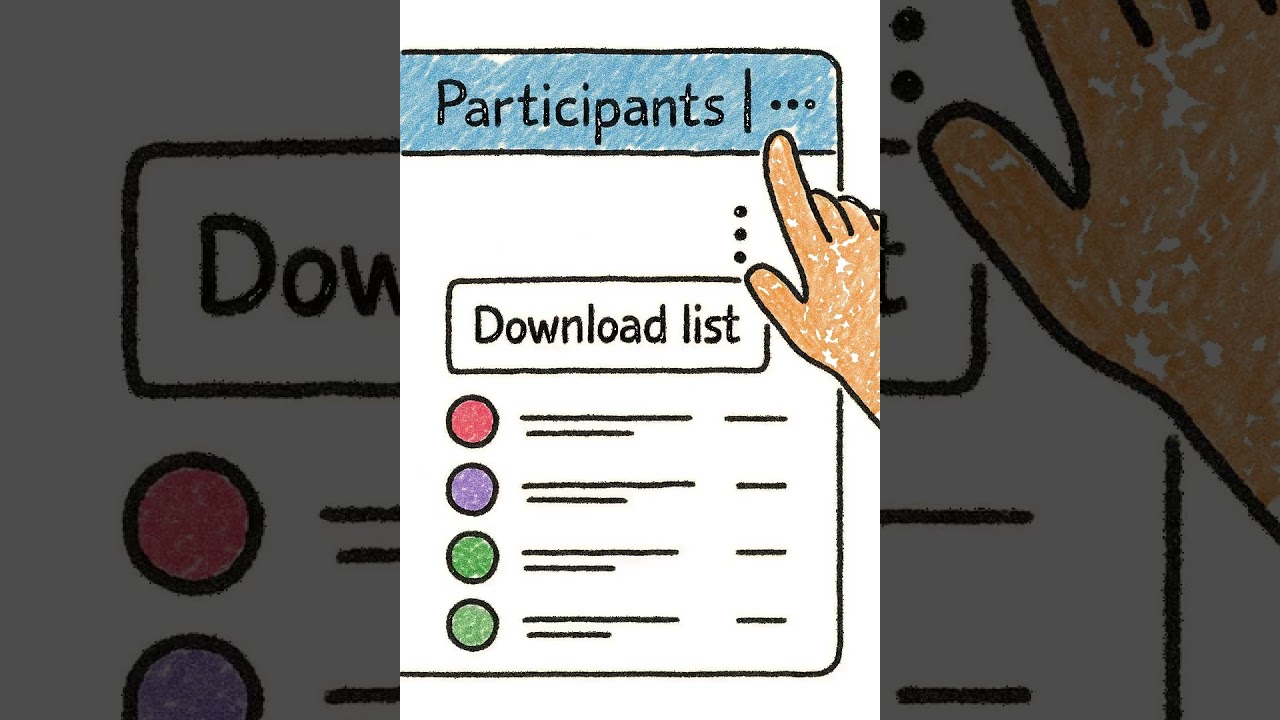
During a meeting, open the Participants pane, click the three dots, and download the list. After the meeting, you can find the report in the Attendance tab of the calendar event, or in the meeting chat as a CSV file.
That’s it — Teams Attendance Reports give you a clear record of who joined your meetings and when.
Не удается загрузить Youtube-плеер. Проверьте блокировку Youtube в вашей сети.
Повторяем попытку...
Повторяем попытку...
Доступные форматы для скачивания:
Скачать видео
-
Информация по загрузке: