How to Login Gmail Without Verification Code (2025 Update)
Автор: App Ultra
Загружено: 2025-10-16
Просмотров: 4092
Описание:
☕ If this video helped you, consider supporting me by buying me a coffee: https://coff.ee/bimalbasnet
If you want to log into Gmail without using a verification code, it depends on the type of security and authentication settings you have enabled on your Google account. Gmail’s verification codes are part of two-step verification, which protects your account from unauthorized access. However, if you have not turned on two-step verification or if alternative login methods are available, you may still be able to access your Gmail without needing a code. This tutorial explains when and how that’s possible.
To begin, open the Gmail app on your phone or visit [https://mail.google.com](https://mail.google.com) in your web browser. Tap on “Add another account” if you already have one signed in, then select “Google” as the account type. Enter the email address of the account you want to log into and tap “Next.” If Google only asks for your password and not a verification code, that means your account does not currently have two-step verification enabled. Simply type your password, tap “Next,” and you will be signed in.
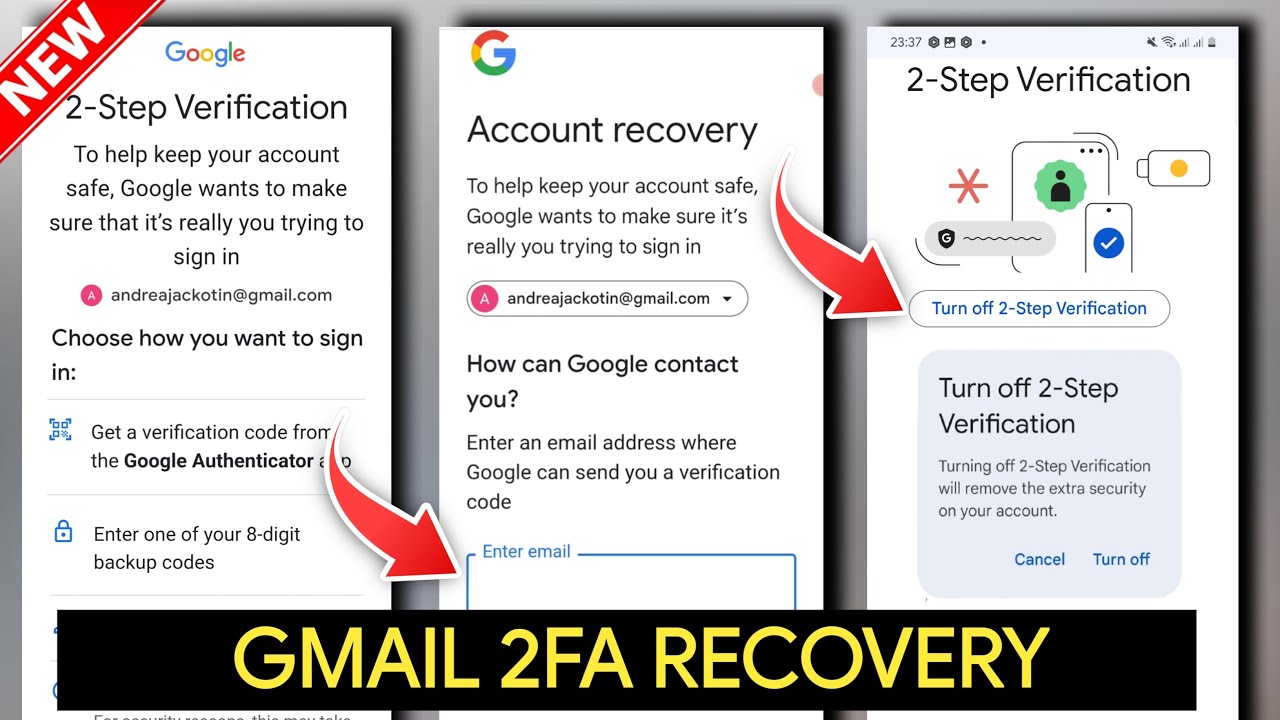
However, if Google prompts you for a verification code and you don’t have access to your backup email or phone number, there’s no way to bypass this step directly. Instead, you’ll need to use your account recovery options. Visit [https://accounts.google.com/signin/re...](https://accounts.google.com/signin/re...) and follow the on-screen instructions to recover access. Google will try multiple verification methods, such as confirming a previously used device or answering security questions, to prove that the account belongs to you.
If you want to avoid future login interruptions, you can turn off two-step verification later from your account’s Security settings. Go to [https://myaccount.google.com/security](https://myaccount.google.com/security), select “2-Step Verification,” and disable it after signing in. Keep in mind that turning off verification codes reduces your account’s security.
If you still have access to your device and Google recognizes it as trusted, you may be able to log in directly using your password or biometric authentication without needing a code.
Timestamps:
0:00 Introduction
0:25 Opening Gmail or Google login page
0:45 Entering email and password
1:03 Handling verification prompts
1:21 Recovering account via Google recovery
1:34 Managing 2-step verification settings
1:46 Conclusion
Hashtags:
#Gmail #GoogleLogin #VerificationCode #GmailHelp #AccountRecovery #GoogleAccount #TechTutorial
For Business Enquiries:
Email - [email protected]
Повторяем попытку...
Доступные форматы для скачивания:
Скачать видео
-
Информация по загрузке: