How to Export Your Lead Data to Excel or Google Sheets 📊
Автор: LeadQuizzes
Загружено: 2026-01-30
Просмотров: 3
Описание:
Need your quiz leads in a spreadsheet? In this quick tutorial, it shows you how to export your LeadQuizzes responses into a CSV file.
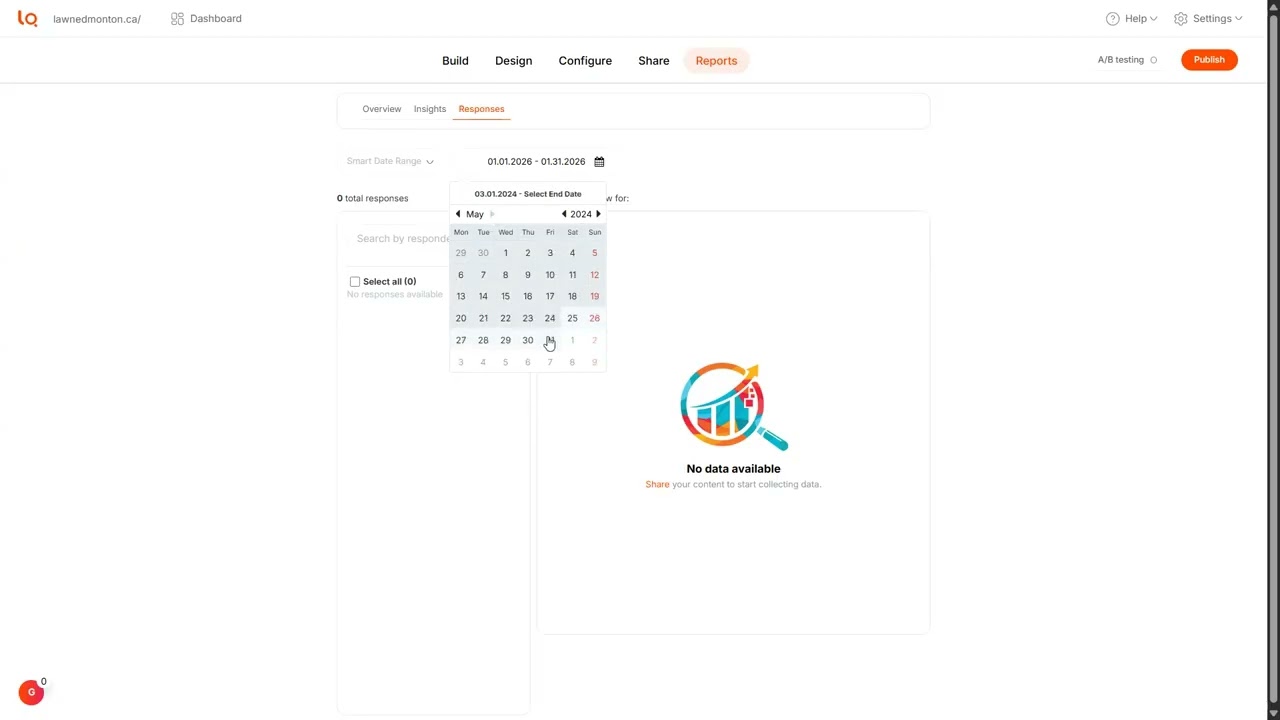
Learn how to filter your data by date, download your results securely via email, and use your lead data for advanced marketing analysis or client reports.
What you’ll learn:
How to find the Responses tab in your Reports dashboard.
Filtering leads by specific date ranges.
The process of exporting and downloading your CSV file.
What data points are included (Answers, Results, and Metadata).
💡 Pro-Tip: Use your exported data to create custom "Lookalike Audiences" for your next ad campaign!
📖 View the Reporting Help Doc: https://help.leadquizzes.com/en/artic...
🚀 Start building your lead list: https://www.leadquizzes.com
Повторяем попытку...
Доступные форматы для скачивания:
Скачать видео
-
Информация по загрузке: