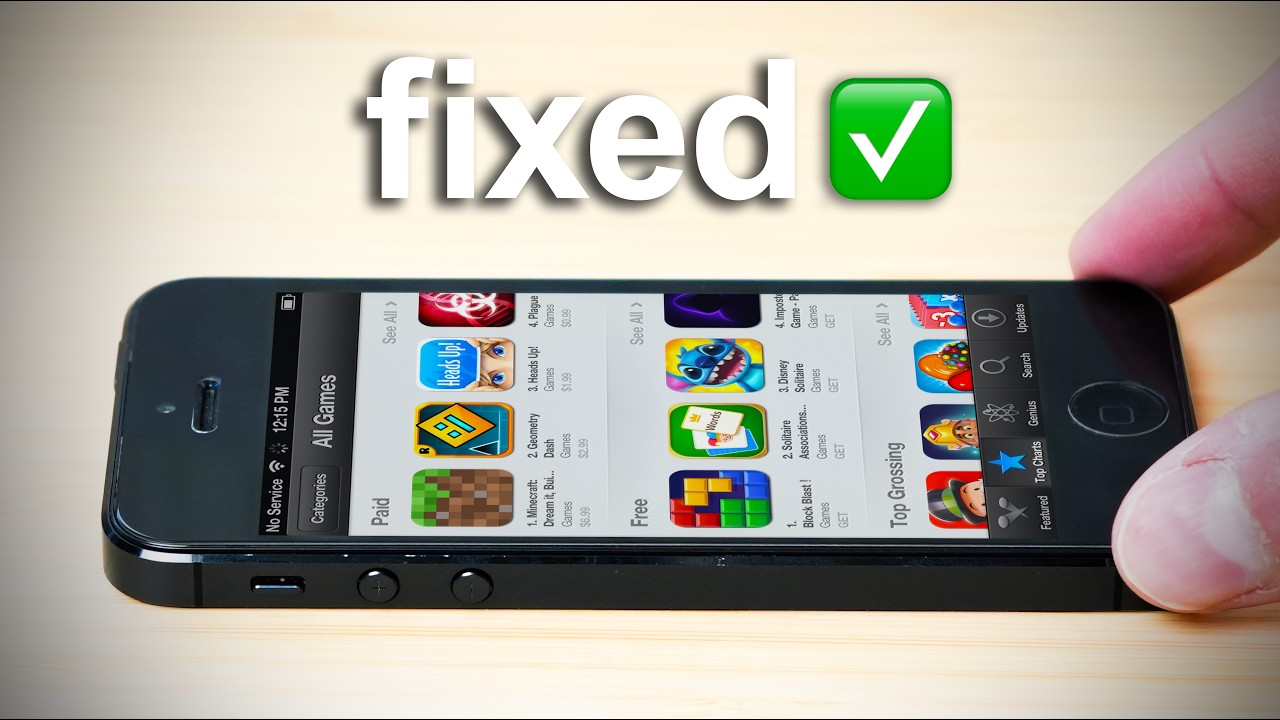
How to Downgrade iOS 6 to iOS 5.1.1 iPhone , iPad & iPod touch
Автор: tt
Загружено: 2012-09-23
Просмотров: 6878
Описание:
How to Downgrade iOS 6.0 to 5.1.1 (iPhone 4S Baseband 3.0.04, iPhone 4 Baseband 4.12.02 Or iPhone 3GS Baseband 5.16.07)
http://goo.gl/eAqkt
1) Turn the device off, connect it to the computer via USB, and launch iTunes
2) Place the iOS device into DFU mode: with the device off, hold down the Power and Home buttons together for 10 seconds then release the power button, continue holding Home button until iTunes notifies you of a device in recovery mode being detected. The device's screen should stay black as if turned off.
3) Restore within iTunes through either method a or b:
a) Restore from the iOS 5.1.1 backup you made before installing iOS 6 beta
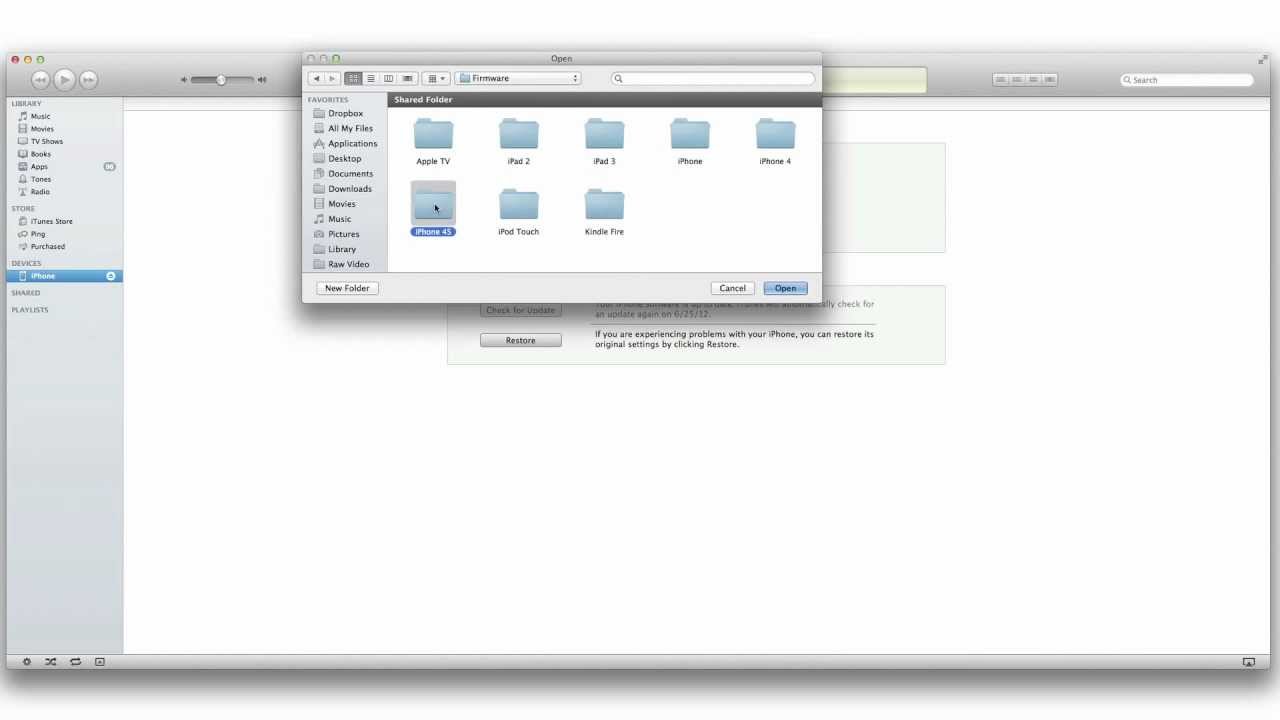
b) Restore to iOS 5.1.1 IPSW by Option-Clicking the "Restore" button, and then restore fromiCloud backup when finished
4) Let iTunes restore back to iOS 5.1.1, the device will reboot when finished
Повторяем попытку...
Доступные форматы для скачивания:
Скачать видео
-
Информация по загрузке: