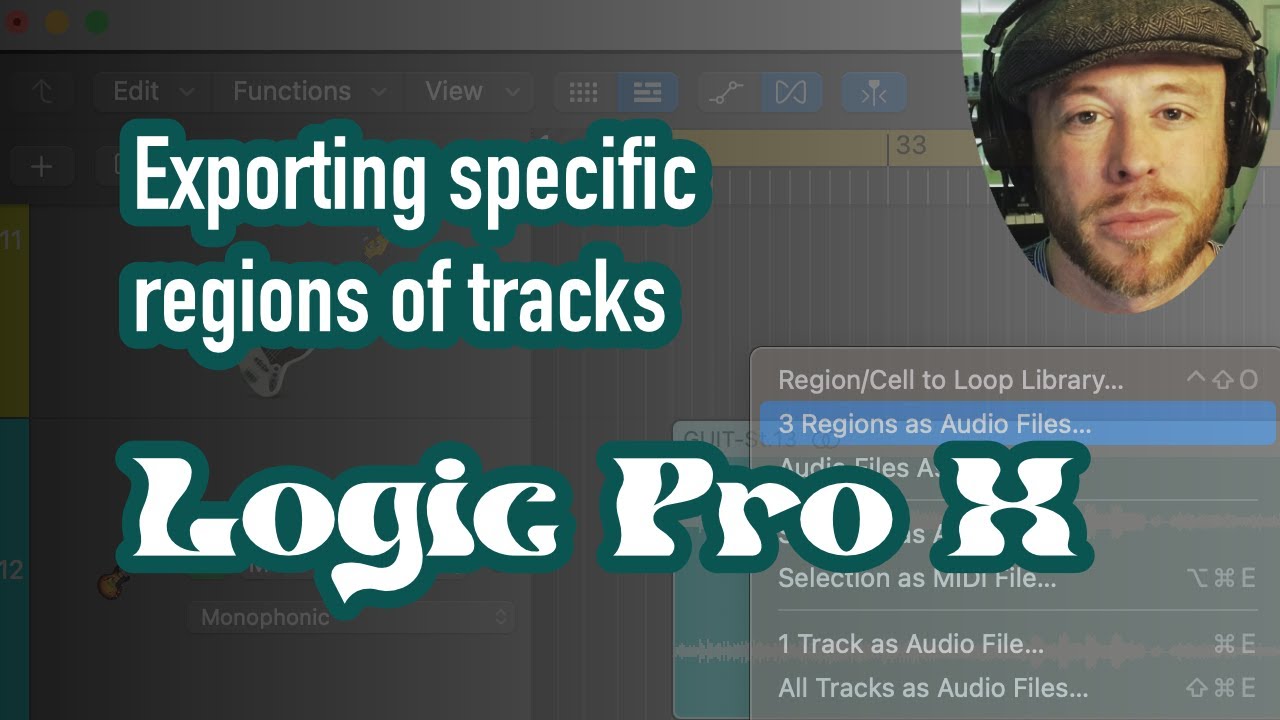
How to batch export multiple audio regions in Logic Pro X
Автор: Marc-Antoine Giguère
Загружено: 2017-01-09
Просмотров: 4220
Описание:
I've wasted some time in my last gamejam trying to find how to do this: I had 430 audio regions and I couldn't fathom bouncing/exporting each and every single one of them individually.
Oh and if you only have midi regions for some reason you can't batch export them all, you'd have to turn them into audio files first.
Here's the short version:
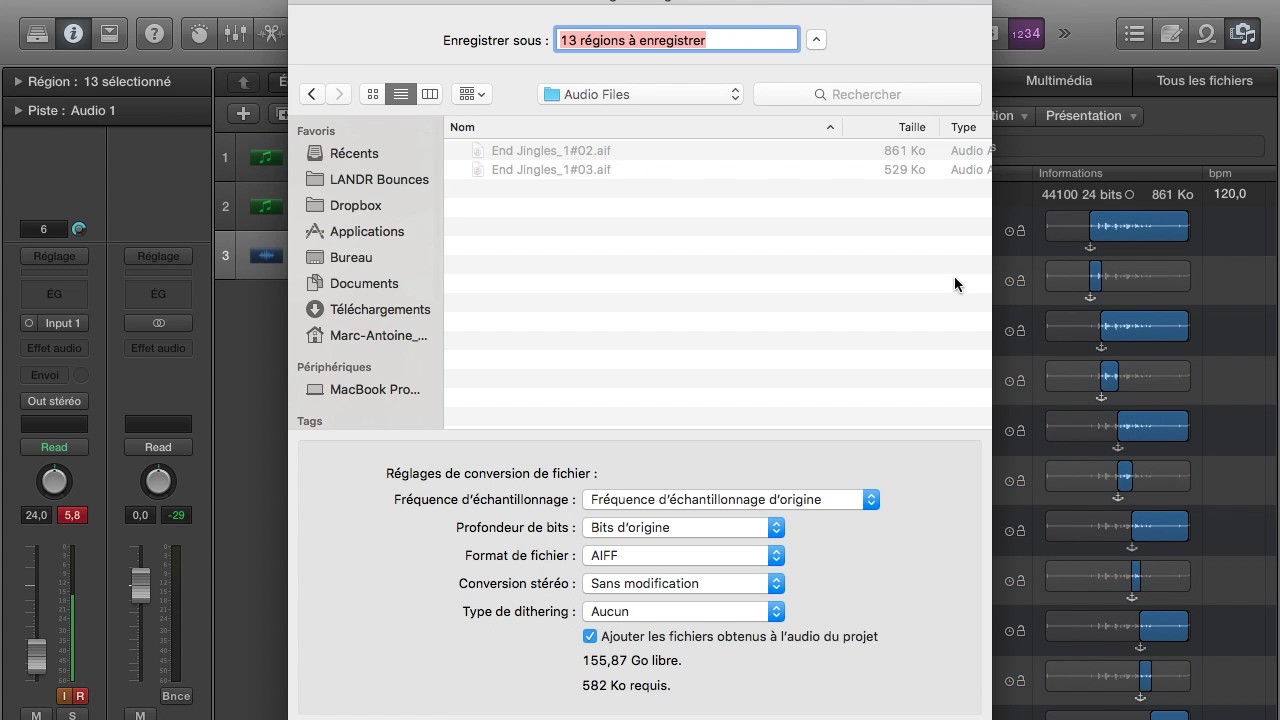
Open the audio bin (shortcut: F )
Click "select track"
Click "Export them as..." (or something like that, I'm french so I'm guessing what it's called in english at that point).
Choose the format you want to export them in
That's it.
Leave a like if it has been helpful, I couldn't believe there was no video on youtube about this (or written in these words, at least).
Повторяем попытку...
Доступные форматы для скачивания:
Скачать видео
-
Информация по загрузке: