How to Open Chat in Genshin Impact using 8bitDo controller in iOS/Mode A
Автор: aktanuki
Загружено: 2023-01-07
Просмотров: 924
Описание:
How-to options are at end of the description. :)
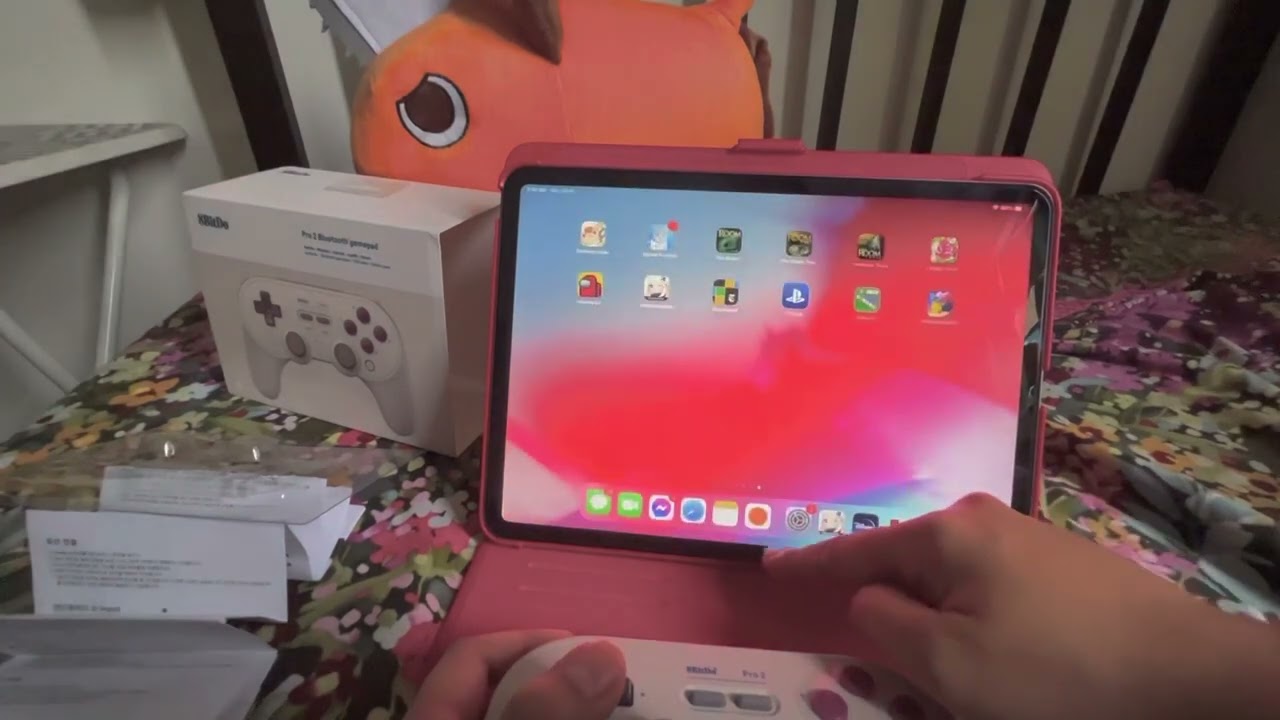
I recently, and I mean hours ago, bought the 8bitDo Pro 2 Controller for my iPad, and while I’m happy with the performance overall, there’s the minor issue of not being able to open the chat function.
For those who don’t own an 8BitDo Pro 2 controller, here’s a quick sidenote: 8BitDo has 4 modes: S is recommended for Switch, A for macOS; D for Android, and X for Windows.
Now the thing with Mode A is that it “tricks” iOS devices into detecting the 8BitDo controller as a a Dual Shock controller. In a DS controller, Genshin’s chat shortcut is via the touchpad. Since there’s no touchpad in the 8bitdo, and you can’t reassign the chat shortcut in Genshin, you’re stuck with a non-existent shortcut.
I’ve been going around Reddit and Youtube in the hopes for a solution, and looks like no one has posted one yet. So I thought I’d share the workarounds I found.
Option 1:
1.) Open the Paimon Menu
2.) Go to Friends list
3.) (Optional) Scroll to the friend you want to talk to
4.) Click Friend Chat - this will open the entire chat panel and you can proceed as normal from here
Option 2:
1.) Swap one of the items in the shortcuts wheel (R1) so you can have Friends list there.
2.) Proceed with step 3-4 in Option 1
Option 2 essentially just eliminates having to go through the Paimon menu
Option 3: (works for iOS 16 and above only afaik)
1.) Use Mode S instead of A
2.) With Mode S, you can open chat via the Select button, but the layout of the buttons on screen is different. Function wise the buttons are the same as when you’re in Mode A but I find it annoying that the button layout in the controller is XABY while on screen it’s YABX. 😑
Option 3 may actually be the best option, but if you have a Nintendo Switch and plan to use 8bitDo on both devices, you’ll have to pair/unpair on your iPad everytime.
Anyway, that’s it. Hope this helps fellow 8bitDo users out there. :)
Повторяем попытку...
Доступные форматы для скачивания:
Скачать видео
-
Информация по загрузке:


![[4K FULL HD] Relaxing Water Background | 1 HOUR | Calm Water Wallpaper (No Sound)](https://image.4k-video.ru/id-video/y9PTNTSpGJs)