How to Create a Circular Square Kufic Calligraphy Design on Adobe Illustrator (AI)
Автор: Yusuf Graphics
Загружено: 2024-05-26
Просмотров: 328
Описание:
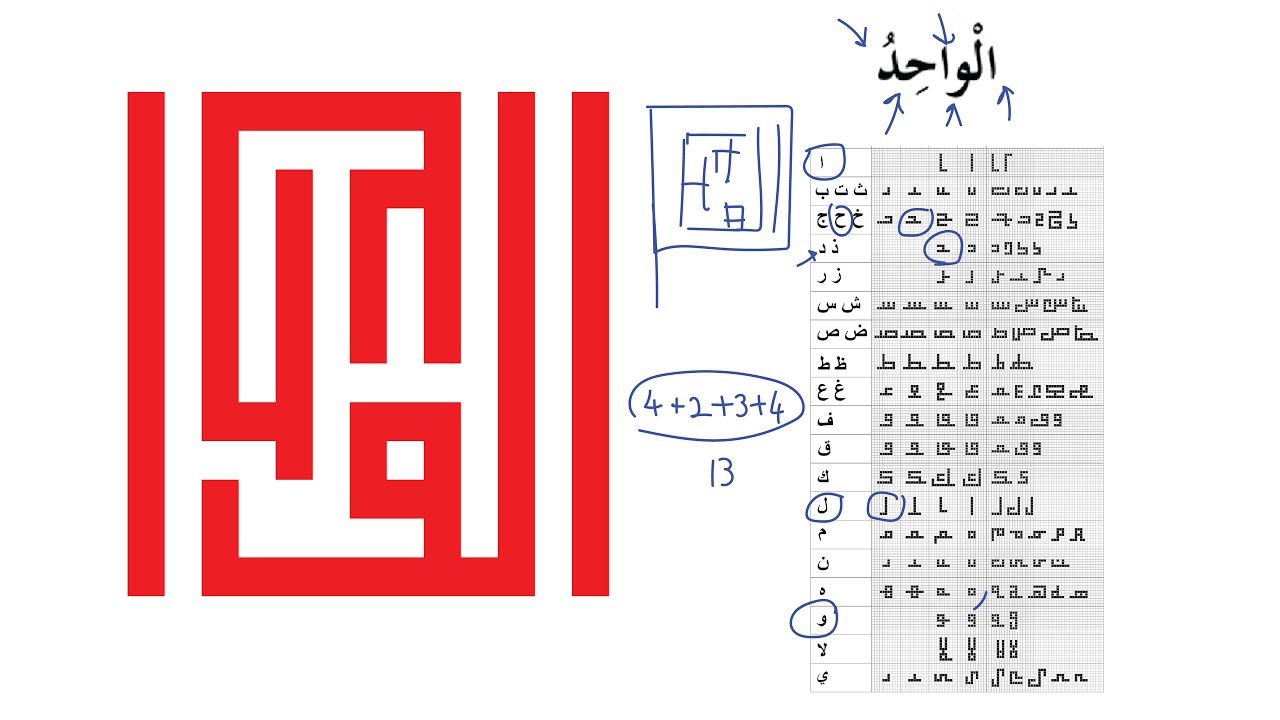
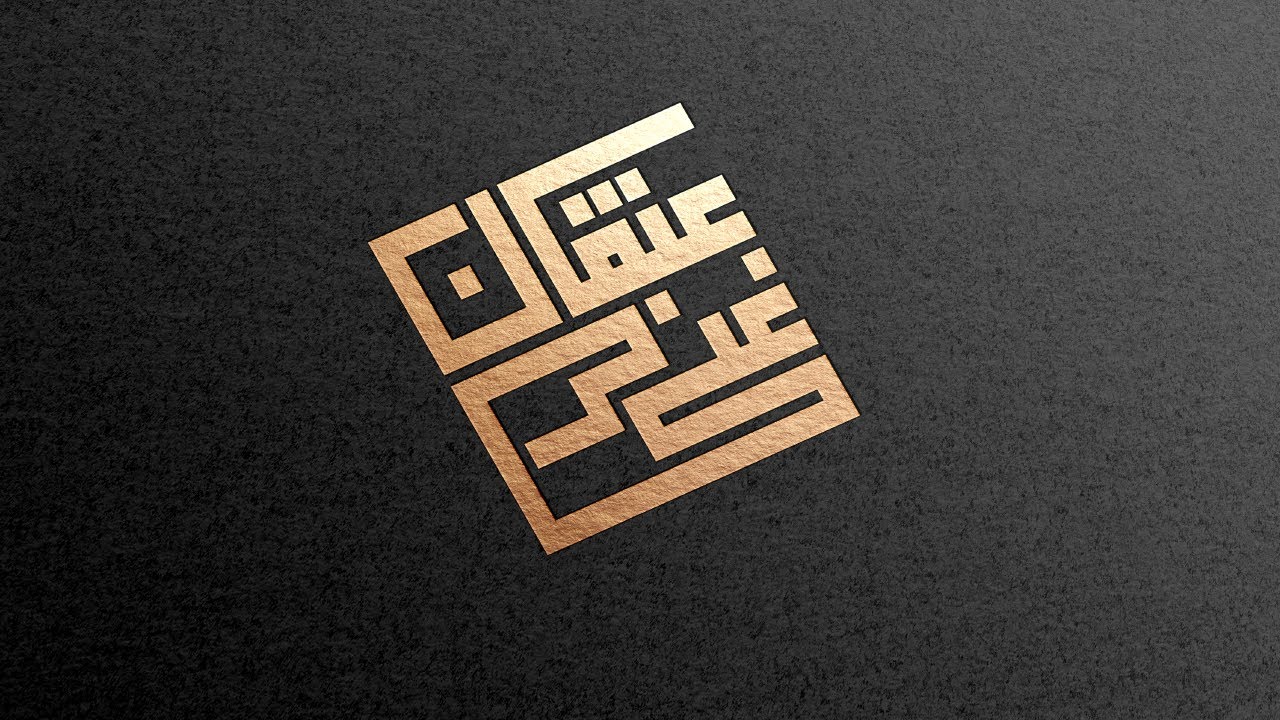
This video would teach you the basis on how you can easily Create a Circular Square Kufic Calligraphy Design on Adobe Illustrator (AI).
How to Create a Circular Square Kufic Calligraphy Design on Adobe Illustrator (AI).
1. Create grids to draw the horizontal/ straight line SKC Design.
2. Click and drag it to the brushes to add Art Brush.
3. Use the Ellipse Tool (L) to draw a circle while holding the "Shift" key.
4. Click and drag the Art Brush you added* to the surface of the circle drawn, while making sure that the circle is clicked on.
5. Flatten the Circler SKC Design in other to edit it without losing it's proportion.
Kindly access the image of the design via this 👇 link below.
https://drive.google.com/drive/folder...
Повторяем попытку...

Доступные форматы для скачивания:
Скачать видео
-
Информация по загрузке:










![[4K FULL HD] Relaxing Water Background | 1 HOUR | Calm Water Wallpaper (No Sound)](https://imager.clipsaver.ru/y9PTNTSpGJs/max.jpg)