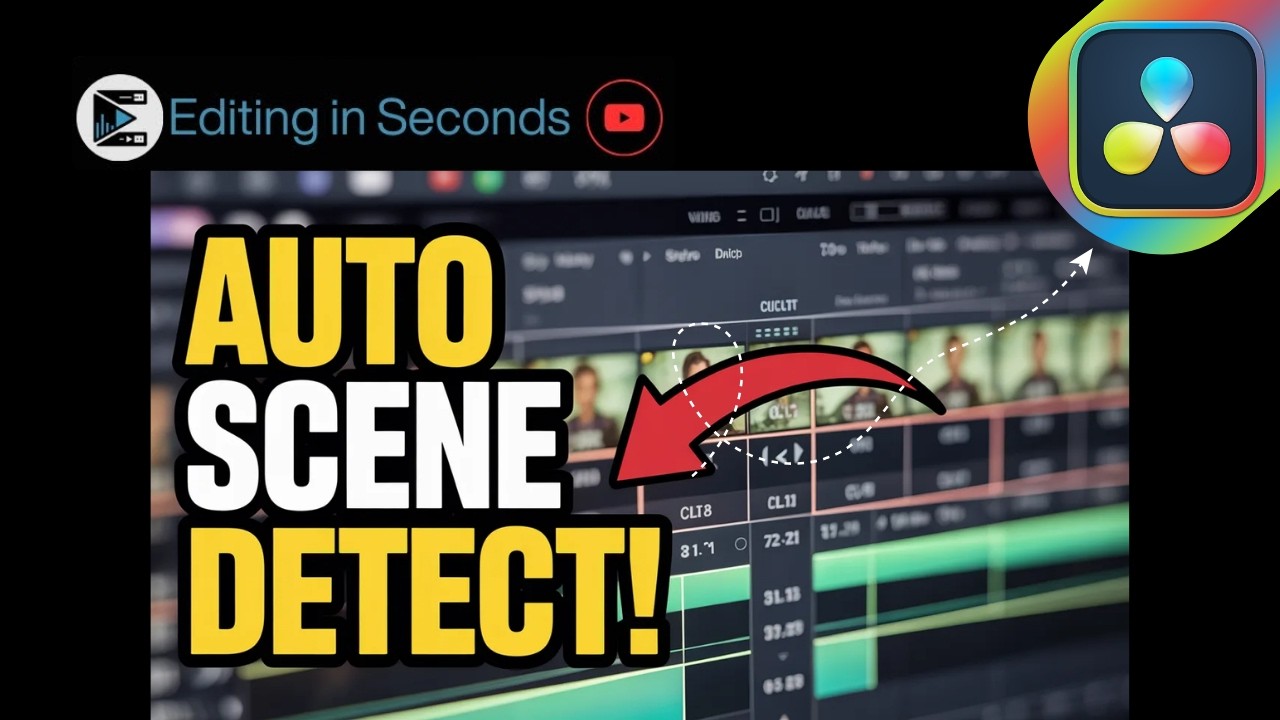
How to Use Scene Cut Detection in DaVinci Resolve
Автор: Editing in Seconds!
Загружено: 2026-03-05
Просмотров: 52
Описание:
In this quick and beginner-friendly tutorial, you’ll learn how to use the Scene Cut Detection tool in DaVinci Resolve to automatically detect and split scenes in a video. This powerful feature saves time by identifying cuts and separating your footage into individual clips instantly.
Instead of manually cutting your video, DaVinci Resolve can analyze your footage and detect scene changes automatically.
In this video, you’ll learn:
Where to find the Scene Cut Detection tool
How to automatically detect scene changes
How to split clips into individual scenes
How to review and adjust detected cuts
Tips to speed up your editing workflow
This feature is perfect for:
✔ Editing long videos faster
✔ Breaking down recorded streams
✔ Organizing footage quickly
✔ Creating highlight clips
✔ Professional video editing workflows
⚡ Fast. Clear. Beginner-friendly. That’s the Editing in Seconds way.
📌 Subscribe for more DaVinci Resolve tutorials, Canva editing guides, AI tools, and time-saving editing tips.
Повторяем попытку...
Доступные форматы для скачивания:
Скачать видео
-
Информация по загрузке:




![[4K FULL HD] Relaxing Water Background | 1 HOUR | Calm Water Wallpaper (No Sound)](https://imager.clipsaver.ru/y9PTNTSpGJs/max.jpg)






![Как я делаю ДЛИННЫЕ видео в Grok за 0₽? [ГАЙД 2026]](https://imager.clipsaver.ru/JqmsTdUdfeY/max.jpg)





