MSFS 2024 How to Use Autopilot in the Vision Jet SF50 (Garmin G3000) | Microsoft Flight Simulator
Автор: Arctic Mongoose Aviation
Загружено: 2026-01-24
Просмотров: 116
Описание:
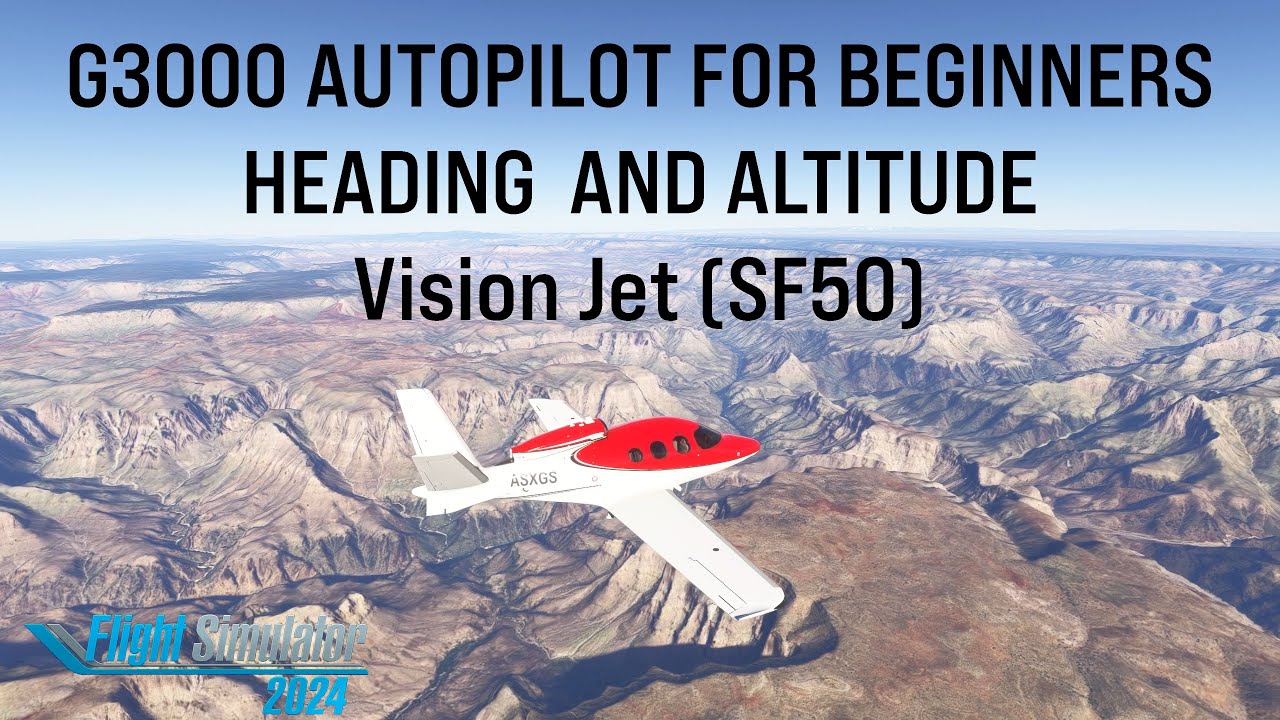
In this beginner friendly tutorial, we’re learning how to use the Garmin G3000 autopilot in the Cirrus SF50 Vision Jet in Microsoft Flight Simulator.
This video focuses on the two most important autopilot modes for new pilots:
✅ HDG (Heading) mode
✅ ALT (Altitude) mode
…and how to use them to manage smooth climbs and descents without fighting the aircraft.
✈️ In this video you’ll learn:
How to engage autopilot in the Vision Jet SF50
How HDG mode works
How ALT mode works (altitude hold)
How to set and capture a target altitude
Tips for managing climbs and descents smoothly using the G3000
If you’re new to MSFS autopilot or stepping up from the Cessna 172, this is a great next lesson to build confidence and fly more controlled flights.
0:00 – Intro
0:56 – Heading mode
4:00 – Altitude hold mode
5:56 - Altitude change - Pitch mode
10:31 – Altitude change - FLC mode
17:09 – Altitude change - Vertical Speed mode
👍 If you found this helpful, please like and subscribe for more Autopilot for Beginners tutorials and future cinematic flights!
🛩️ Aircraft: Cirrus SF50 Vision Jet
🧭 Avionics: Garmin G3000
🎮 Sim: Microsoft Flight Simulator
📺 Channel: Arctic Mongoose Aviation
Повторяем попытку...
Доступные форматы для скачивания:
Скачать видео
-
Информация по загрузке:


