Base Map Customization in Maptive IQ: In-Depth Settings Walkthrough
Автор: Maptive
Загружено: 2026-01-08
Просмотров: 6
Описание:
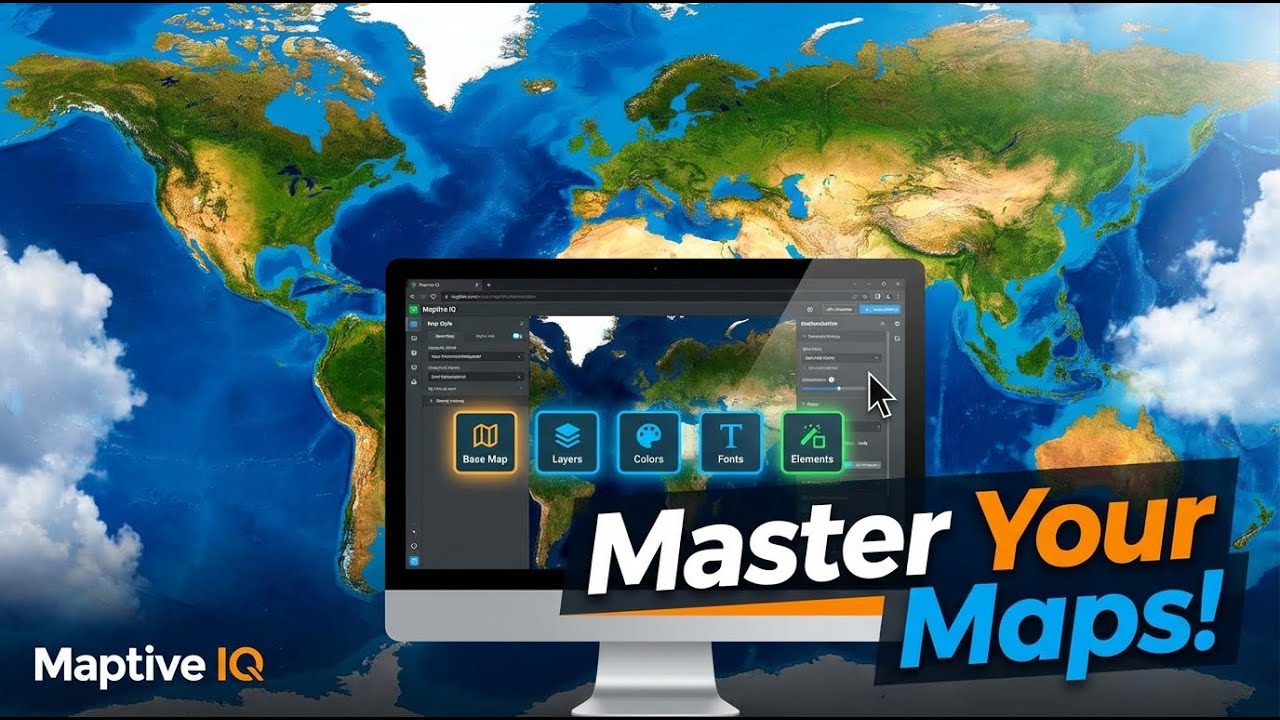
This Maptive IQ tutorial walks through base map customization options, starting with standard theme controls and moving into advanced settings. You’ll see how to change base map themes, adjust water and points of interest colors, control road, landmark, and label sizing, and set the initial map position and zoom level.
The video then focuses on advanced base map settings, where you can modify administrative boundaries, geometry, labels, text styling, and icons. It also covers landscape controls, detailed points of interest categories, road styling by type, transit visibility, and water styling. Throughout the walkthrough, you’ll see how each adjustment affects the map in real time and how to restore default settings using the reset option.
Use the timestamps below to jump to specific sections.
Timestamps
0:05 Introduction to base map customization
0:12 Opening map settings and base map menu
0:26 Base map themes and basic styling options
0:41 Adjusting water and points of interest colors
0:48 Roads, landmarks, and label sizing
0:54 Reset options and initial map position
1:11 Accessing advanced base map settings
1:36 Overview of advanced customization categories
2:08 Editing administrative boundaries
2:24 Changing colors and line weight
2:57 Geometry, fill, stroke, and label controls
3:14 Switching between boundary levels
3:30 Points of interest styling
3:56 Refining colors and outlines
4:31 Road and highway styling
4:57 Resetting advanced settings
5:10 Closing and support
Повторяем попытку...
Доступные форматы для скачивания:
Скачать видео
-
Информация по загрузке: