HP Z2 G8 i7-11700 RTX 3050 Upgrade | RAM & SSD Installation Guide
Автор: Digital world
Загружено: 2026-01-15
Просмотров: 31
Описание:
HP Z2 G8 i7-11700 RTX 3050 Upgrade | RAM & SSD Installation Guide
HP Z2 G8 i7-11700 RTX 3050 Upgrade | RAM & SSD Installation Guide
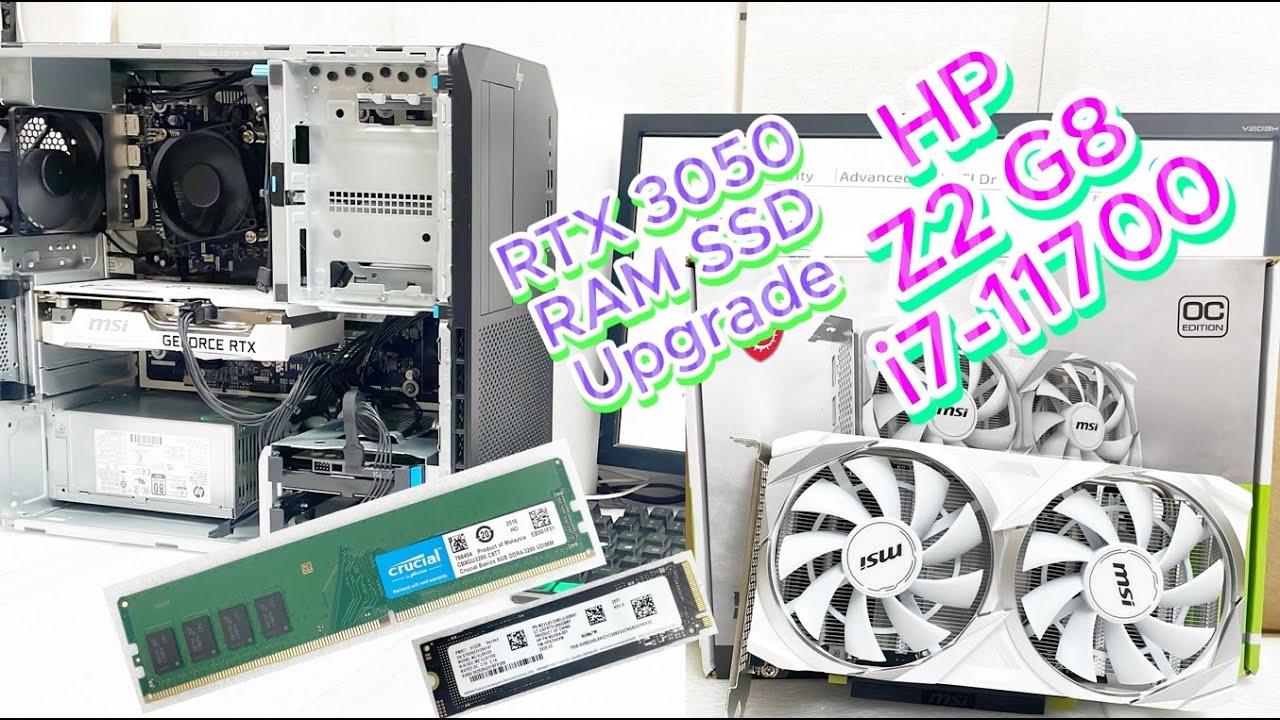
WORKSTATION HP Z2 G8 I7 11700/8GB/1TB-HDD/WINDOWS -10-PRO
VGA MSI RTX 3050 8GB-DDR6 VENTUS 2X XS OC
SSD 512GB SAMSUNG PM9C1 MZ-VL85120 NVME M.2 Gen4x4
RAM DDR4 8GB/3200MHz CRUCIAL
In this video, I upgrade the HP Z2 G8 Workstation powered by Intel Core i7-11700 by installing an NVIDIA RTX 3050 graphics card, upgrading the RAM, and adding a high-speed NVMe SSD.
This upgrade boosts performance for design, 3D work, video editing, CAD, and gaming.
Follow this step-by-step guide to safely upgrade your HP Z2 G8 desktop without issues.
Workstation Specifications
Model: HP Z2 G8 Workstation
CPU: Intel Core i7-11700
GPU: NVIDIA RTX 3050
RAM: Upgraded DDR4 8GB
Storage: 1TB-HDD
OS: Windows 10 Ready
What You’ll Learn
HP Z2 G8 disassembly
RTX 3050 installation
RAM upgrade process
SSD installation guide
First boot & system check
Note:
Ensure PSU compatibility and proper GPU clearance before installation.
Like, Share & Subscribe for more workstation upgrades, GPU installs, PC builds, and HP desktop tutorials.
hp z2 g8 upgrade
hp z2 g8 i7 11700
rtx 3050 hp workstation
hp z2 g8 ram upgrade
hp z2 g8 ssd upgrade
workstation gpu upgrade
hp desktop upgrade
(Thank you Don't forget subscribe and like share our channel for more informative videos.)
#upgrade #hp #workstations #rtx3050
Повторяем попытку...
Доступные форматы для скачивания:
Скачать видео
-
Информация по загрузке: