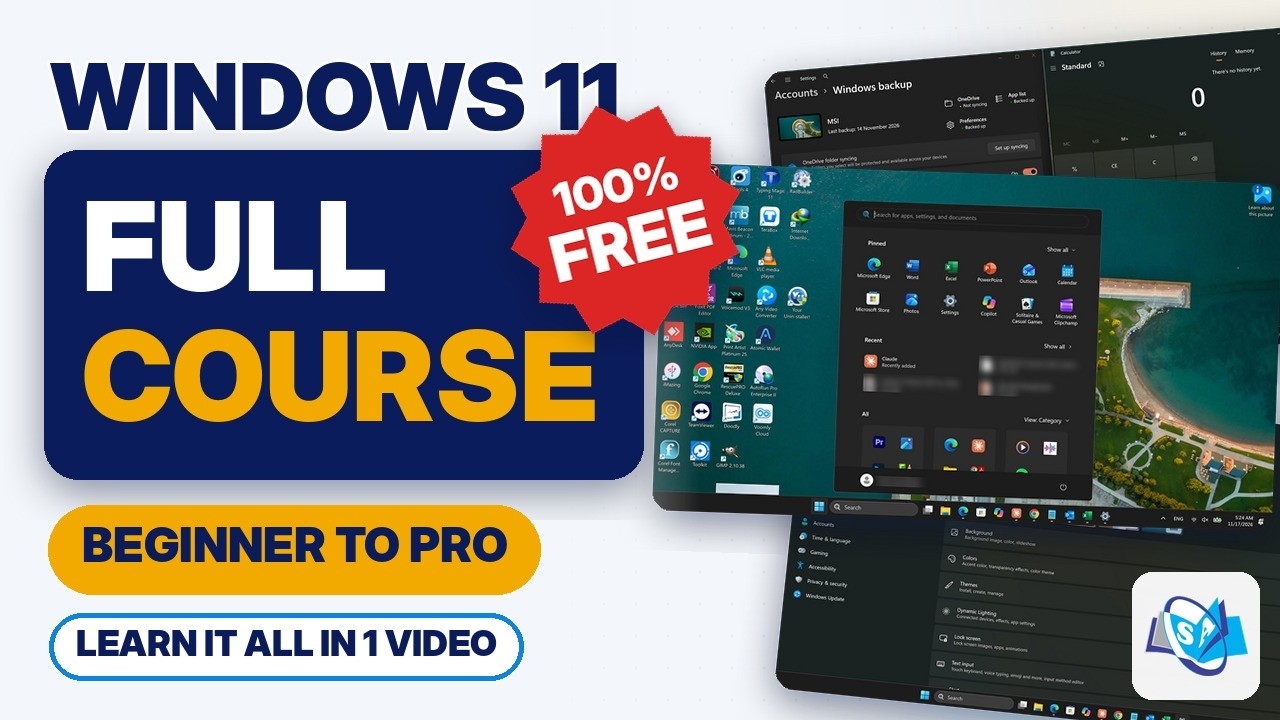
Windows 11 Tutorial for Beginners: Full Course (2026)
Автор: Online Study Academy
Загружено: 2026-11-17
Просмотров: 2214
Описание:
Windows 11 tutorial for beginners: the full course in one video. New to Windows 11, or want to finally use it like a pro? 💻
This free, complete Windows 11 course takes you from the very basics to confident, everyday use, step by step, on a real Windows 11 PC.
✅ Start menu, taskbar, search and Quick Settings
✅ Personalize Windows: themes, dark mode, taskbar and Start
✅ Snap layouts, Task View and virtual desktops
✅ File Explorer: folders, copy/move, extensions, ZIP, Recycle Bin
✅ Install, uninstall and manage apps
✅ Settings tour, accounts and Windows Hello
✅ Built-in tools: Snipping Tool, clipboard history, emoji, voice typing
✅ Windows Security, updates, privacy and backup
✅ The 20 keyboard shortcuts that matter most
✅ Everyday tasks, maintenance and troubleshooting
⏱️ Chapters
0:00 Welcome and what you'll learn
1:12 Getting around: desktop, Start, taskbar, search
6:46 Personalize Windows 11
10:51 Windows and multitasking (Snap layouts, virtual desktops)
14:55 File Explorer: files and folders
21:48 Apps: install, uninstall, defaults, startup
24:56 Settings tour: sound, Bluetooth, network and more
28:44 Accounts and sign-in (Windows Hello)
31:04 Built-in tools that save time
34:49 Security, updates and backup
38:07 Top 20 keyboard shortcuts
41:06 Everyday tasks (Wi-Fi, printing, PDFs, photos)
43:37 Maintenance and troubleshooting
47:32 Recap and practice challenge
⌨️ Top shortcuts from the course
Win + E File Explorer · Win + I Settings · Win + D Desktop · Win + L Lock
Alt + Tab Switch windows · Win + Tab Task View · Win + Z Snap layouts
Win + Shift + S Screenshot · Win + V Clipboard history · Win + . Emoji
Ctrl + Shift + Esc Task Manager · Win + X Quick Link menu
👍 If this course helped, like the video and share it with someone who's new to Windows 11!
💬 Drop your ideas in the comments: what should we teach next?
🔔 Subscribe to Online Study Academy for free Excel, Word, PowerPoint, Outlook and Windows lessons: @OnlineStudyAcademy1
#Windows11 #Windows11Tutorial #ComputerBasics
Повторяем попытку...
Доступные форматы для скачивания:
Скачать видео
-
Информация по загрузке: