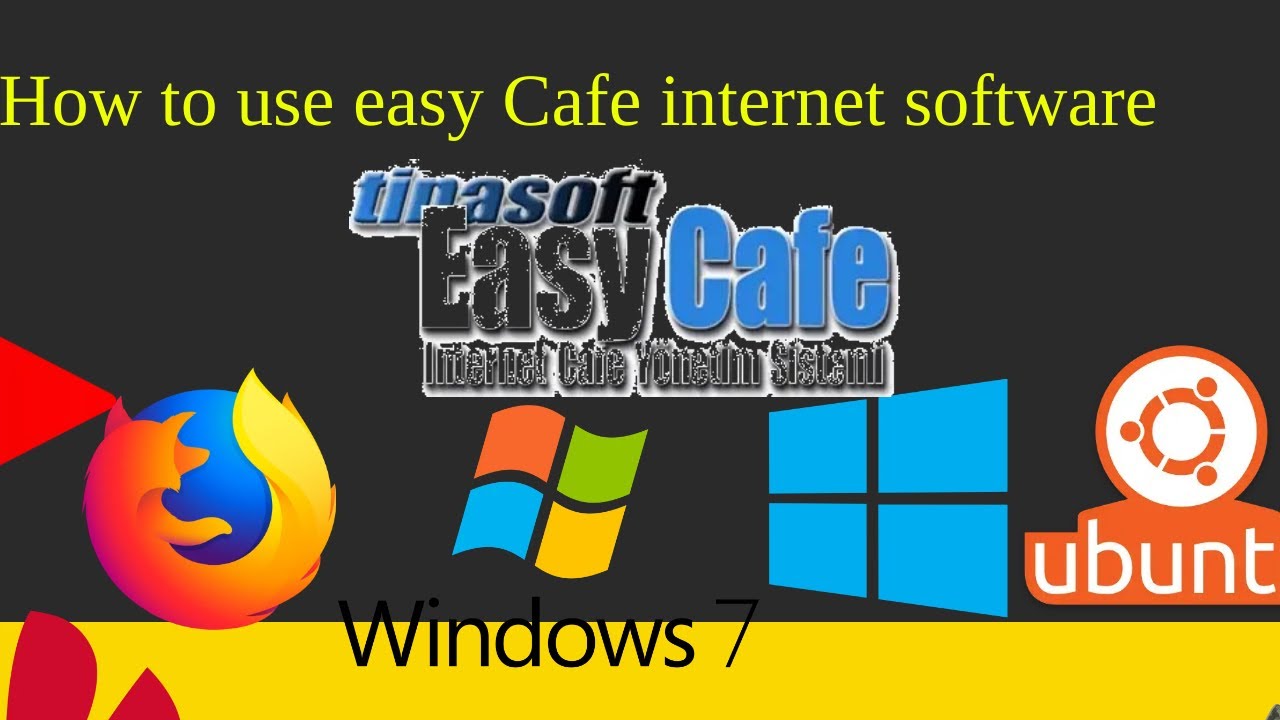
How to install easy Cafe internet Cafe management system
Автор: Bassonia Tv
Загружено: 2022-04-04
Просмотров: 26858
Описание:
How to install easy Cafe internet Cafe management system
To install the EasyCafe Internet Cafe management system, follow these steps:
Obtain the EasyCafe software: Visit the official website of EasyCafe or a trusted software provider to download the installation package for the EasyCafe Internet Cafe management system. Ensure that you download the latest version compatible with your operating system.
Run the installation package: Locate the downloaded installation package on your computer and double-click it to run the installer. Follow any on-screen prompts or instructions to proceed with the installation.
Accept the license agreement: Read and accept the End User License Agreement (EULA) presented during the installation process. Click on the checkbox or button to agree to the terms and continue with the installation.
Choose the installation location: Select the destination folder where you want to install the EasyCafe software. You can choose the default location or specify a different folder. Click "Next" or "Install" to proceed.
Select installation options: During the installation process, you may be presented with additional options or components to install. Choose the desired options based on your requirements. For example, you might select additional language packs or database options. Click "Next" or "Install" to continue.
Wait for the installation to complete: The installer will copy the necessary files and components to your computer. Wait for the installation process to complete. This may take a few moments.
Configure EasyCafe: Once the installation is finished, the EasyCafe software may prompt you to configure certain settings, such as network connectivity, user accounts, or pricing options. Follow the on-screen instructions to configure the software according to your preferences.
Launch EasyCafe: After completing the configuration, you can launch the EasyCafe Internet Cafe management system. Look for a desktop shortcut or access it from the Start menu or applications folder.
Familiarize yourself with the software: Take some time to explore the features and settings of the EasyCafe software. Familiarize yourself with the management tools, user interface, and available options.
Please note that the specific steps and options may vary slightly depending on the version and configuration of the EasyCafe software you are installing. Refer to the software's documentation or the provider's website for any specific instructions or troubleshooting information related to the installation process.
Повторяем попытку...

Доступные форматы для скачивания:
Скачать видео
-
Информация по загрузке:





![Почему работает теория шести рукопожатий? [Veritasium]](https://imager.clipsaver.ru/ggI1xKzoANs/max.jpg)