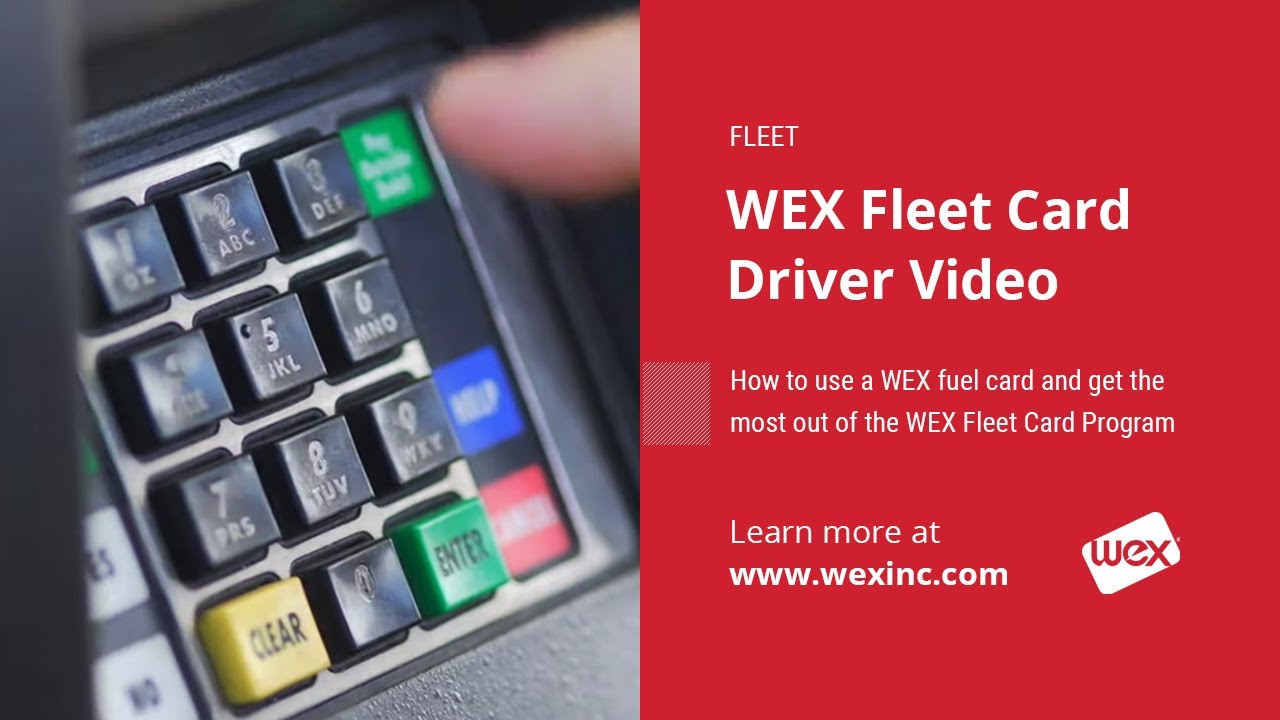
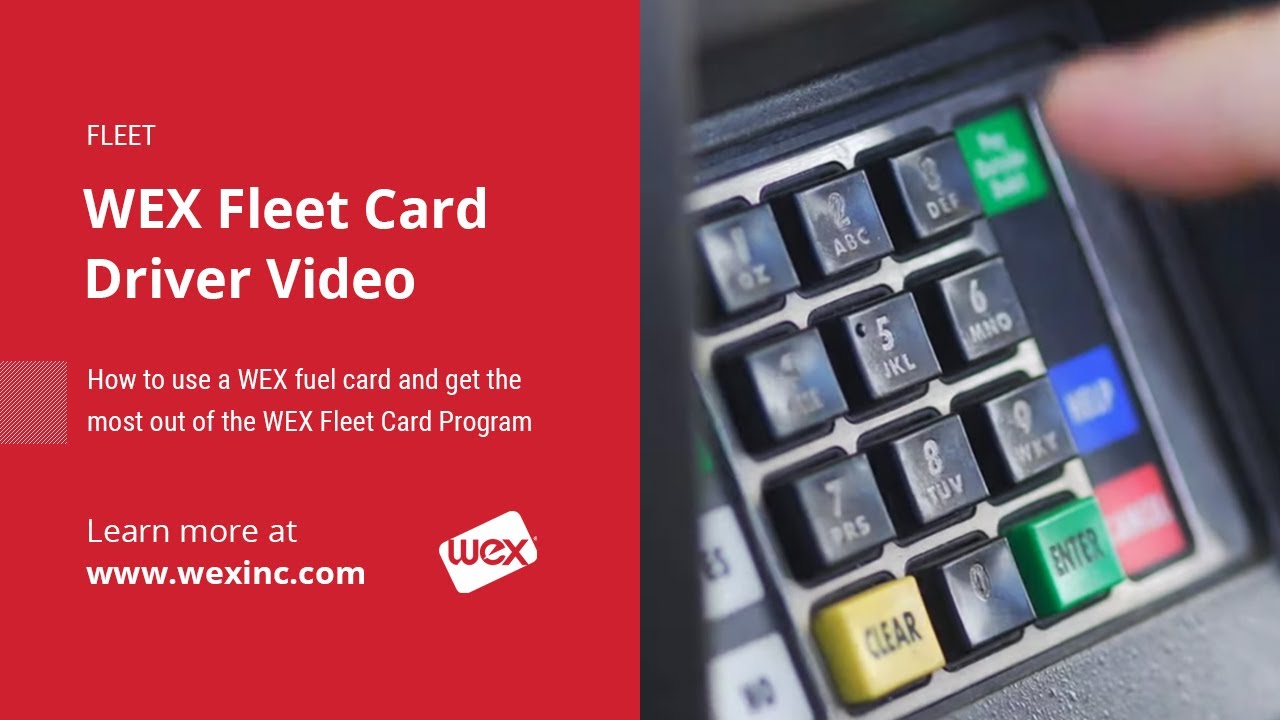
WEX Fleet Card Driver Video
Автор: WEX Inc
Загружено: 2014-03-26
Просмотров: 75438
Описание:
To learn more about WEX Fleet cards visit: http://www.wexinc.com/fleet-operators...
The WEX Card Driver Video shows the WEX customers and their drivers how to use the Fuel Card and what is important to achieve the most from the WEX Fleet Card Program.
Full Transcript:
Welcome to the growing circle of WEX fleet card users. This video will show you how to use the card, and what you must do to ensure that you and your company get the most from the fleet card program. From now on, every time you get a fill-up, you'll be using the WEX fleet card. It's convenient and easy to use, and is accepted at nine out of ten fuel locations nationwide. You won't have to worry about handling cash or managing expense receipts - WEX fleet cards display your expenses online, eliminating lost receipts or manually tracking. The process is simple: it works like a charge card with a few minor differences.
WEX is accepted at more than 90% of the fueling sites in the US. If you want to find the best price in your area, you can use the WEX Connect app, which you can download from the App Store. When you pull into an accepting fuel station to fill up, check your odometer reading and make a note of it. Make sure you have your unique driver ID number from your manager. Swipe the card that is assigned to the vehicle, enter the odometer reading, enter your driver ID number, then fill the tank. Just swipe and go. Most transactions go without a hitch, but if you ever do have a problem, just call the customer service number on the back of your card.
By using the fleet card, your company has all its fueling receipt information and record-keeping done automatically. The information about your fuel purchases goes directly to our computer center for processing. Your company will have access to monthly vehicle analysis reports, detailing all purchases. It shows where you bought fuel, the time, the vehicles odometer reading, and what you bought. It also provides other valuable information, especially cost per mile and miles per gallon. That's why accurate odometer readings are important. But the program only works if you use the fleet card for every fill-up and type in accurate information every time.
Each vehicle in your company is assigned a card. Each card has your company's account number, the vehicle card number, and an expiration date. If the card says fuel only in the lower right corner, you can only use it for fuel purchases. To protect the card from damage, keep the card in a safe place inside the card holder if provided. Don't put it near a magnet, and try not to scratch the black stripe on the back. It's also a good idea not to leave it on the dashboard in direct hot sunlight. Your personal drivers ID number identifies you as the authorized fuel purchaser, and you'll use it every time you fill up. Your driver ID number has been set up in the system and sent to your company's fleet contact person. Make sure you obtain your driver ID number before you start fueling. If you enter an invalid ID number, or do not have the number, you won't be able to charge fuel. Here are a few simple precautions to help prevent fraud: avoid giving your driver ID to anyone, do not keep the card in your driver ID number together, do not write your driver ID on the card, do not leave the card or receipts out in the open, if a card is lost, stolen, or damaged, report it immediately to your fleet manager or supervisor.
Your supervisor has the ability to deactivate the card so no fraudulent charges can occur. The first couple of times you make a purchase, you might want to refer to your driver guide that's provided with each fleet card. It guides you through the steps of making a purchase. Swipe your card, enter your odometer reading, then your personal ID number, and fill up the tank. Remember, you always have the toll-free customer service number to rely on during any transaction. If your fleet manager has chosen to use the WEX card for service and maintenance purchases they'll direct you to your company's preferred service brands. A service transaction works a lot like a fuel transaction, you can use the card for tires, parts, oil changes, and more.
Your company may decide to block out access to these products. It's up to the fleet manager to set fueling and service policies. The service station attendant may ask you for some basic information, such as the plate number, to process the transaction. Then the attendant will swipe your card in the card reader, or call our customer service department for authorization. You'll have to give your driver ID number and odometer reading to the WEX customer service representative or key it into the phone for approval. Then you're on your way. As with fuel purchases, your company will be able to obtain detailed reports about your service or maintenance purchase. The WEX fleet card will provide your company with valuable information, so use it every time.
Повторяем попытку...
Доступные форматы для скачивания:
Скачать видео
-
Информация по загрузке:








![Every Way to Get Small Business Grants in 2022! [Local, State, and Federal Grants]](https://imager.clipsaver.ru/E8aIrNs29ck/max.jpg)



