FIX: Office 365 Archive Mailbox is Full (Enable Auto-Expand Solution)
Автор: Sid IT Solutions
Загружено: 2026-02-10
Просмотров: 639
Описание:
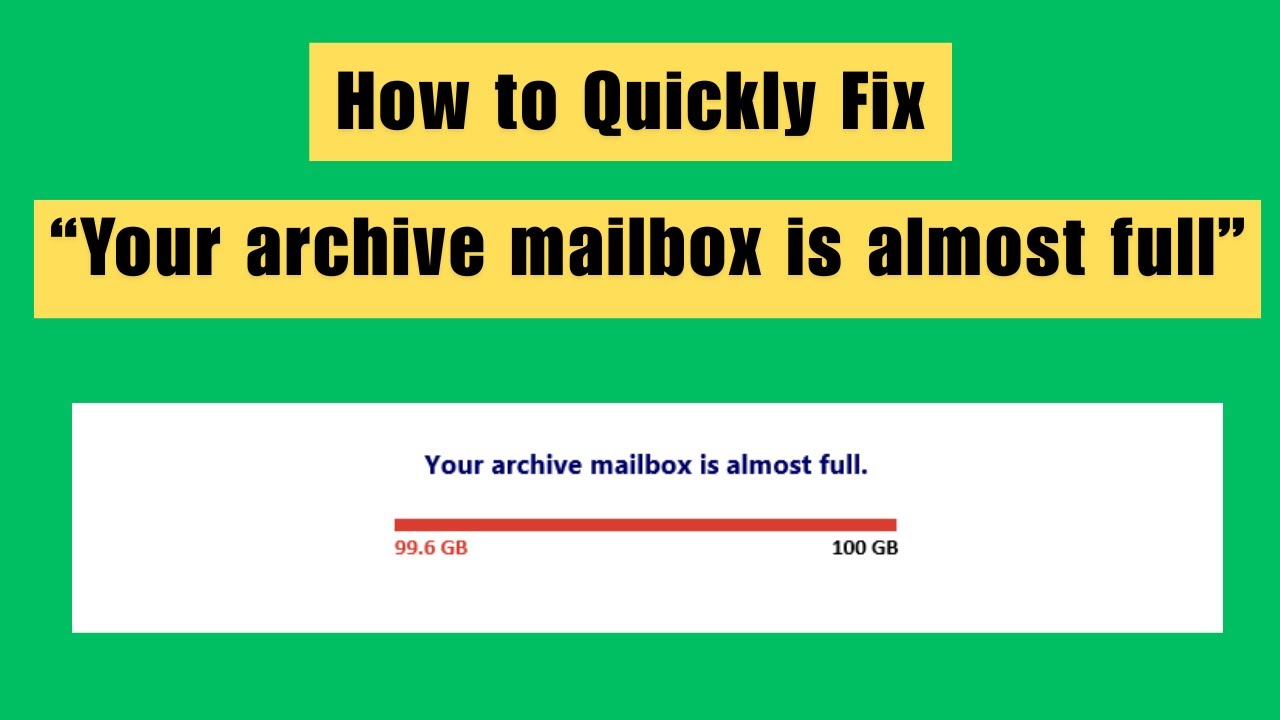
Is your Outlook or Microsoft 365 Archive Mailbox hitting its limit? 🚨 Don't let your emails stop flowing! In this video, we dive deep into why you’re seeing the "Archive Mailbox is almost full" warning and exactly how to fix it before you run out of space.
Whether you're an IT Pro managing Exchange Online or a user trying to clear up space, these steps will help you resolve the storage crisis quickly.
In this video, you will learn:
✅ Why the 100GB (or 1.5TB) limit happens.
✅ How to check your current archive usage via PowerShell and the Admin Center.
✅ The "Secret" to Auto-Expanding Archiving (and how to enable it).
Resources Mentioned:
PowerShell Commands used in this video:
Connect - Exchangeonline
Get-Mailbox [email protected] | Select archiveQuota,ArchiveWarningQuota,AutoExpandingArchiveEnabled
Enable-Mailbox [email protected] -AutoExpandingArchive
**If this video helped you save your inbox, make sure to: **
👍 LIKE the video
🔔 SUBSCRIBE for more Microsoft 365 & IT Tutorials
💬 COMMENT below if you have questions about your specific setup!
#Microsoft365 #OutlookTips #EmailManagement #ITAdmin #TechTutorial
Повторяем попытку...
Доступные форматы для скачивания:
Скачать видео
-
Информация по загрузке: