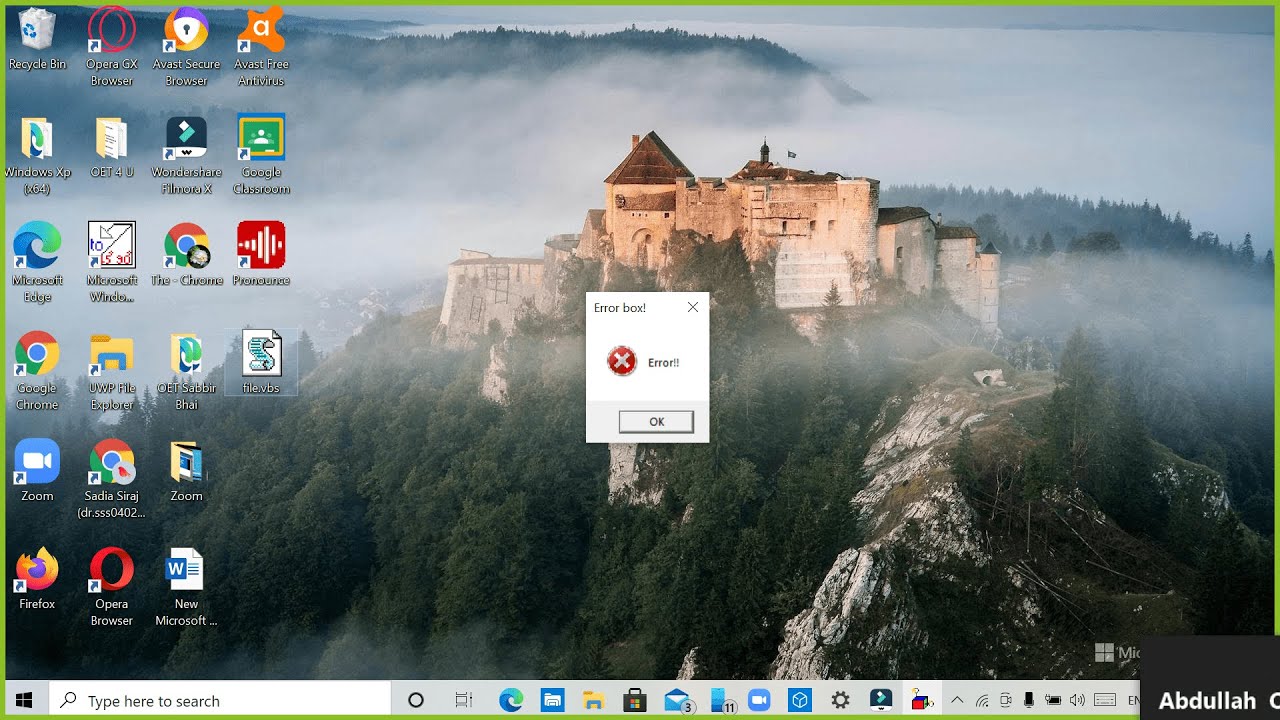
How to create an Error box in Windows
Автор: TechWikipedia
Загружено: 2021-03-22
Просмотров: 72
Описание:
Hello, my friends! Let's hit 6900 likes? Check out my website! https://techwikipedia.my-free.website/
Must remember :
1. There must be a "(" after x=msgbox and there should be NO space between x=msgbox and "(" . Also like that in the end of the title remember to keep a ")".
2. remember to keep a "do" before the line and a "loop" after the line.
CODE : x=msgbox("Your Text Here" ,Buttons, "Your Title Here")
Buttons : 0 =OK button only
1 =OK and Cancel buttons
2 =Abort, Retry, and Ignore buttons
3 =Yes, No, and Cancel buttons
4 =Yes and No buttons
5 =Retry and Cancel buttons
16 =Critical Message icon
32 =Warning Query icon
48 = Warning Message icon
64 =Information Message icon
To close an endless box click Windows key + R and type : taskkill /f /im wscript.exe
If you have any queries send it to this email 👉👉 : [email protected]
Повторяем попытку...
Доступные форматы для скачивания:
Скачать видео
-
Информация по загрузке:
![[Updated] Tutorial: Spam Error Boxes in Windows](https://image.4k-video.ru/id-video/CS6pZ2zk63g)