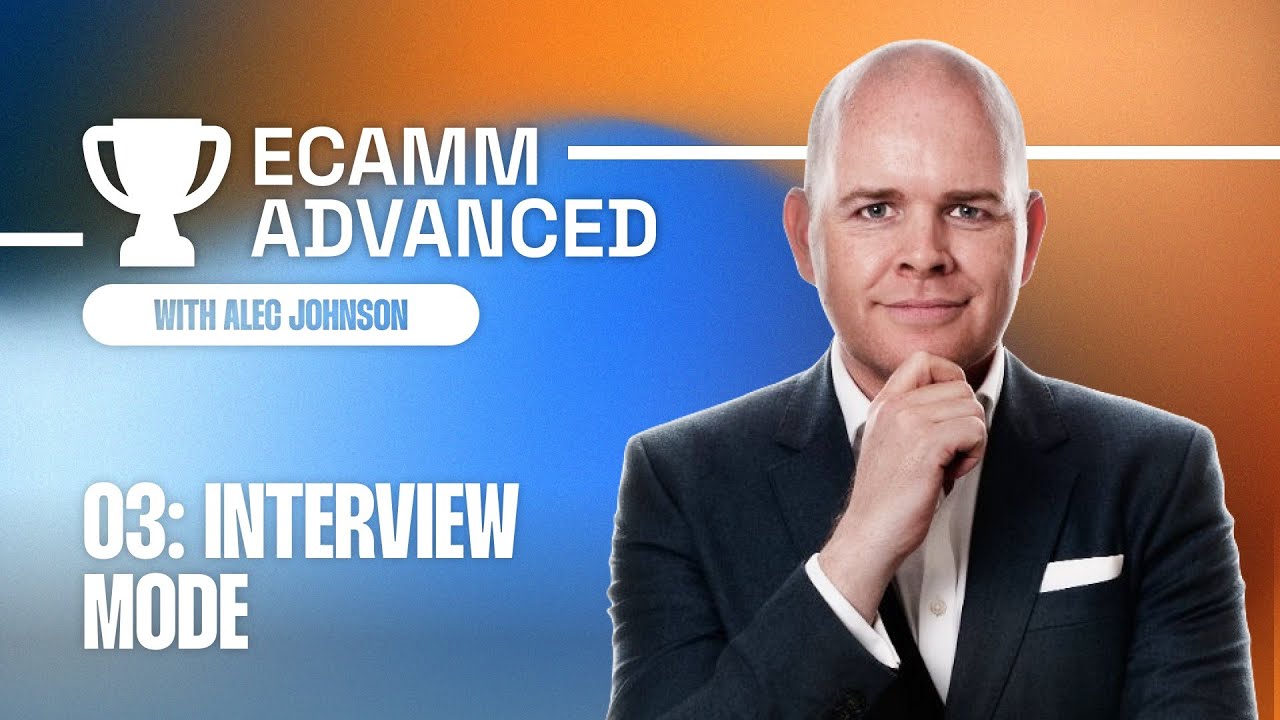
Ecamm Advanced Day 3: Interviews
Автор: Ecamm Live
Загружено: 2023-03-15
Просмотров: 1952
Описание:
Welcome to day 3 of Ecamm Advanced!
In today's workshop, you'll tackle the advanced side of Ecamm Live - Interviews. Ecamm expert Alec Johnson from Take One Tech... with Alec will take you past the fundamentals, help you build the stream of your dreams, and tackle that one thing you've been putting off because it was hard (everyone does it, and it's okay)!
In this session, we’re talking all about Ecamm's Interview Mode and interviewing in general, including:
Interview Settings
Branding your Interview Links
Preparing your guests
Guest presentations
Virtual conferences
Remote Production
At the end of this LIVE session, we'll challenge you to brand your interview links with your logo and an open graph image. You can practice and share your results in the Community (https://ecamm.tv/community) or Discord (https://ecamm.tv/discord). Use #ecammadvanced23 to share your progress.
Make sure to register for Ecamm Advanced at https://ecamm.tv/advanced to unlock access to free downloads & additional resources.
Chapters 📖
00:00 - Countdown
01:29 - Intro
02:08 - Day 3 overview
03:32 -🚨 Register to get all the goodies
04:24 - 👉🏻 Interview Settings
05:33 - Play Ring Chime
06:01 - Auto-Answer Guest
07:00 - Send Guest to Greenroom
07:13 - Lower Music & Sound for Guests
08:34 - Guest View
10:44 - 👉🏻 Branding Your Links
14:20 - Using a URL redirect (I.e., rebrandly)
14:49 - Guest impacting options
22:17 - Setting Up Scenes
25:12 - 👉🏻 Guest Experience
25:23 - Guest view
26:25 - Browser permissions
27:08 - Choosing camera
27:35 - Choosing microphone
27:40 - Stereo option (if you turned on Adv. Audio Options)
27:59 - Guest Name
28:23 - Answering the call
29:41 - Bringing the guest into the broadcast
31:33 - Changing camera settings for guest
32:56 - Adjusting guest audio levels
33:32 - 💡OPTION: Using a Stream Deck Plus
34:35 - What the guest sees
35:20 - Guest settings
38:48 - ❓Q&A
45:03 - 👉🏻 Guest Presentations
46:38 - Screen Share options (guest)
47:35 - Bringing the guest screen share into the broadcast
49:41 - 💡OPTION: Provide a template for presenters
51:42 - ❓Q&A
51:50 - Q: Can a guest share another camera?
52:10 - Q: Can you share an iPad or iPhone?
53:55 - Q: Does the guest screen share appear as a separate ISO?
55:03 - Q: Can the host and guest control the presentation?
1:00:01 - Q: Can your guest use a green screen?
1:02:31 - 👉🏻 Remote Production
1:04:46 - ✅ Checklists
1:05:33 - Preparing your guest for the interview
1:07:46 - General Tech Requirements
1:09:39 - Your requirements
1:10:14 - Pre-Interview Guest Checklist
1:11:07 -❓Q&A
1:22:15 - Today’s Challenge
1:26:17 - Day 3 overview
Don't have Ecamm yet? No worries. For these sessions, we'll be talking about Ecamm Live Pro and you can try it for FREE at https://ecamm.live
Who is Alec Johnson?
Alec is an entrepreneur and online educator who is on a mission to help business professionals and coaches become more productive, impactful and professional with tech. He empowers fellow entrepreneurs to confidently present themselves and their content online. In Alec’s own words, “Ecamm has been pivotal in my creative journey and is central to all that I teach. Learn more about Alec at https://www.takeonetech.io/
#ecammadvanced #ecammlive #howtouseecamm
Повторяем попытку...
Доступные форматы для скачивания:
Скачать видео
-
Информация по загрузке: