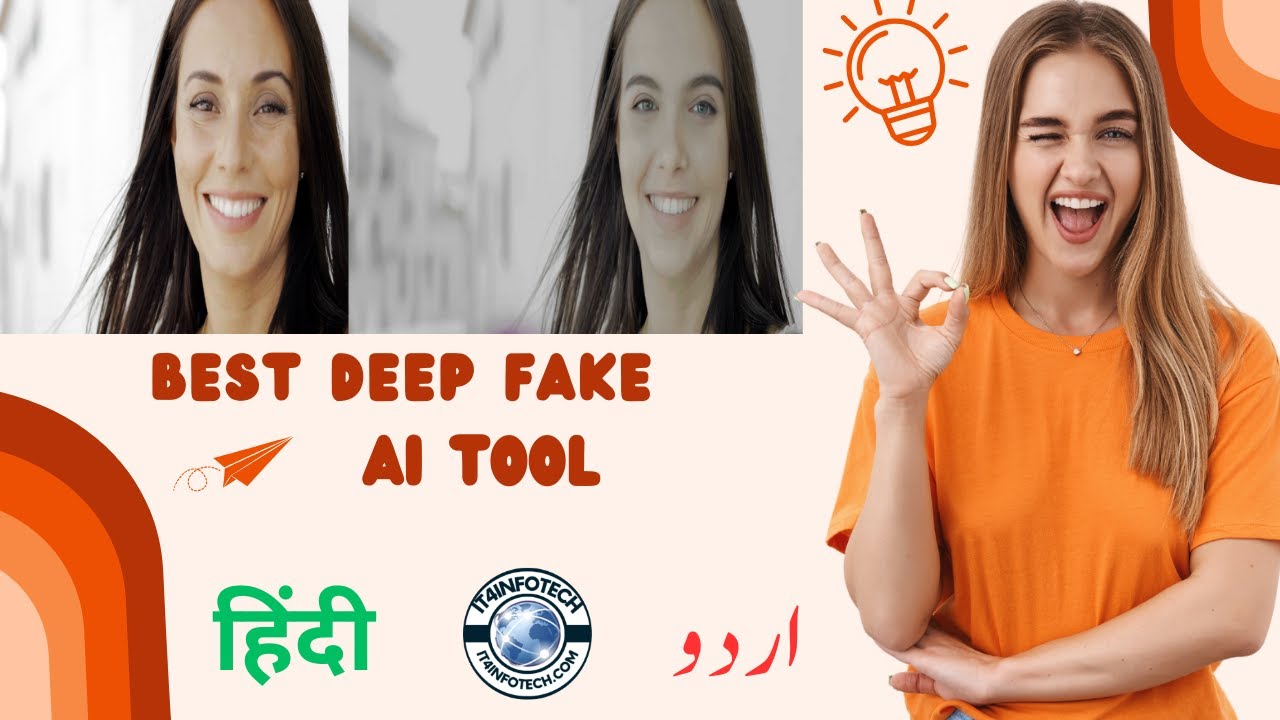
Create HD Quality DEEPFAKE Videos Using AKOOL Face Swap AI
Автор: IT4INFOTECH
Загружено: 2023-10-29
Просмотров: 112
Описание:
Create HD Quality DEEPFAKE Videos Using AKOOL Face Swap AI #it4infotech #ai #deepfake
This video will be divided into 5 parts. Make sure you watch all of these parts to better understand how this AI deepfake tool works. So, let's get started!
Part 1: Akool AI
In this tutorial, we will use Akool AI. Akool is an AI startup that provides many AI tools for content creation, such as text-to-video AI, face swap, 3D talking avatars, and more.
Akool AI is ready for enterprises and trusted by many companies to create their content. Here are some example case studies where clients are using Akool AI for their content.
Part 2: Account Creation
To use this AI tool, you need to create an Akool account. Go to the Akool website; you can find the link in this video's description. Click the login button. You can continue using your Google account or click "sign up" to use another email address. Fill in the required information and click the "Create account" button to continue.
Part 3: AI Photo Face Swap
After finishing the registration, log in to your Akool account. From the Akool FaceSwap dashboard, click the "choose files" button and select your photo. After Akool AI finishes uploading and detecting faces in your photo, the swap window will automatically open. You can use a premade face template or use your own photo. To do that, upload the photo or face image you want to use for this face swap by clicking the plus button and selecting your photo.
Part 4: AI Deepfake Video.
Now, let's try to create a deepfake video. From the Akool AI dashboard, click the "Choose files" button. Select the video you want to use in this deepfake process. Wait for the upload and face detection process to complete. You can use a premade face template or use your own photo. To do that, upload the photo or face image you want to use for this face swap by clicking the plus button and selecting your photo. After the upload and face detection process finishes, you can find your new face template in the face selection list. Select your face template.
Part 5: Conclusion
👉 Follow us on Twitter:
🌐 / it4infotech
👉 Follow us on Instagram:
🌐 / it4infotech
👉 Subscribe on YouTube:
🌐 / @it4infotech
👉 Join Us on Facebook:
🌐 / it4infotech.co
👉 Visit our Website for more updates!
🌐 https://www.it4infotech.com
00:00 Intro.
02:18 Akool AI.
02:57 AI Photo Face Swap.
05:21 AI Deepfake Video.
11:47 Conclusion.
Повторяем попытку...
Доступные форматы для скачивания:
Скачать видео
-
Информация по загрузке: