ChatGPT: Create a Stunning Image Poster in One Try!
Автор: LinuxHowTo
Загружено: 2025-07-24
Просмотров: 9
Описание:
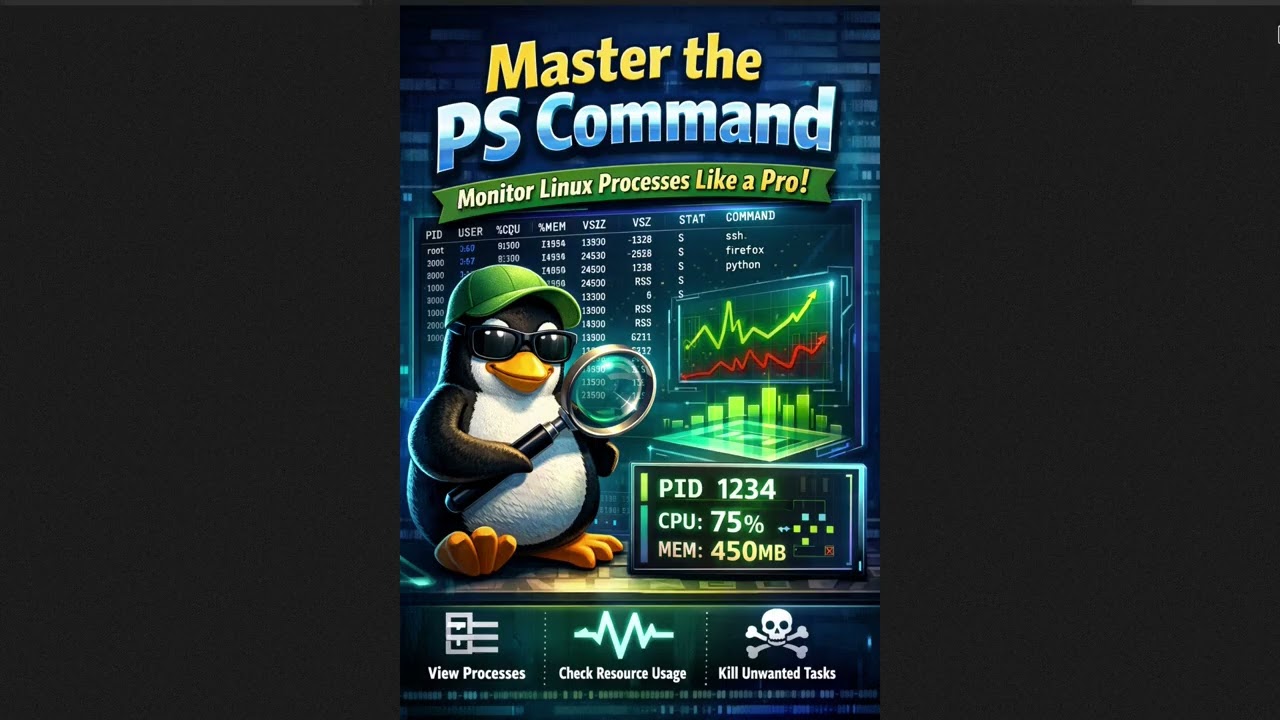
In this video, we’ll show you how ChatGPT can surprise you by creating a stunning image poster on the first try. We asked ChatGPT to generate a poster titled "Install Gnuplot on Ubuntu and Draw 2D/3D Graphs" and were pleasantly surprised by the result! Let’s dive into the process and see how you can achieve similar success with your own AI-generated images.
Learn:
✅ Step-by-Step Guide:
Initial Request to ChatGPT:
Prompt: "Create an image titled 'Install Gnuplot on Ubuntu and Draw 2D/3D Graphs'. Make it a wide poster with vibrant colors and a tech background."
Evaluate the Generated Image:
Review the final image for design and content accuracy.
Check if the text is clear, the colors are vibrant, and the overall layout is appealing.
Finalize Your Image:
Once satisfied, save the image for your project.
✅ Why Use ChatGPT for Image Creation?
Versatility: Generate a wide range of image types.
Speed: Get quick results for rapid prototyping.
Creativity: Inspire new ideas with AI-generated visuals.
✅ Pro Tips:
Be Specific: Clear prompts lead to better results.
Iterate if Needed: Sometimes refining your request can improve the outcome.
Combine with Editing: Use tools like GIMP or Photoshop to fine-tune ChatGPT’s output if necessary.
You can find the image file used in this video at this GitLab link: https://gitlab.com/hatem-badawi/linux....
Hit subscribe for more AI tips and like if this helped.
Let us know: What type of poster will you create with ChatGPT?
👉 Watch now and see how ChatGPT can create stunning visuals in one go!
#ChatGPT #AIImageGeneration #PosterDesign #Gnuplot #Ubuntu
(Short, clear, and packed with practical knowledge!)
Повторяем попытку...

Доступные форматы для скачивания:
Скачать видео
-
Информация по загрузке:










![1 A.M Study Session 📚 [lofi hip hop]](https://imager.clipsaver.ru/lTRiuFIWV54/max.jpg)



