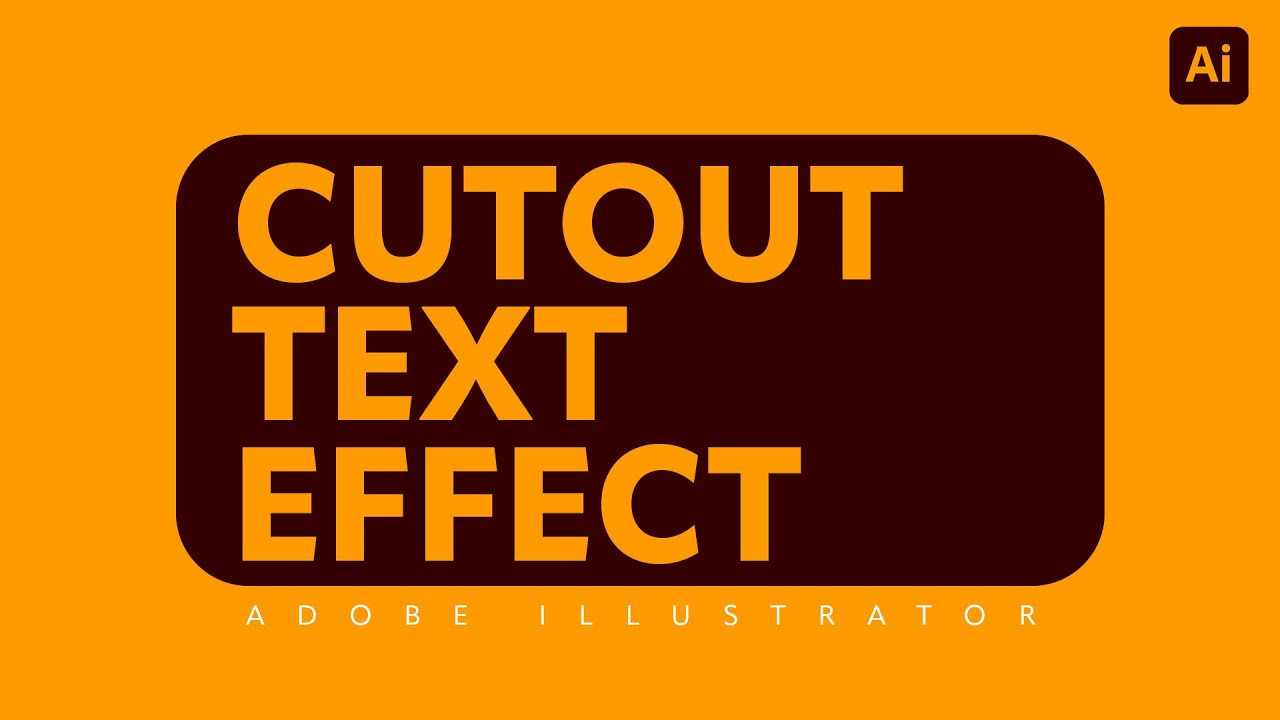
Cutout Text Effect in Illustrator | Pathfinder Minus Front & Create Outlines Tutorial
Автор: Aquastar Creative
Загружено: 2025-08-19
Просмотров: 530
Описание:
Learn how to create a cutout text effect in Adobe Illustrator using the Pathfinder “Minus Front” tool. This quick method is perfect when you want your text to look like it’s punched out of a shape so the background shows through.
In this step-by-step tutorial, I’ll walk you through:
Setting up your shape
Adding bold text for maximum impact
Type → Create Outlines so Pathfinder can subtract it
Using Minus Front to create the cutout effect
This method is destructive (the text won’t be editable after), but it’s super fast and great for final artwork.
Visit www.aquastarcreative.com for more design tutorials and resources.
#AdobeIllustrator #MinusFront #PathfinderTool #CutoutText #GraphicDesign #IllustratorTips #AquastarCreative
Повторяем попытку...
Доступные форматы для скачивания:
Скачать видео
-
Информация по загрузке: