Setup Tutorial Wavlink WN575A3 AC1200 Dual-Band Wireless AP/Range Extender/Router Product Overview
Автор: Wavlink Official
Загружено: 2017-03-03
Просмотров: 96265
Описание:
Subscribe to the Wavlink YouTube channel for more Tutorials,Product Tours, Speed Tests, and much more!
/ wavlinkofficial
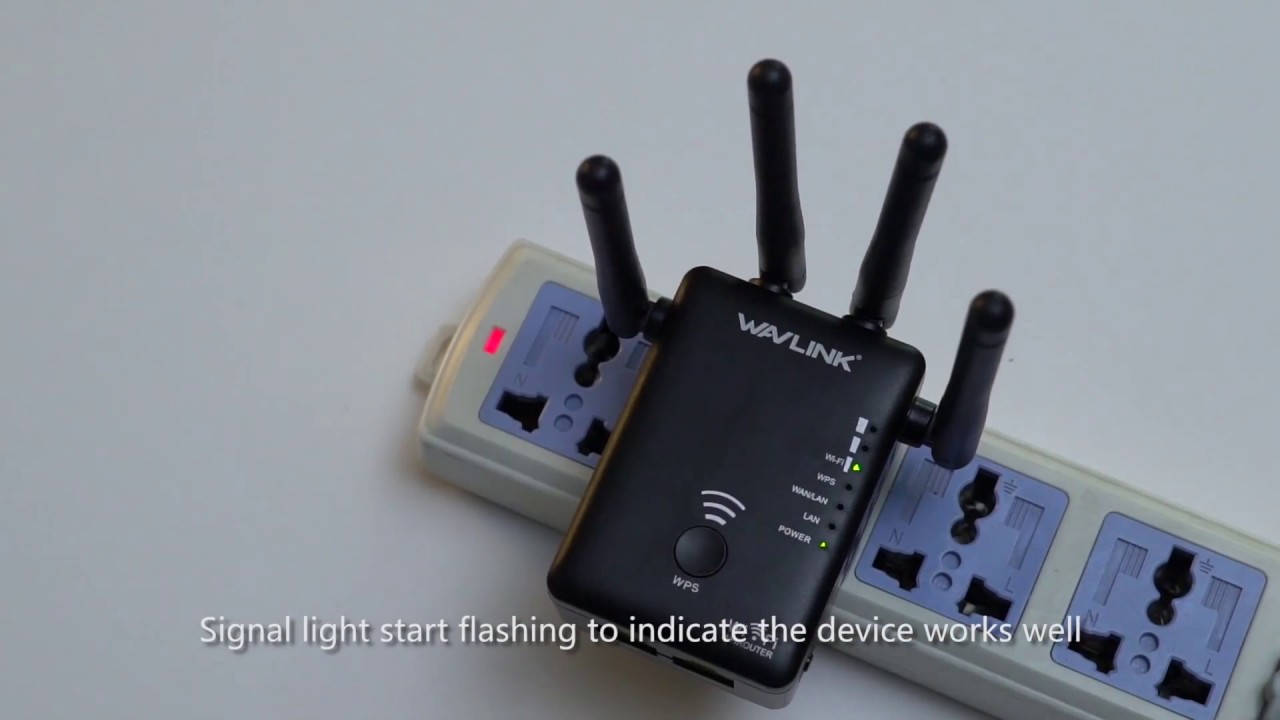
Wavlink AERIAL Series WN575A3 has a WPS button. If your router also has a WPS button, you only need to press the WPS button on the router and WN575A3 to quickly complete the one-key networking pairing. There is no need to log in to the setting interface to set up the wireless network. Seeing that the indicator light marked WPS lights up, it means that the network expansion is successful.
In addition, WN575A3 has a router mode in addition to the AP mode and repeater mode that a general signal amplifier has. After selecting the router mode, you need to choose a suitable one among the three networking methods of PPPoE, Static IP, and Dynamic IP.
Generally speaking, the home network chooses the PPPoE networking method, which is set according to the broadband account and password provided by the operator; if it is a corporate network, static IP, and Dynamic IP networking methods are mostly used.
Learn More about Cutting-edge technology and products here:
Welcome to Wavlink Official Website:
https://www.wavlink.com/
Follow us in other social medias:
Facebook (For News & Press):
/ wavlinkofficial
Facebook (For Tech Support & After-sales):
/ wavlinktechs. .
Twitter:
/ wavlinkofficial
If you have any questions, please feel free to send your email to [email protected] at any time.
Повторяем попытку...
Доступные форматы для скачивания:
Скачать видео
-
Информация по загрузке: