Why Artists with a Surface Pro 7 need to update Windows 10 to the Dev build pressure staircasing fix
Автор: Tablet Pro
Загружено: 2020-09-23
Просмотров: 4680
Описание:
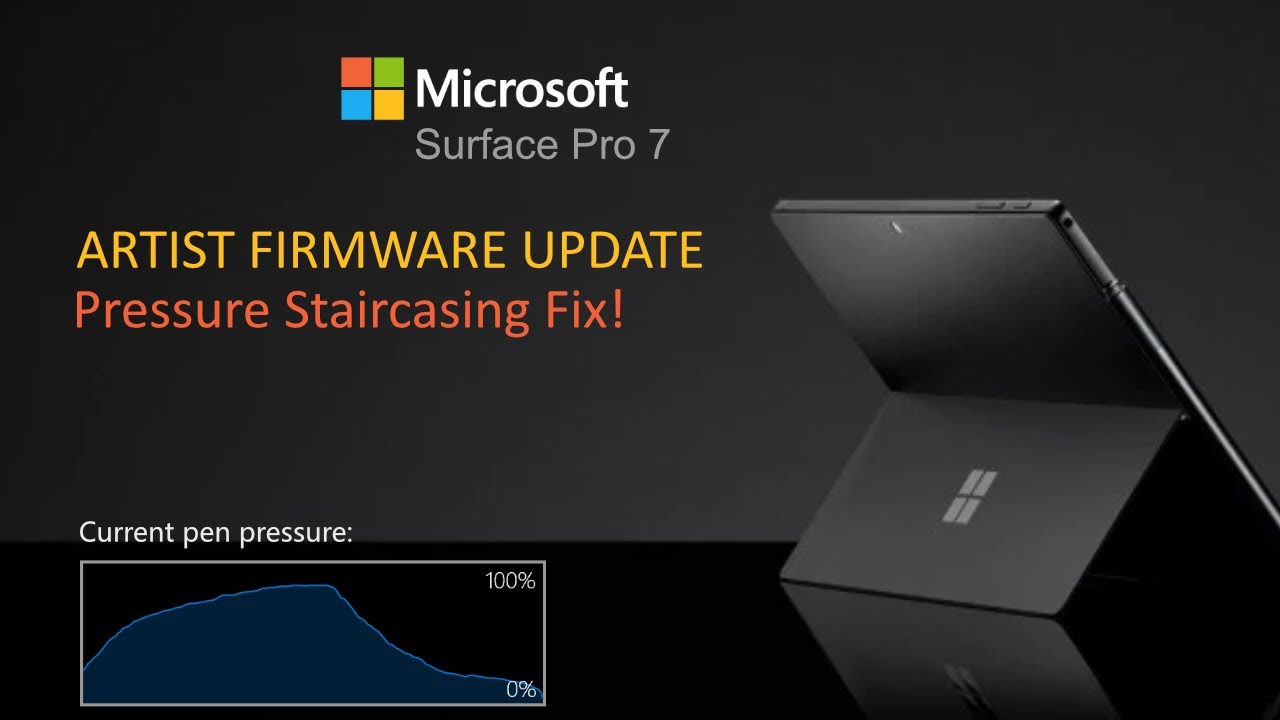
Such a great month for the Surface Pro 7, it went from my least favorite Microsoft Surface device for artists to my favorite Art tool with two big important bug fixes/updates. The first one is the pressure staircasing bug that was creating horrible looking lines in drawing programs when your palm was on the screen (a second touch point). The second is the hard work done by Microsoft (and the Tablet Pro team) to completely rebuild the back end of the Pen Tool so that it works now with the Surface Pro 7 and Surface Book 3. Now you can do 3D navigation in Zbrush, Blender, Maya and other 3D programs. So happy about these two updates. Really makes me love the Surface Pro 7 so much more and without reservation. I can finally fully recommend it to artists.
*Update (in the Windows Insider Program) to the “release preview” and then select only the drivers and firmware updates. You can then opt back out if you’d like. I’ve been testing with build 20215 and there is a lot of problems with touch and zoom function. fully breaks some apps. So try just the firmware and driver updates first as mentioned top of this paragraph. You can go back to the previous version of windows as well if you’ve already updated to correct this. Use the “recover” tab in update.
Thank you @Microsoft Surface for your continued work on this and not giving up on this little mission of ours. Chris and Michael you are hero's to the art community. Marius Sucan and Jeff Ranasinghe also put in countless hours as well. Just wanted to say thank you to you all for the push to make this happen.
#pressurestaircasing #SurfacePro7 #fix
links
r520 2 button stylus
https://www.tabletpro.com
Tablet Pro Artist Pad
https://www.tabletpro.com
Повторяем попытку...
Доступные форматы для скачивания:
Скачать видео
-
Информация по загрузке: