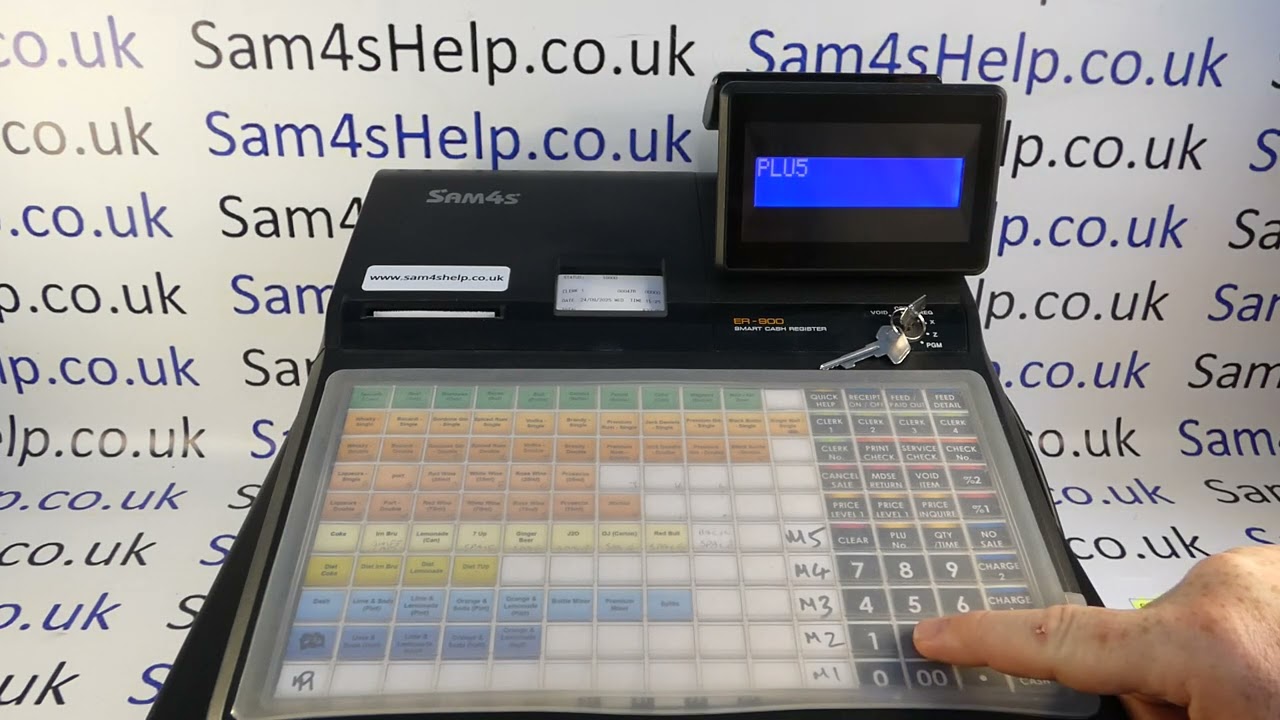
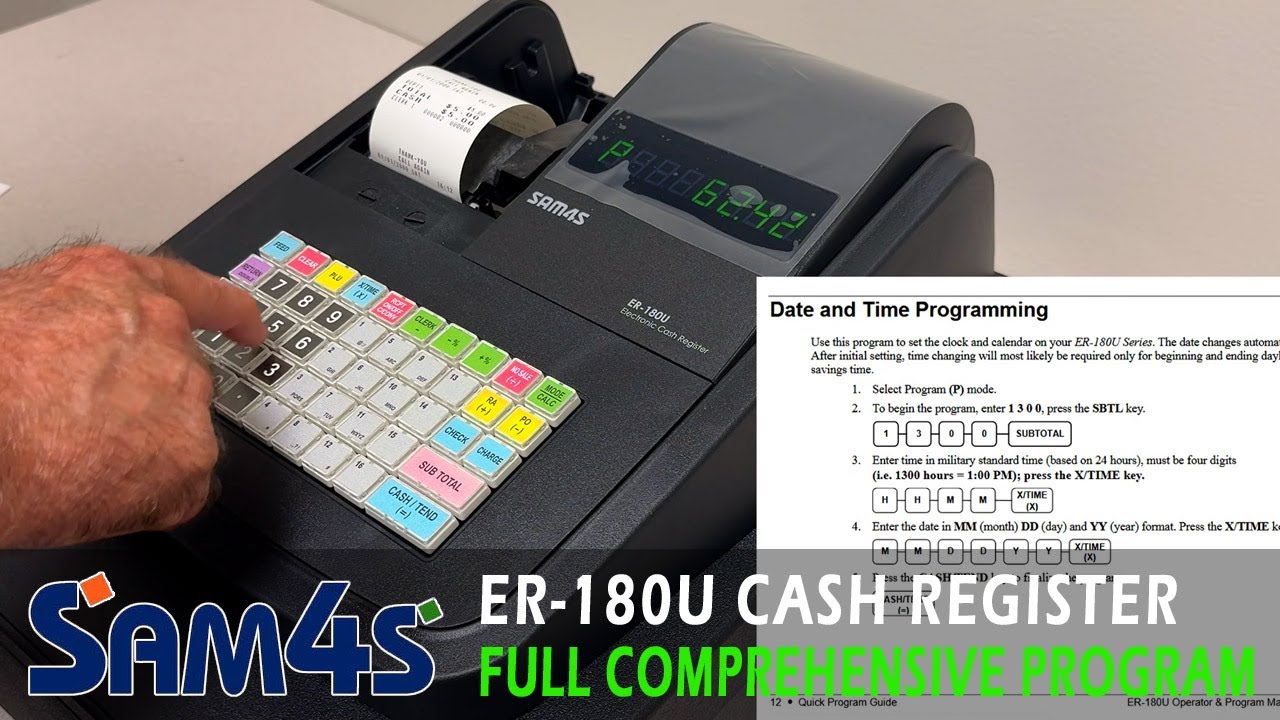
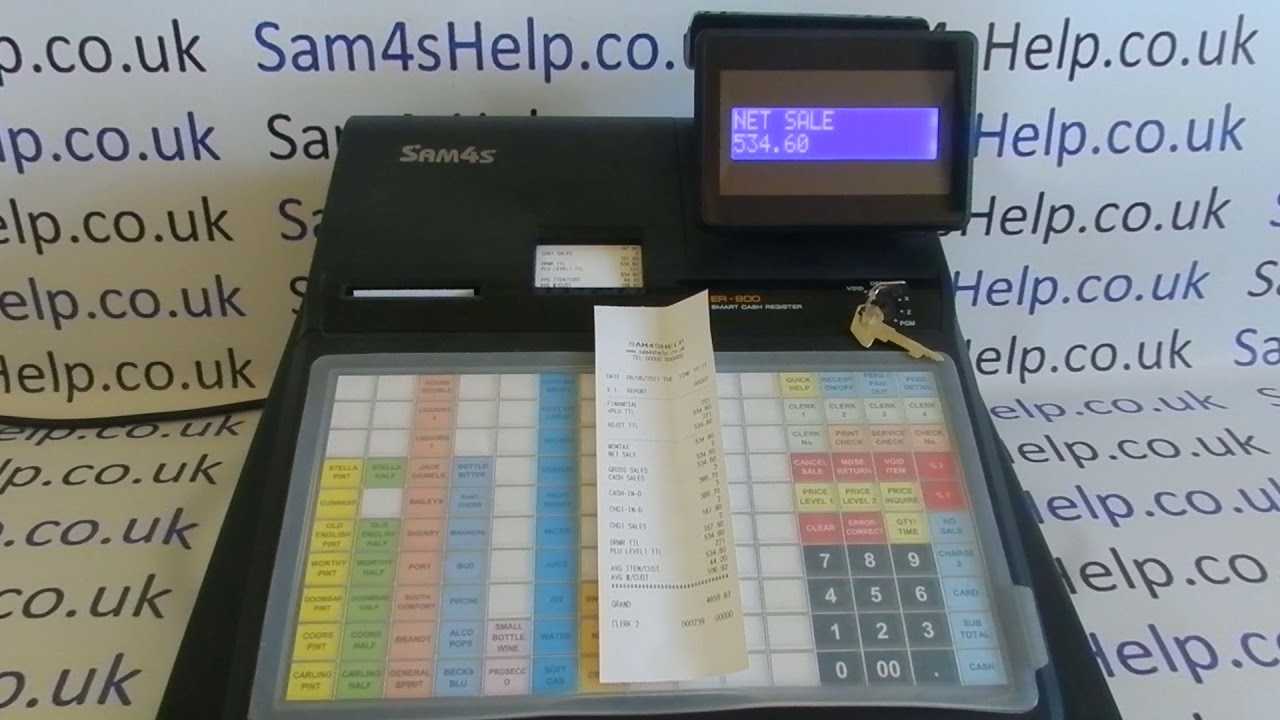
How To Make & Use Cash Paid Out (PO1) Button Sam4S ER-900 / ER-920 / ER-940 / ER-5200 Cash Registers
Автор: Sam4S Help
Загружено: 2024-06-27
Просмотров: 966
Описание:
How to create and use a Paid Out (PO/1) function button on the Sam4S ER-900, ER-920 & ER-940. You can also follow this video if you have a Sam4S ER-5200, ER-5200M, ER-5215, ER-925, ER-5240 & ER-945.
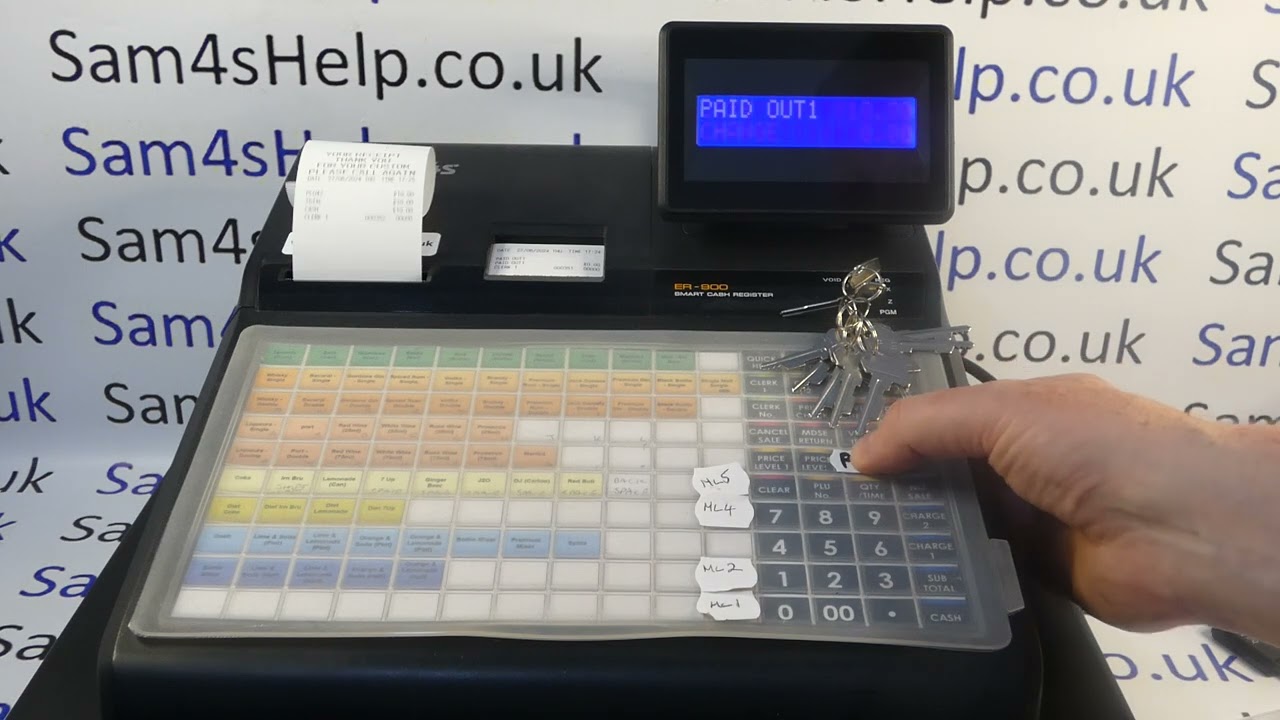
In the first part of the tutorial we demonstrate how to use the paid out function:
Register Mode
Paid Out
Amount (20000 = £20.00)
Cash
Paid Out
We then explain its purpose and how to deal with any error message generated during the process: press CLEAR the PAID OUT generally does the job.
In the final part we show you how to make a Paid Out (PO/1) function key should you not already have one.
SUBSCRIBE for more or visit: www.Sam4sHelp.co.uk
Повторяем попытку...
Доступные форматы для скачивания:
Скачать видео
-
Информация по загрузке: