homemade liteon 74850C probe - extract key tutorial guide [xbox xbox360 flashing]
Автор: CYX
Загружено: 2011-02-08
Просмотров: 44804
Описание:
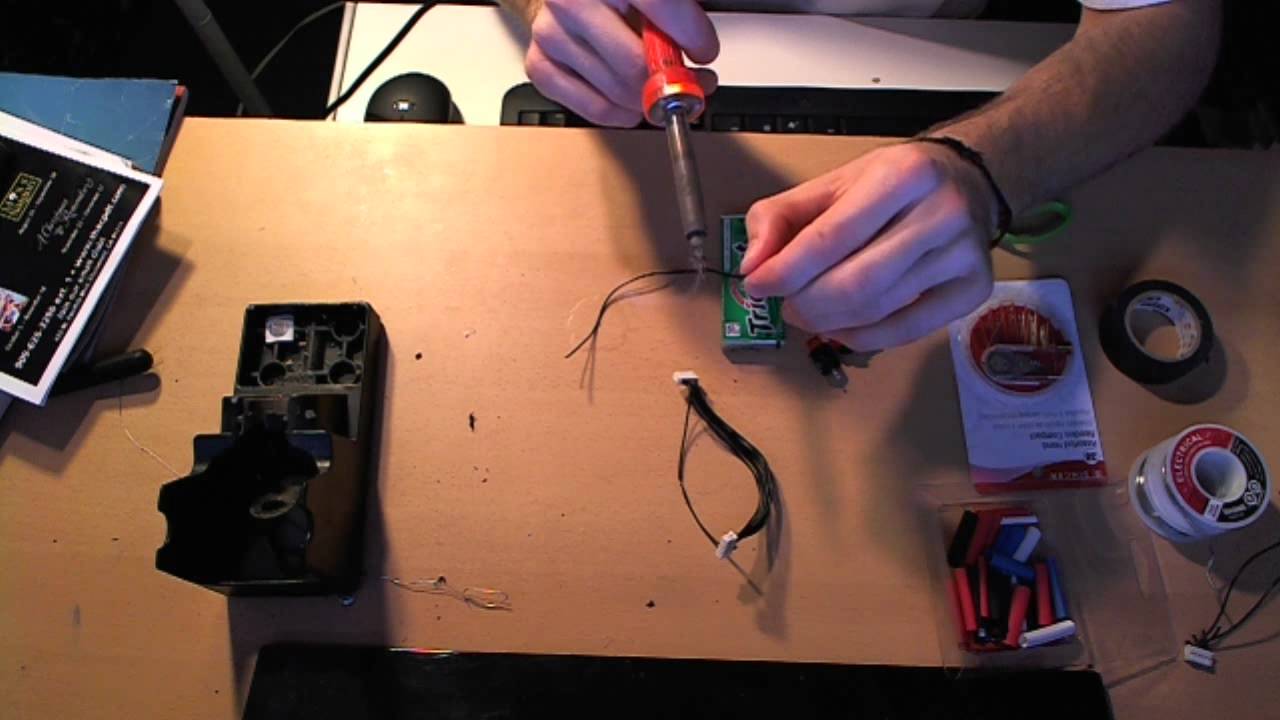
tutorial may look long winded but takes mere seconds to do once you are in the know.
I TAKE NO RESPONSABILITY IF YOU BLOW YOURSELF UP. FRY YOUR XBOX/DRIVE. KILL YOUR PC. ELECTRICUTE YOURSELF ETC ETC ETC
REMEMBER SAFETY FIRST.
1. make sure you have jungleflasher installed on pc & the spear/probe plugged into com port and a usb port
2. once you have opened up xbox and taken bottom panel of dvd rom hook it up to your sata connection. look up google or youtube for guides on opening your xbox if you dont know how
3. load up jungleflasher and hit DVDKEY32 tab
4. power up xbox
5. back in jungleflasher select your sata port and refresh it. you will now see some info properties of your xbox dvdrom
6. press eject button to eject the dvd tray
7. notice the power conector at the back of drive (black ribbon white heads).. got it, ok! THE TRICKY BIT now press eject again and when the dvd tray is approx half way back in PULL OUT the power connector from the back of the drive
8. notice the green led now flashing - good. now re insert the power cable back into the dvdrom THE CORRECT WAY ROUND also to make sure that it is fully inserted into the motherboard too. - *Failure to put in the correct way can blow your dvdrom*
9. now get the probe and press the pin into the hole under R707 on the dvd board and keep it pressed into it. diagram- http://i42.tinypic.com/w8b4mb.jpg
10. back in jungle flasher ensure the correct COM port is selected that probe is plugged into then hit the DVDKEY32 button
11. if done sucessfully it will extract your dvd key and a bunch of other stuff. just keep hitting save.
DONE!
You can now remove the probe.
Повторяем попытку...
![homemade liteon 74850C probe - extract key tutorial guide [xbox xbox360 flashing]](https://imager.clipsaver.ru/oSf88pwLOk0/max.jpg)
Доступные форматы для скачивания:
Скачать видео
-
Информация по загрузке:




![KEY EXTRACT Lite-on DG-16D2S mpx01 [ FLASH XBOX 360 to LT 3.0 ] EXTRAER KEY](https://imager.clipsaver.ru/b_aRo9vzNMw/max.jpg)