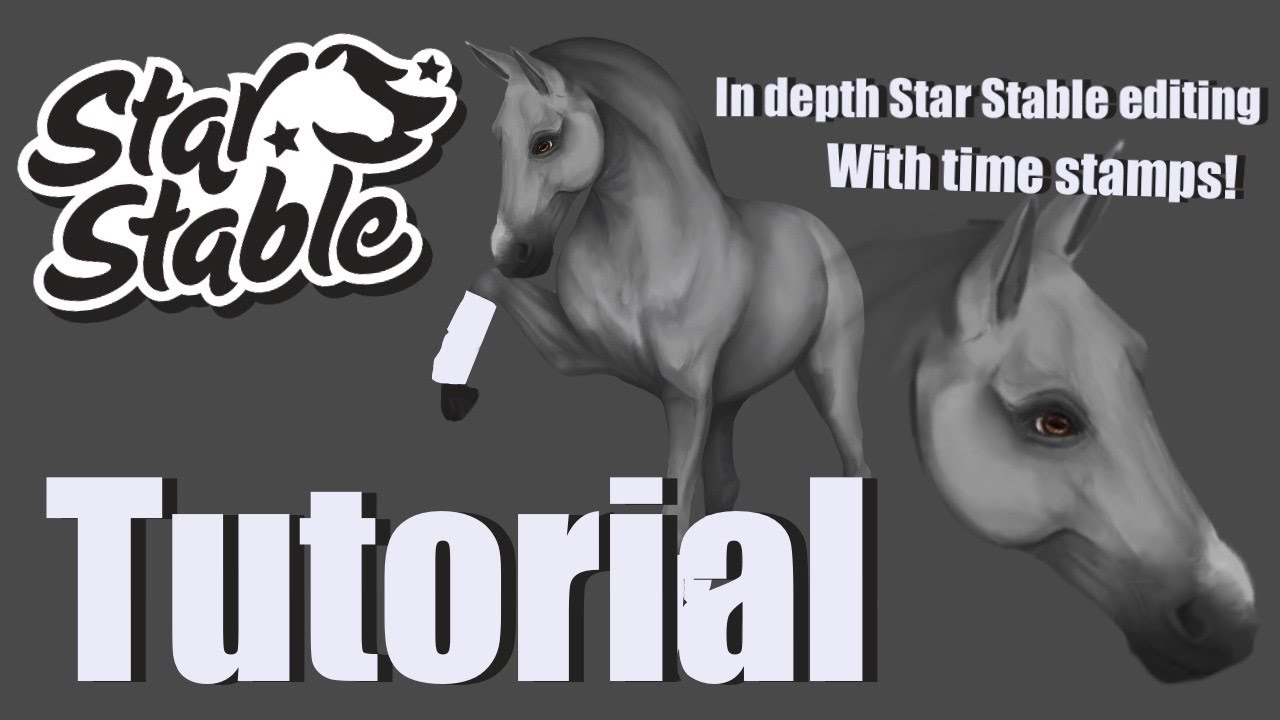
In Depth Star Stable Editing Tutorial; Repositioning + Shading! (Procreate)
Автор: Crescent Moon
Загружено: 2022-07-02
Просмотров: 6187
Описание:
I hope you find this video helpful and don't forget to subscribe!
More Detailed Tutorial on Just Repositioning:
• Repositioning | Star Stable Edit Tutorial ...
Eye Tutorial (Not Mine):
• SSO horse eye tutorial || procreate+Apple ...
FAQ :
What app do I use?
Procreate! Specifically on the iPad Pro with the Gen 2 Apple Pencil
What brushes do I use?
I use the Haze Long Portrait Pack, which you can get for free below!
https://shop.hazelong.com/en-gb/produ...
How do I cut out the pieces of the horse? (A lot of people seem confused by this)
Use the selection tool on the top of the screen (the icon looks like a little 's') and draw around the part that you would like to separate, then hit copy-paste on the bottom of the screen to add it to a new layer on its own. (If this doesn't work double check that you made your selection on the right layer) If you're still confused I've linked a procreate tutorial below!
https://adventureswithart.com/crop-re...
Time Stamps:
00:00 intro
00:15 gathering references
00:52 repositioning
28:16 touch ups
34:55 basic body shading
44:55 shading the face
01:04:53 shading the body
01:32:05 speed edit
Повторяем попытку...
Доступные форматы для скачивания:
Скачать видео
-
Информация по загрузке:


![[SSO] Speed Edit:](https://image.4k-video.ru/id-video/3tUBWblh7Cs)


